Year 3 - Computing Stop Motion
Date: 12th Mar 2026 @ 9:16am
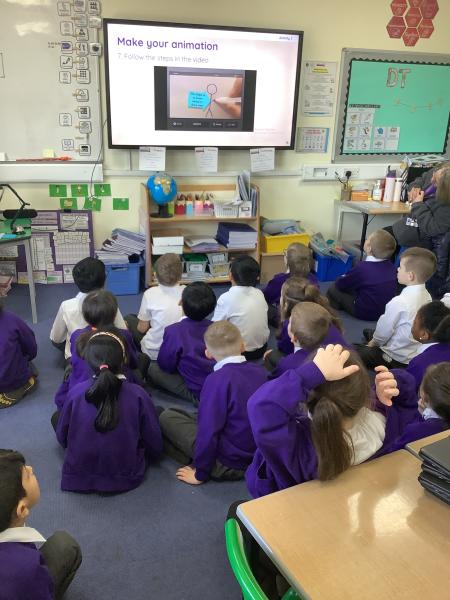
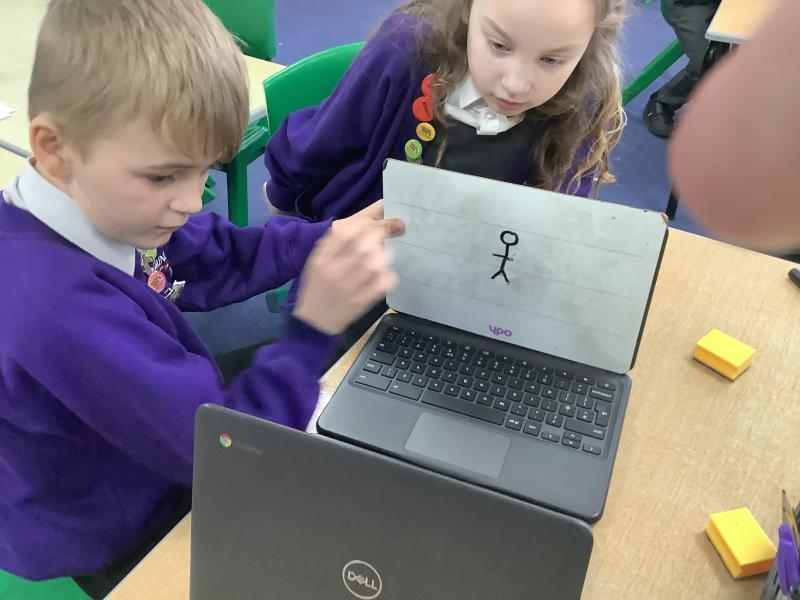
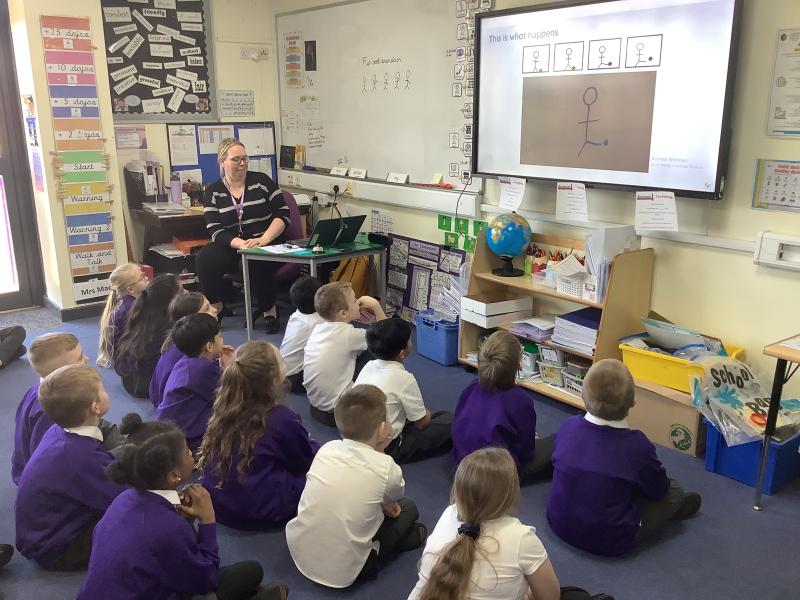
In today’s Computing lesson, Year 3 explored creating media through stop‑motion animation using the Chromebooks. We began by looking at how stop‑motion works and how a series of still images can be combined to create the illusion of movement. The children were excited to try it themselves and used simple stick‑figure characters to animate actions such as kicking a ball, throwing a ball, and other small movements.
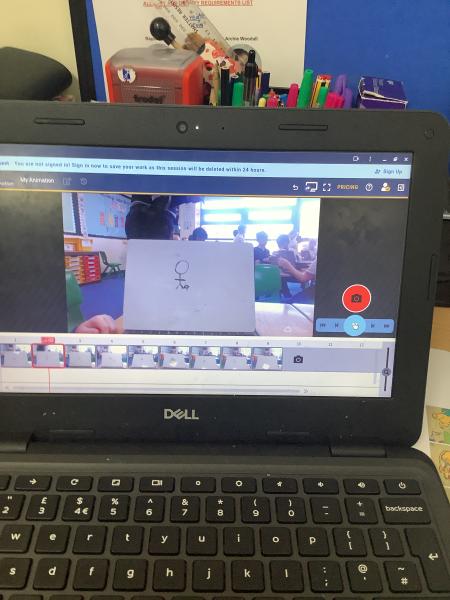
We also learned about onion skinning, an important tool that helps animators see a faint outline of the previous frame. This made it easier for the children to make tiny, gradual adjustments and keep their characters’ movements smooth and consistent.
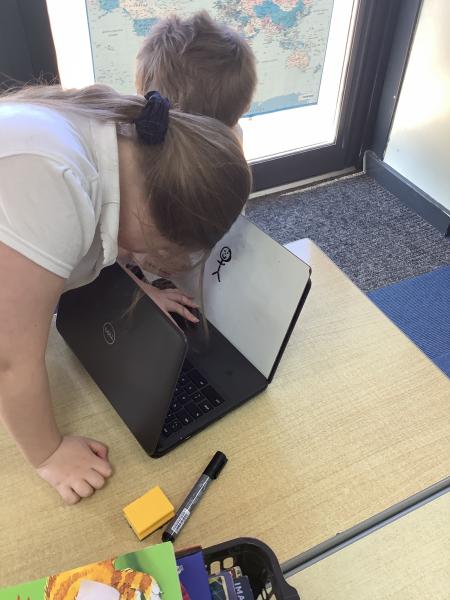
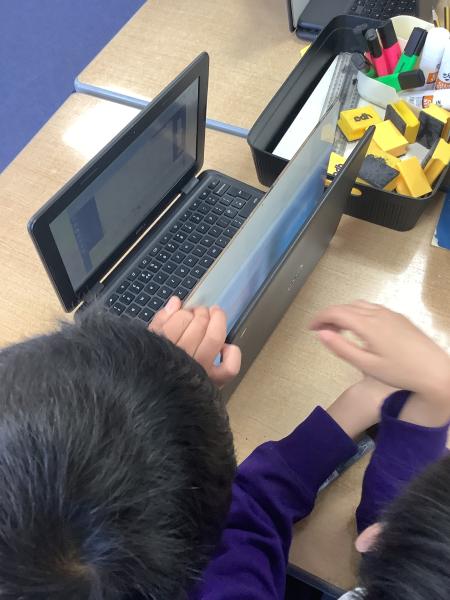
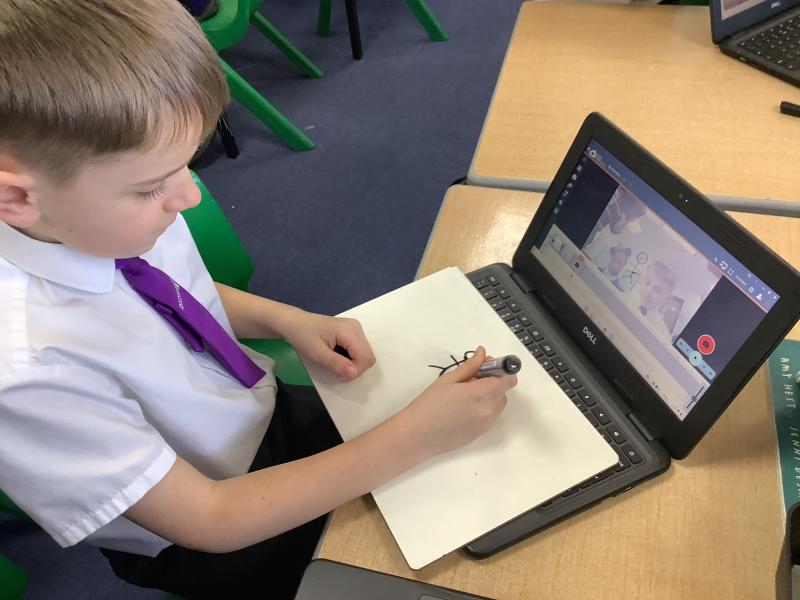
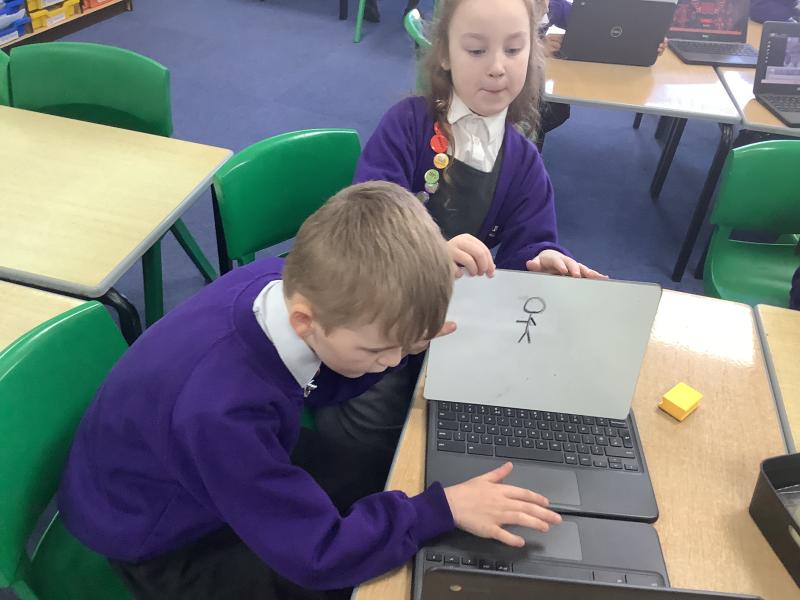
Once they understood the technique, pupils worked in pairs to capture their own short animations, carefully moving their figures a little at a time. The class showed fantastic creativity and teamwork, producing some brilliant first attempts at stop‑motion!