Computing: Blog items
Date: 10th Sep 2026 @ 9:20am
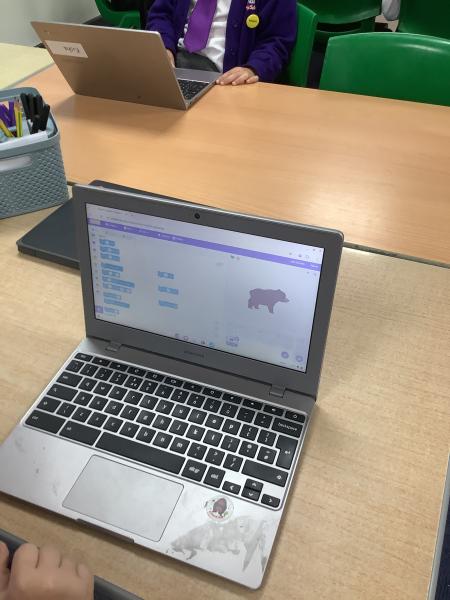
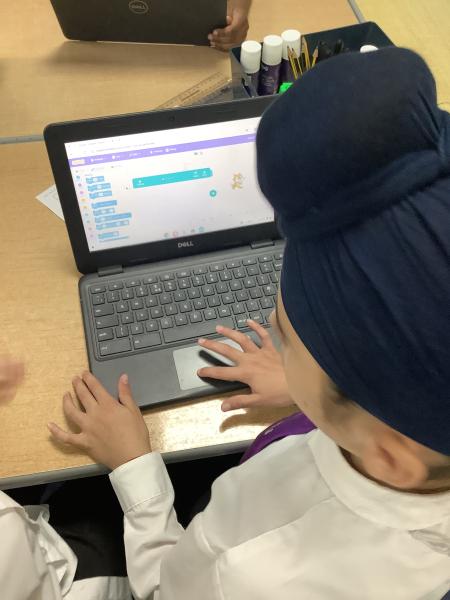
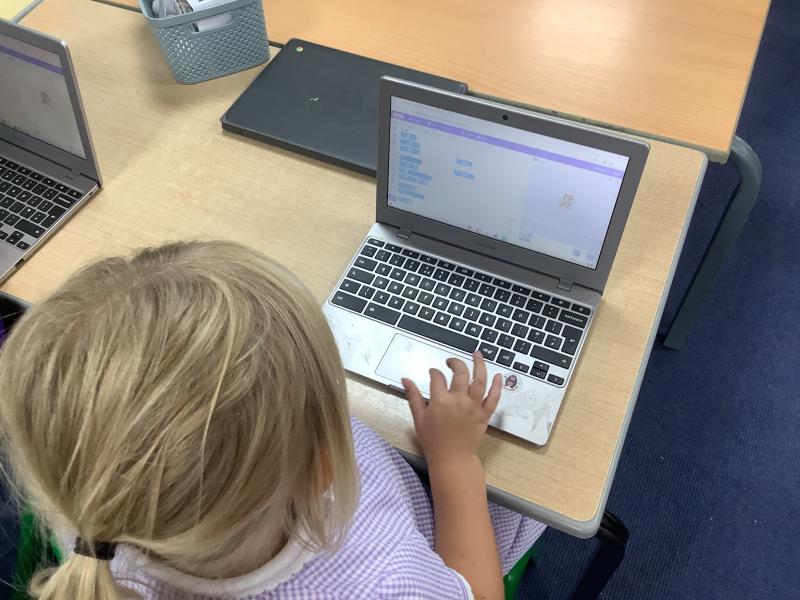
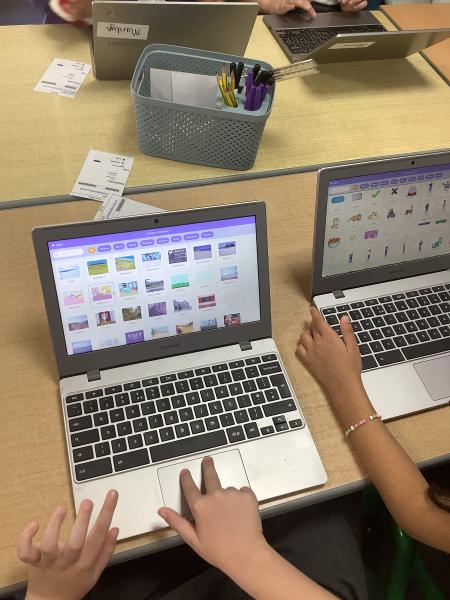
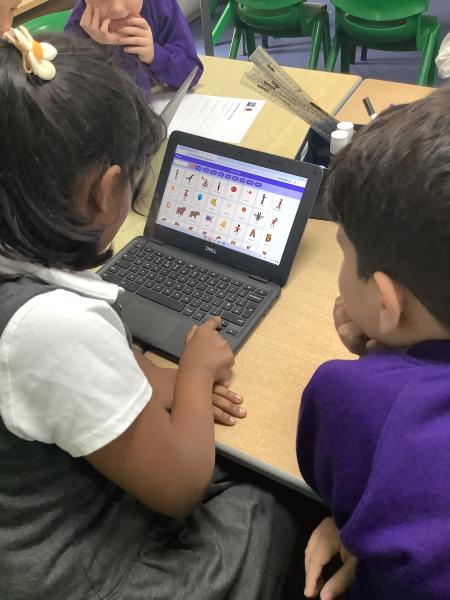
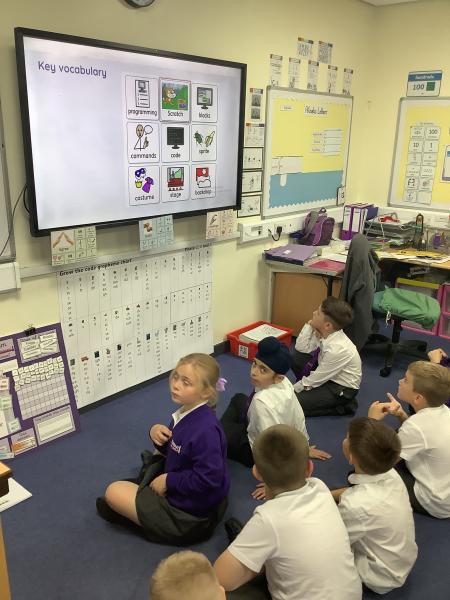
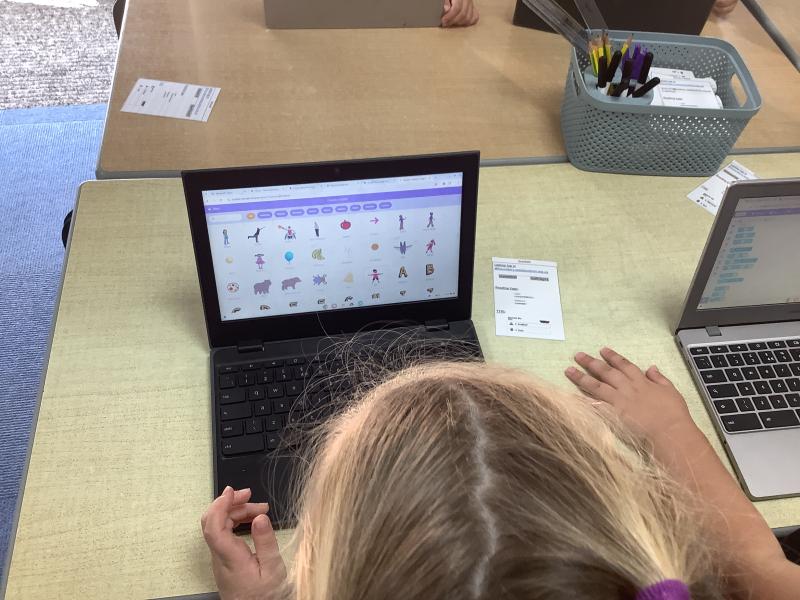
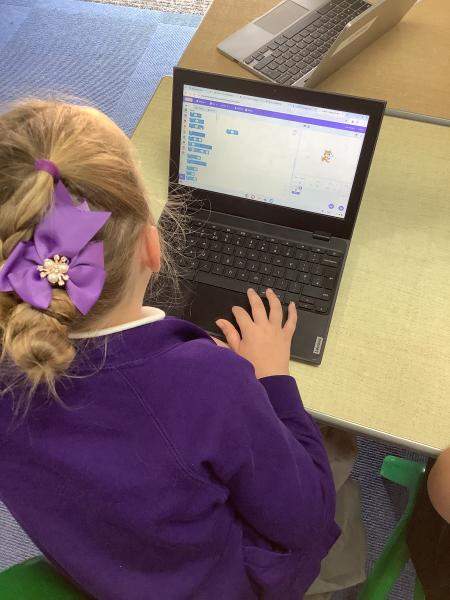
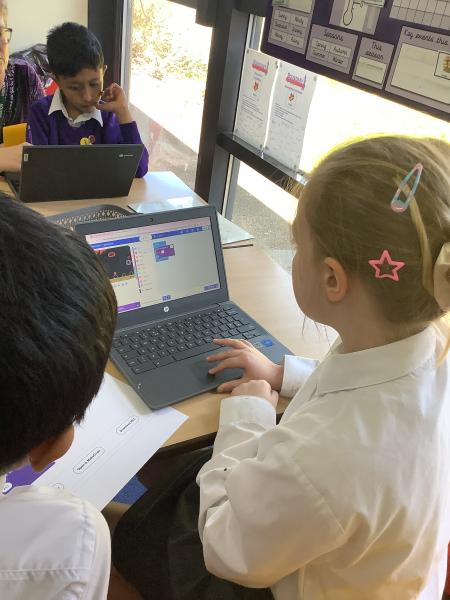
This week, Year 3 enjoyed their first lesson using Scratch programming. We began by exploring the Scratch interface and learning about sprites, which are the characters and objects that we can programme.
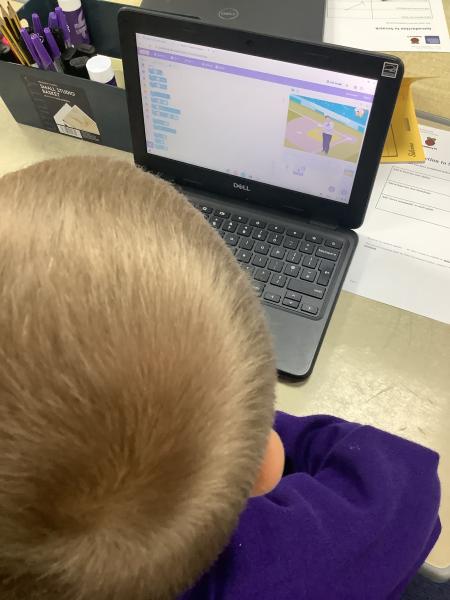
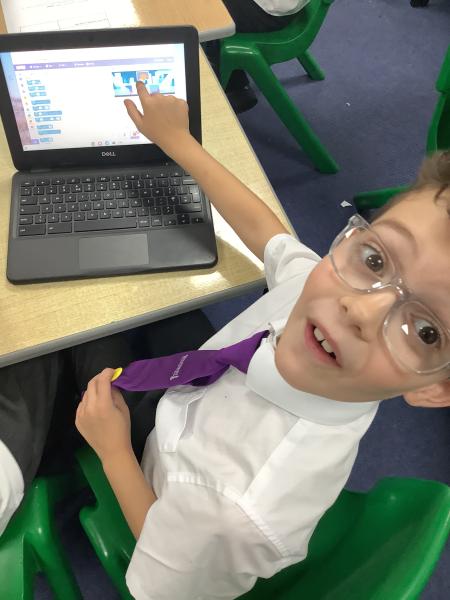
The children learned how to add new sprites and delete existing sprites from their projects. Using the coding blocks bank, they then programmed their sprite with three simple commands: move, turn, and point in a direction. It was great to see the children experimenting with the different commands and watching their sprites come to life on the screen.
To finish the lesson, we explored the backdrop feature and learned how to add a background to our projects. The children enjoyed selecting different backdrops to create exciting scenes for their sprites.
It was a fantastic introduction to Scratch, and the children are already looking forward to building more programmes in future lessons.
Date: 21st Jul 2026 @ 8:14am
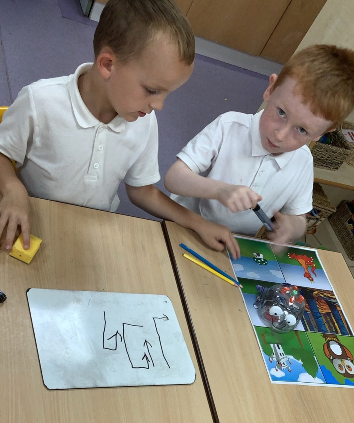
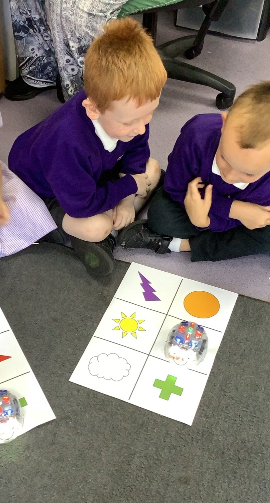
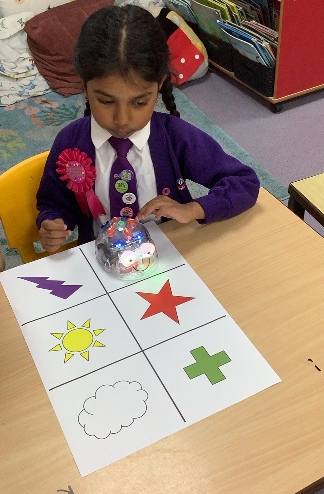
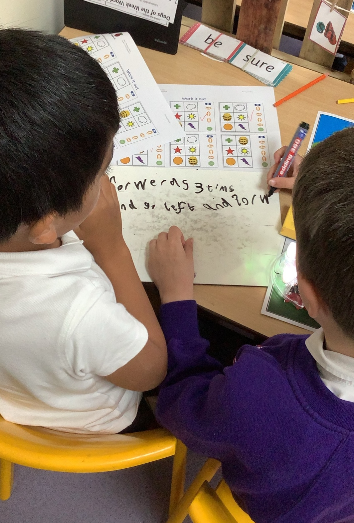
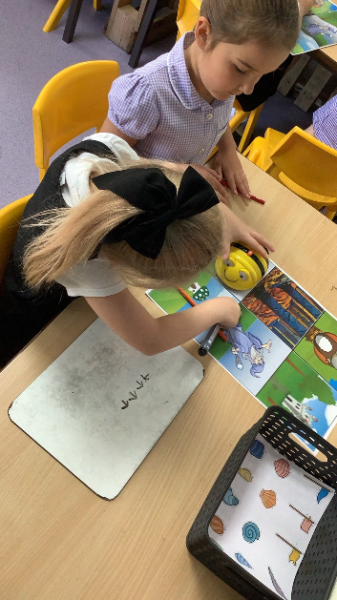
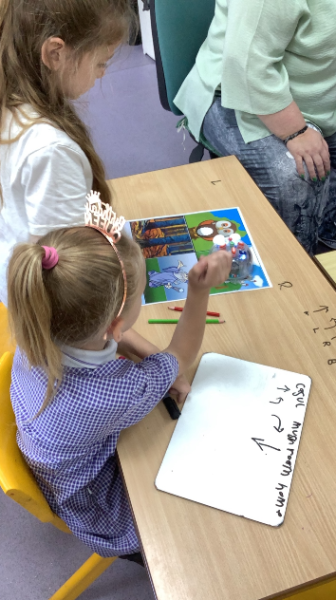
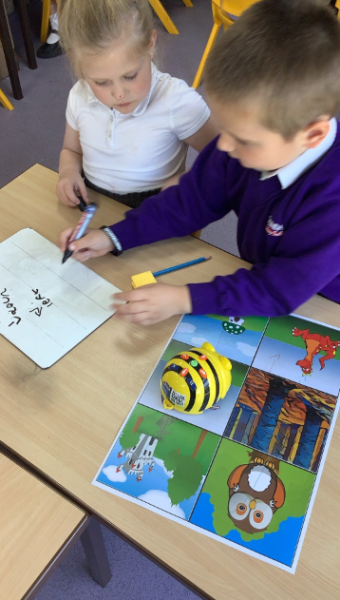
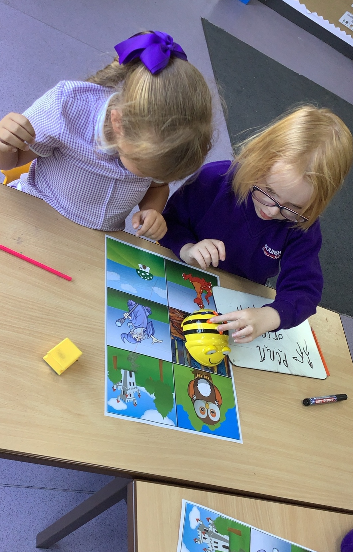
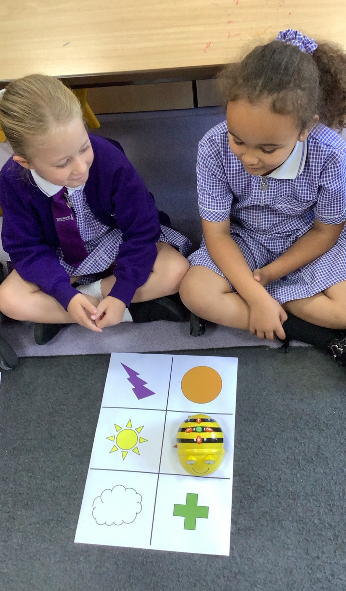
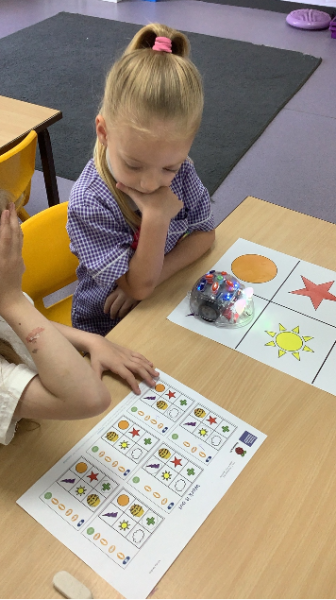
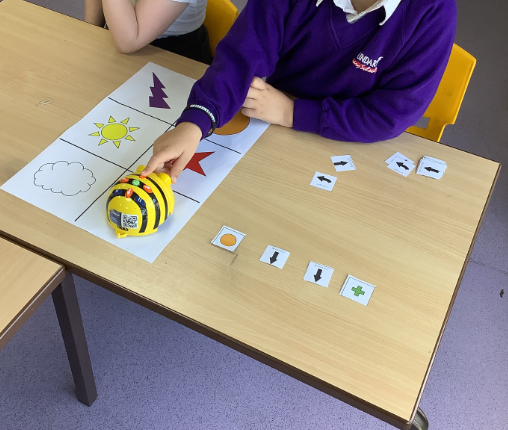
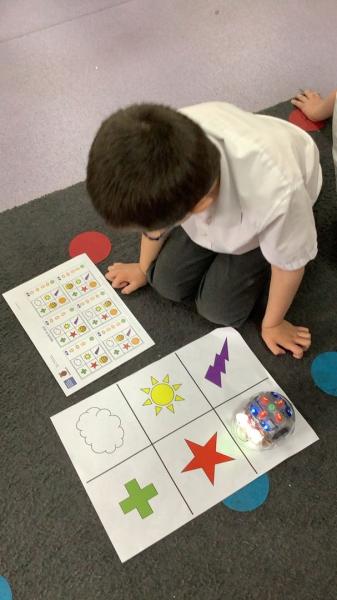
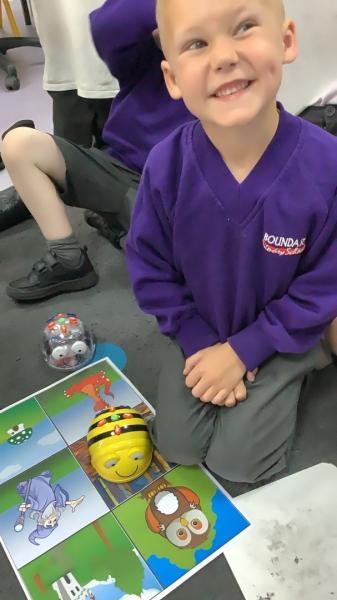
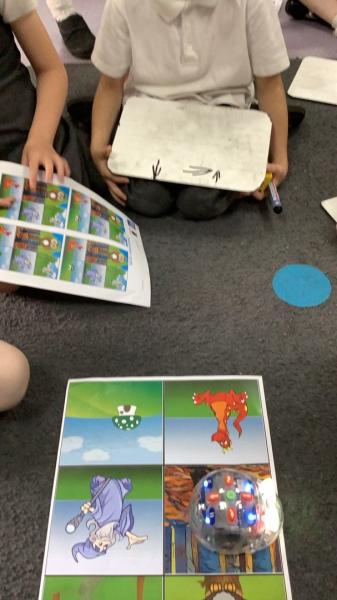
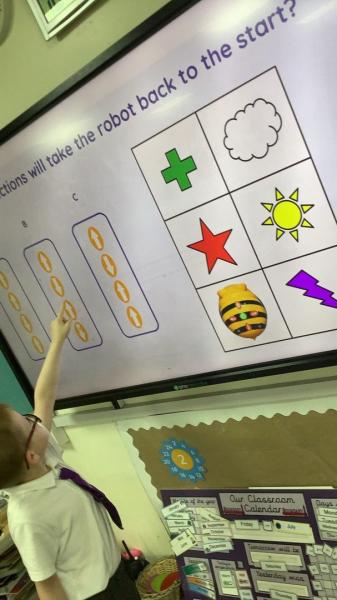
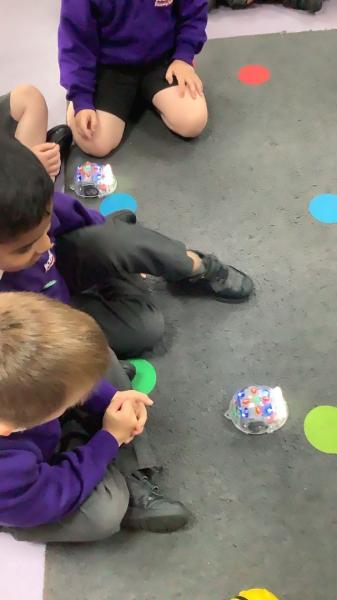
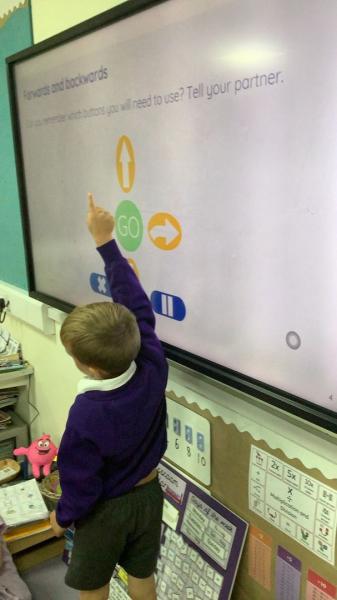
This term, Year 1 have thoroughly enjoyed completing their computing unit on programming floor robots using Bee-Bots. Throughout the unit, the children explored all of the Bee-Bot buttons, learning what each one does and testing how different commands affect the robot's movements.
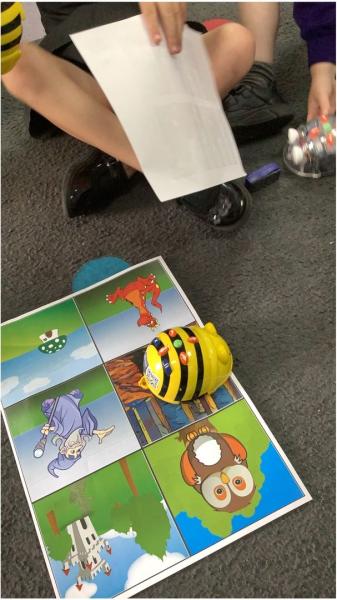
The children developed their understanding of algorithms by following given sets of instructions to guide their Bee-Bots from one location to another. They carefully predicted where the robot would go before testing and refining their ideas.
As their confidence grew, the pupils challenged themselves by creating their own algorithms. They planned and plotted routes, programming their Bee-Bots to travel from a chosen starting point to a finishing point. This encouraged problem-solving, logical thinking, and perseverance as they debugged and improved their instructions when needed.
We were incredibly impressed with the enthusiasm, teamwork, and determination shown by Year 1 throughout the unit. They have developed valuable early programming skills and enjoyed seeing their algorithms come to life through the Bee-Bots' movements. Well done, Year 1! 🐝💻
Date: 18th Jun 2026 @ 1:18pm
💻 Computing This Term 💻
This term, computing across our school has been full of exciting, hands‑on learning! Pupils have developed creativity, problem‑solving skills and a strong understanding of digital responsibility.
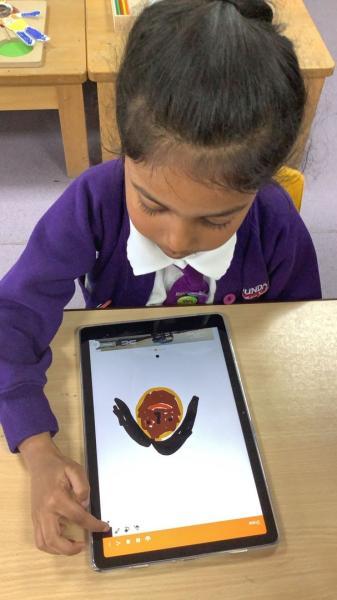
✨ Year 1 explored digital painting, creating self‑portraits and Mondrian‑inspired artwork while comparing digital and traditional techniques.
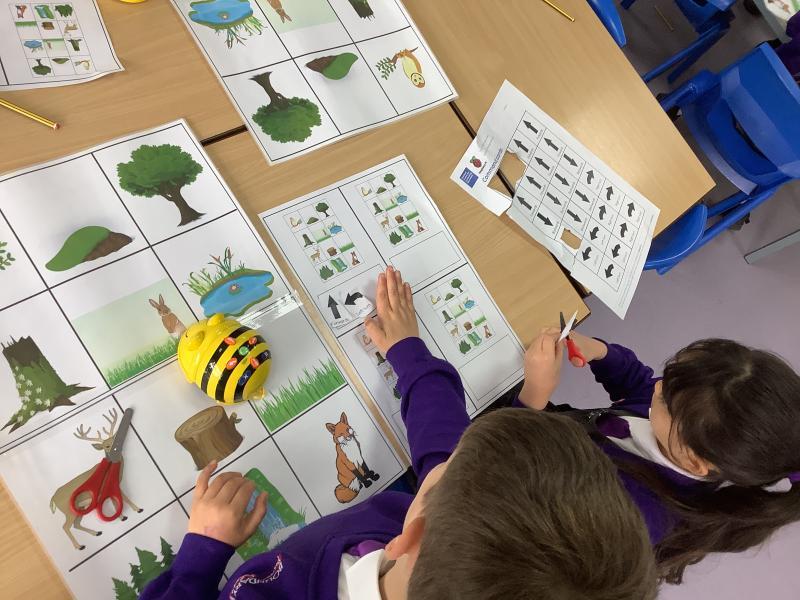
🤖 Year 2 built early programming skills using Beebots, planning routes and debugging their instructions through teamwork.
📊 Year 4 became data scientists, programming micro:bits to collect and analyse real‑world data such as sound, light and temperature.
🌐 Year 5 learned about image copyright, understanding how to use and credit online content responsibly.
It’s been fantastic to see our pupils grow into confident, thoughtful and responsible users of technology! 👏
Year 4 - Collecting and Analysing Data
Date: 18th May 2026 @ 2:08pm
Year 4 Computing: Collecting and Analysing Data with Micro:bits
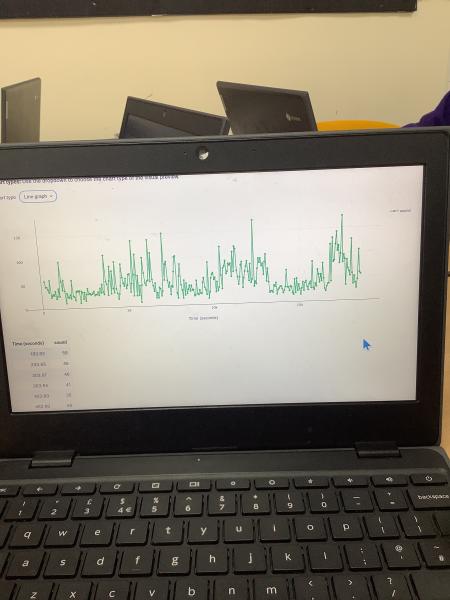
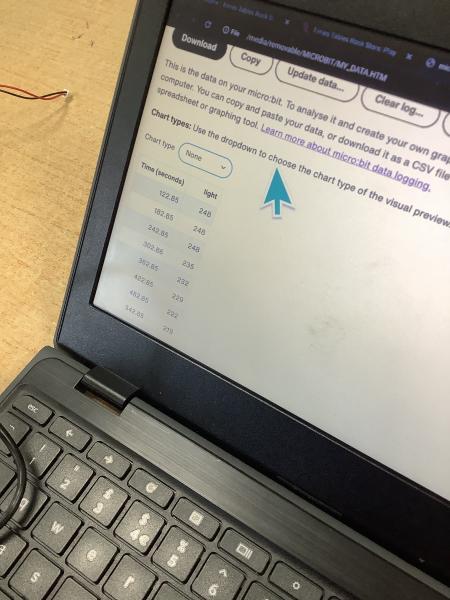
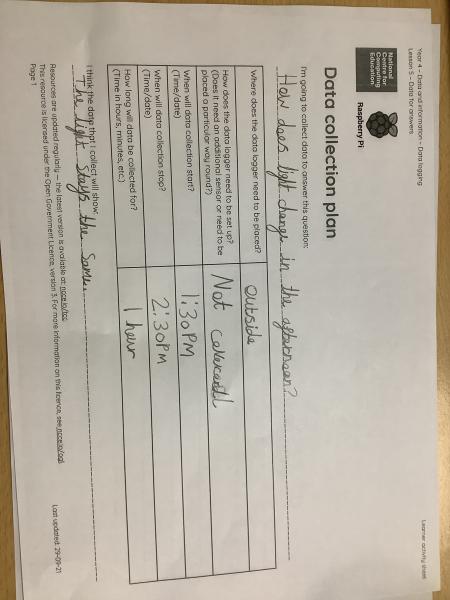
This week in Year 4 computing, pupils worked as young data scientists, planning and carrying out their own investigations to answer questions such as “How does the classroom temperature change throughout the day?”
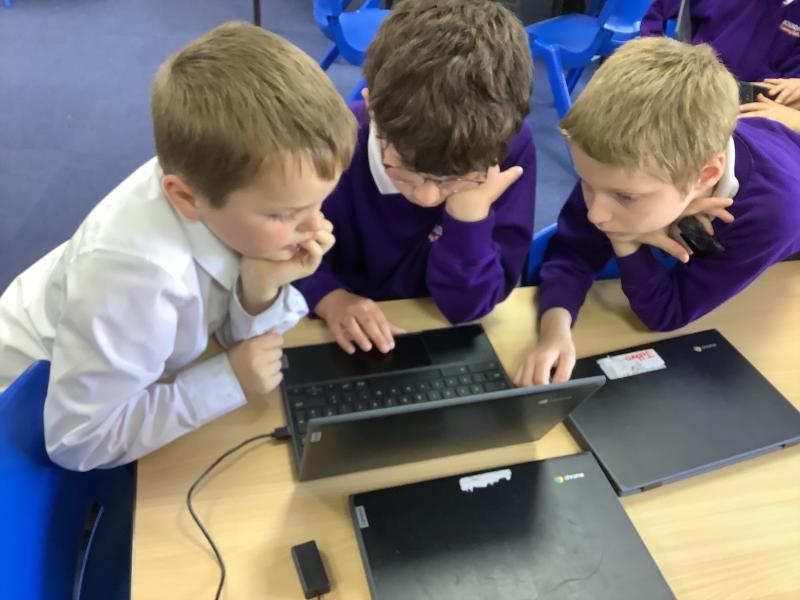
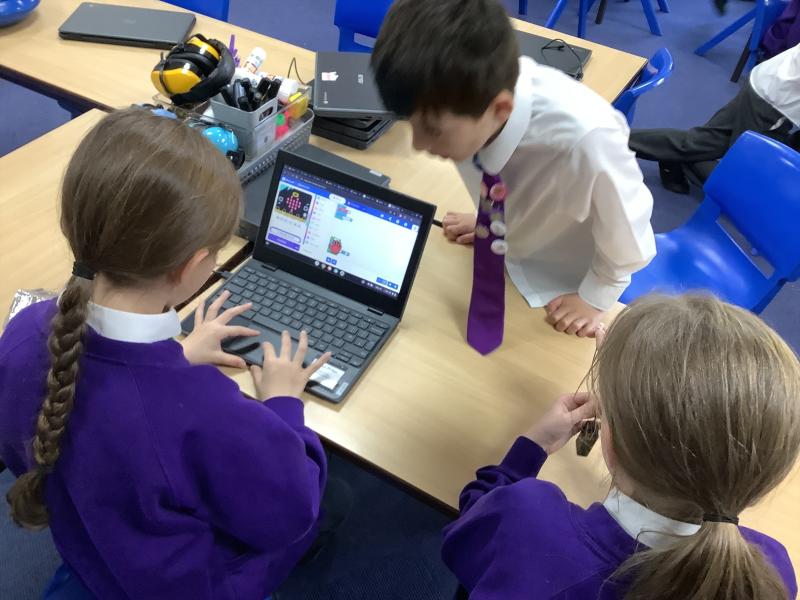
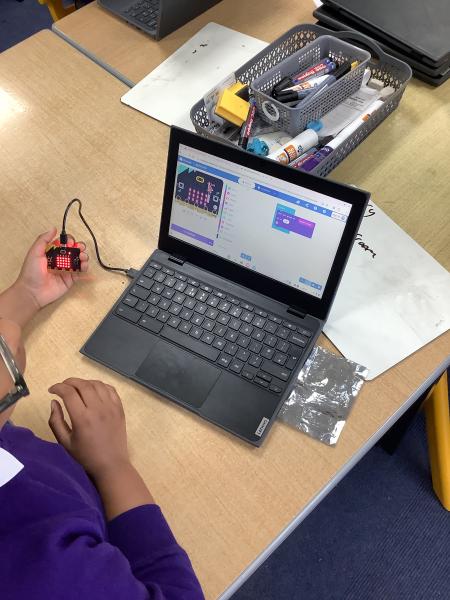
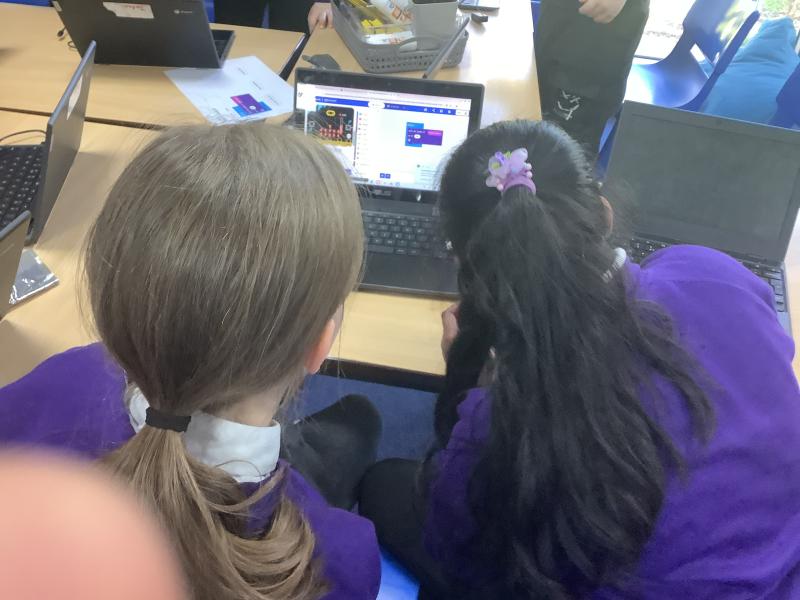
Pupils began by deciding what data they wanted to collect and how they would do it fairly. They then programmed BBC micro:bits to collect and record data, using built-in sensors to measure factors such as sound, light, and temperature. This helped develop their understanding of coding, data logging, and real‑world applications of technology.
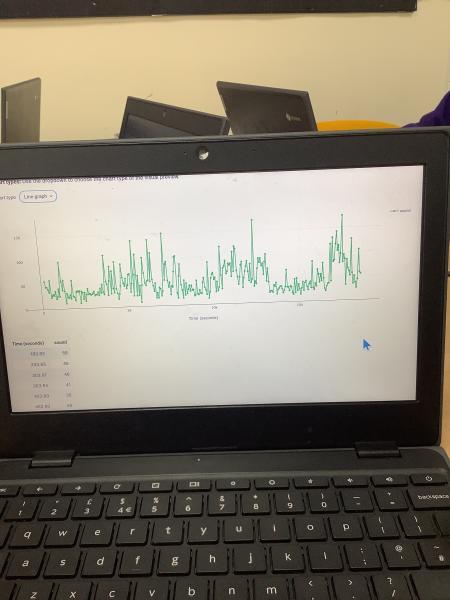
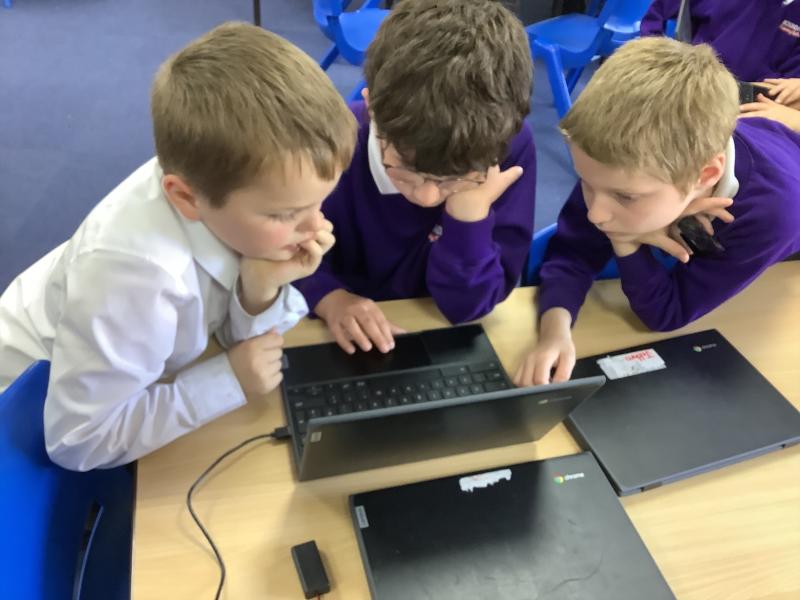
After collecting their data, pupils reconnected their micro:bits to laptops to download and analyse their results. They explored how data can be presented as tables and graphs, making it easier to spot patterns and draw conclusions.
Through discussion, pupils used their findings to answer key questions. We discovered that:
- Laurel was louder than Maple overall during the morning session
- Year 1 was cooler than Year 2 overall during the morning session
- Key Stage 1 was louder than Key Stage 2 at break time
- Maple was brighter than Fern during the morning session
This engaging lesson developed pupils’ computing, teamwork, and analytical skills, while showing how technology can help us investigate the world around us.
Date: 30th Apr 2026 @ 9:04am
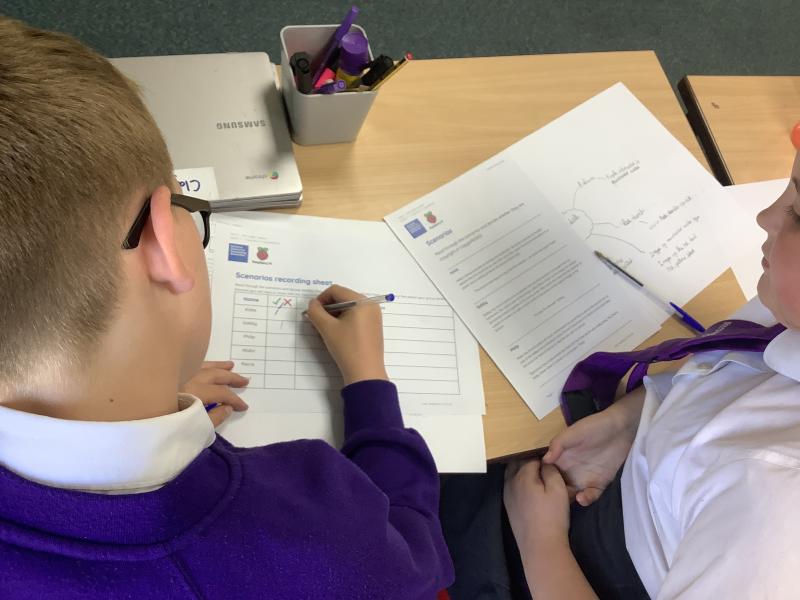
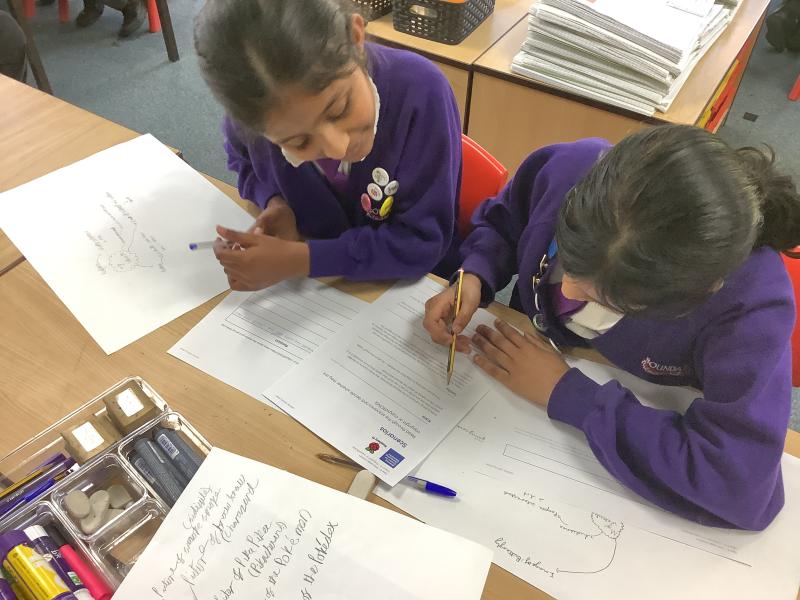
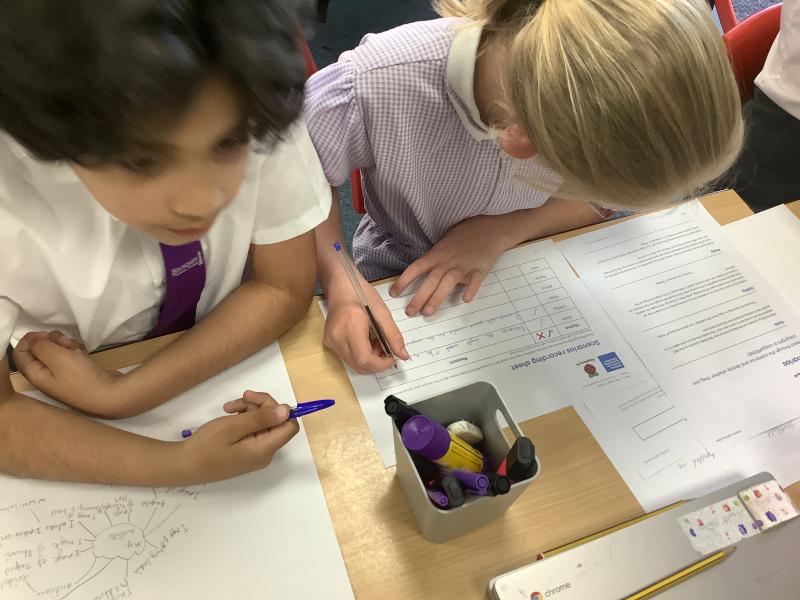
In today’s Year 5 computing lesson, pupils explored the importance of image copyright and the law. They learnt that not all images found online are free to use and discussed why creators deserve credit for their work. Children were introduced to terms such as copyright, permission, and free-to-use images, and looked at examples of websites that clearly credit image owners.
Using this knowledge, pupils practised choosing appropriate, copyright-friendly images so they could make informed decisions when designing and building their own websites. The lesson helped develop their digital responsibility and ensured they understand how to use online content safely, legally, and respectfully.
Date: 30th Apr 2026 @ 7:53am
Year 4 Computing: Using micro:bits to Investigate Noise Levels
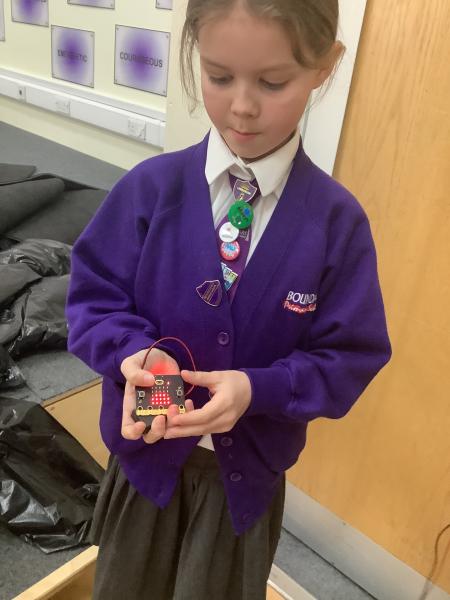
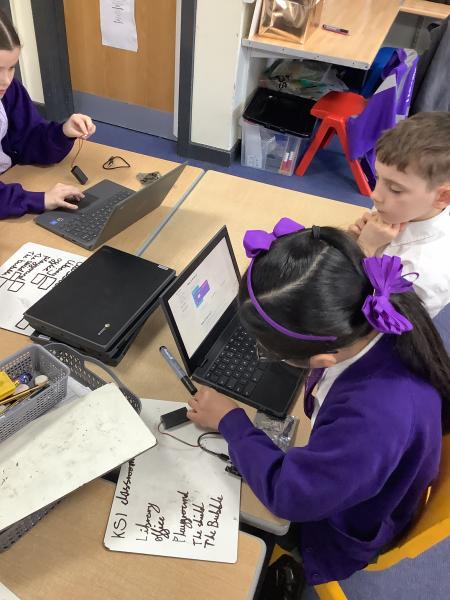
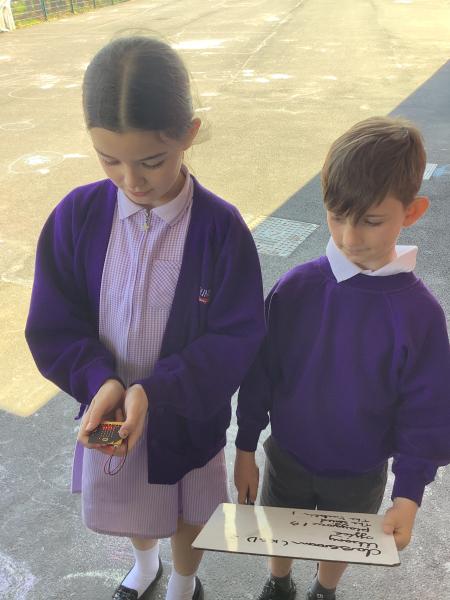
This week in Year 4 computing, pupils used BBC micro:bits to investigate a real‑life question: Which is the quietest classroom in Key Stage 2? The children programmed their micro:bits to work as noise meters, developing their understanding of inputs, data, and outputs.
As part of the challenge, pupils extended their programs so the micro:bit could record the maximum volume level it detected. They then coded the device to display this maximum reading as text on the LED screen when a button was pressed. This helped pupils think carefully about variables, accuracy, and how data can be stored and retrieved.
Once their programs were complete, pupils collected sound readings from different classrooms around KS2 and compared their results. The lesson encouraged teamwork, problem‑solving, and thoughtful discussion about fair testing.
Year 4 showed great enthusiasm and resilience, applying their coding skills to answer a meaningful enquiry question using technology.
Year 2- Programming and Predicting with Beebots 🤖
Date: 28th Apr 2026 @ 11:33am
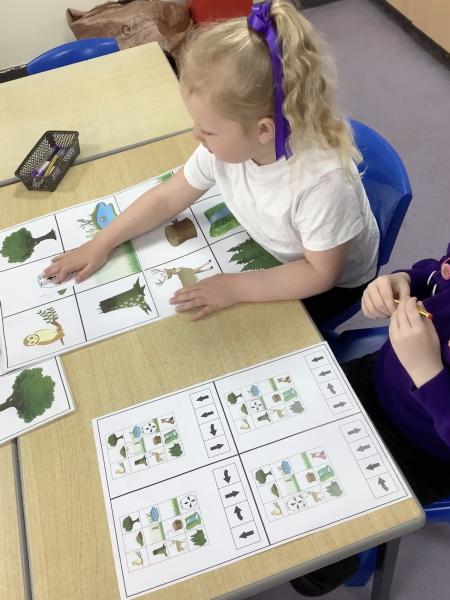
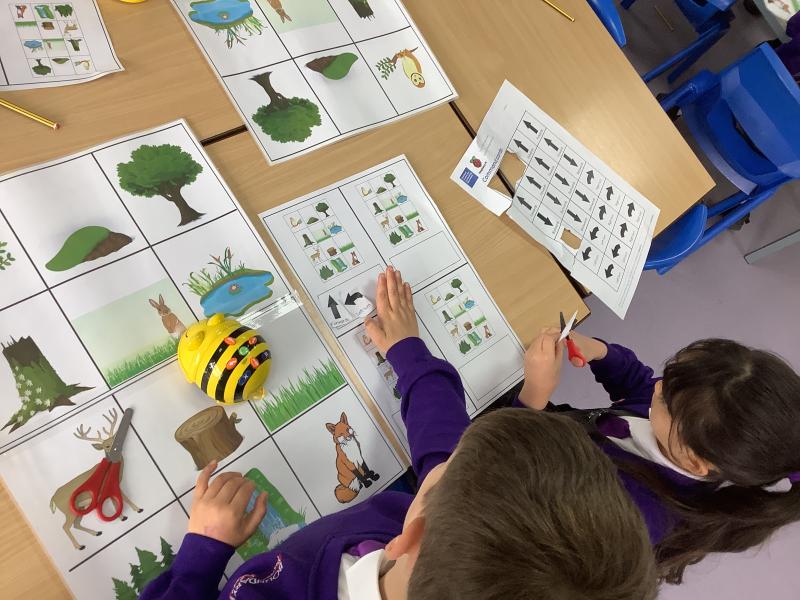
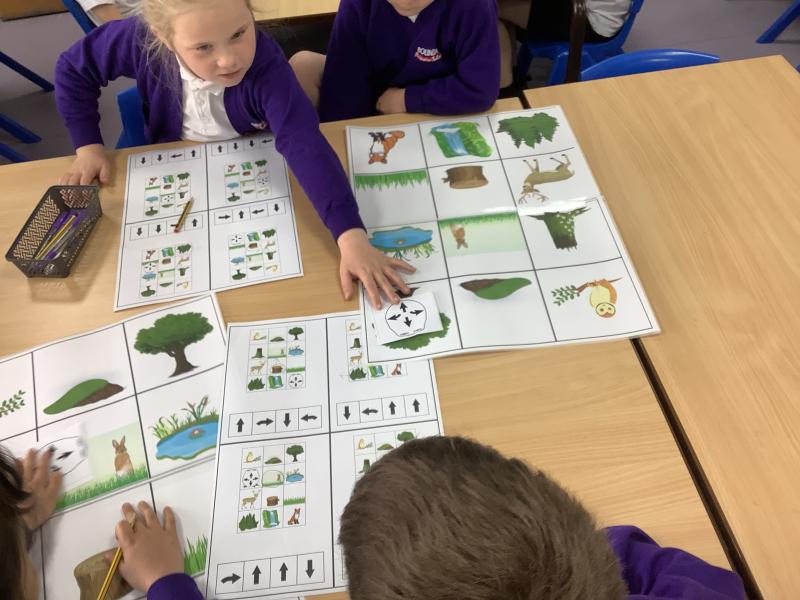
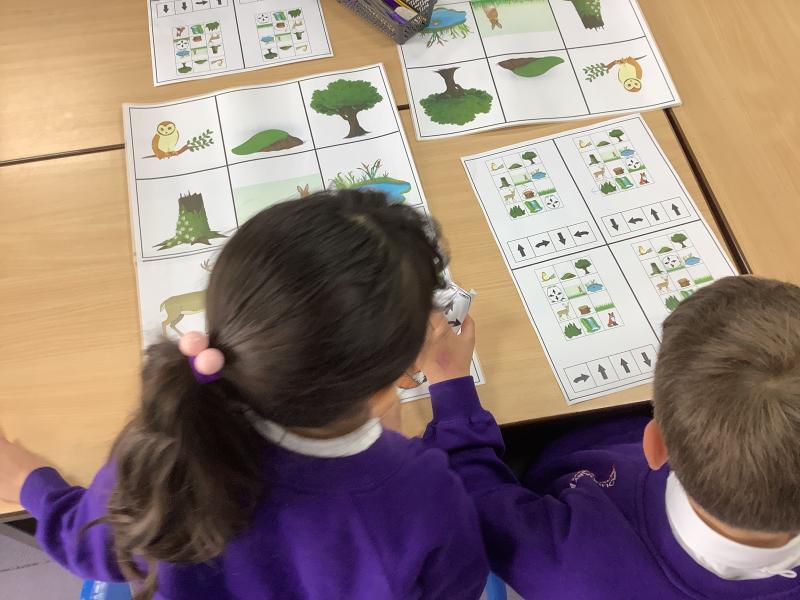
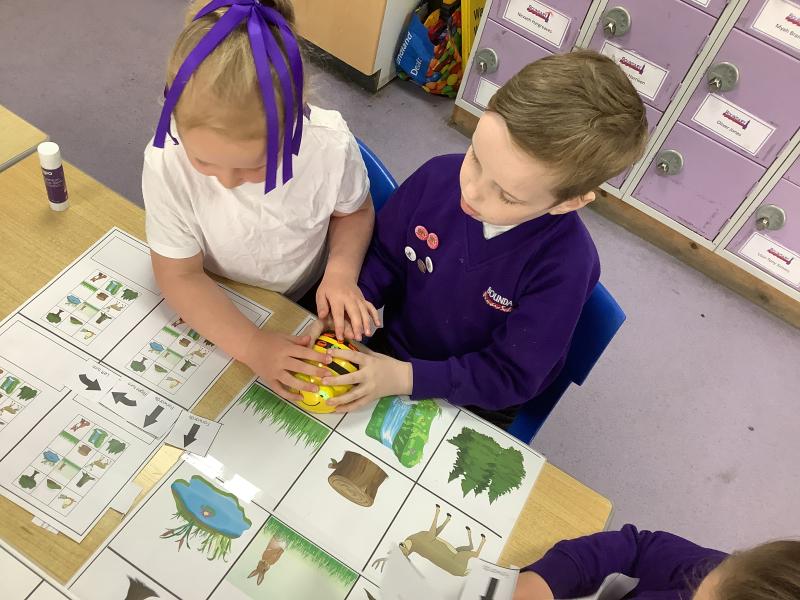
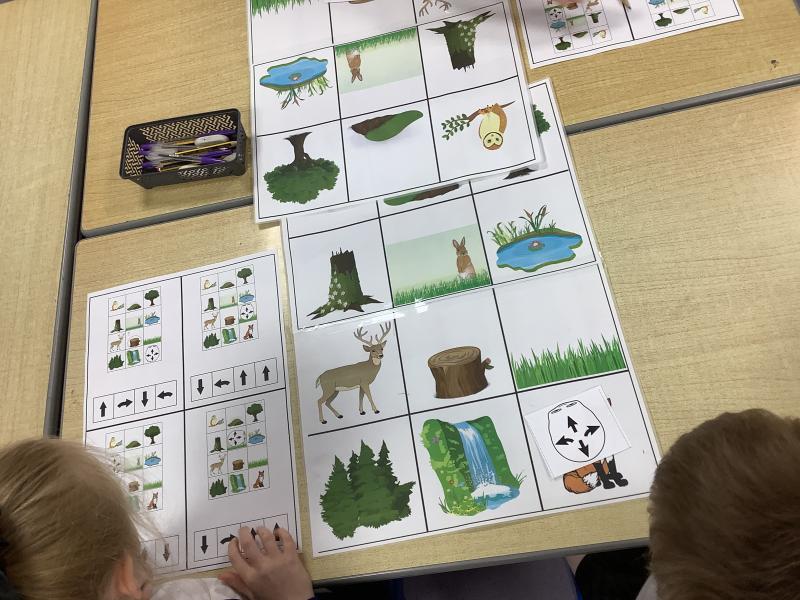
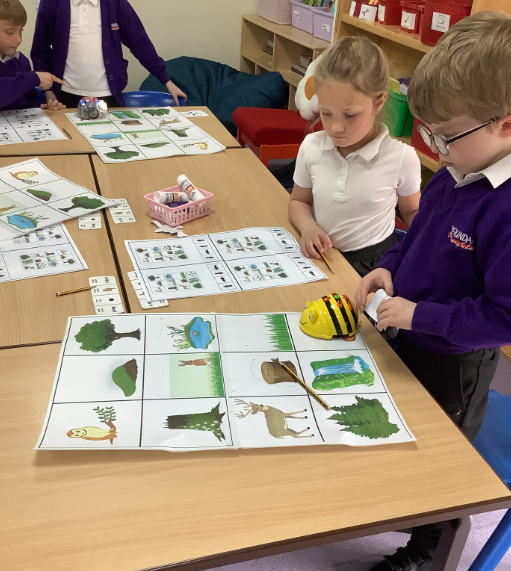
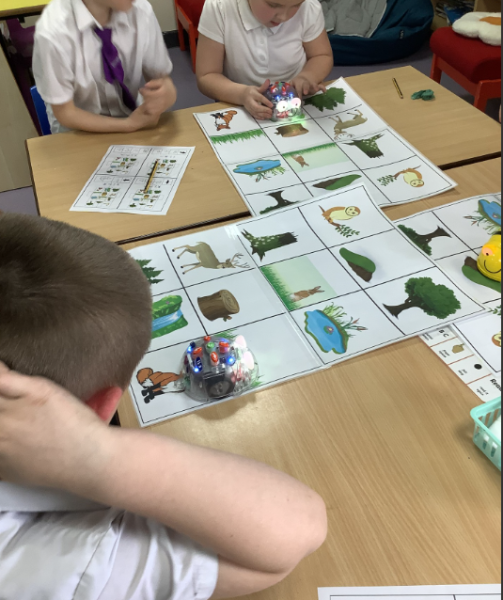
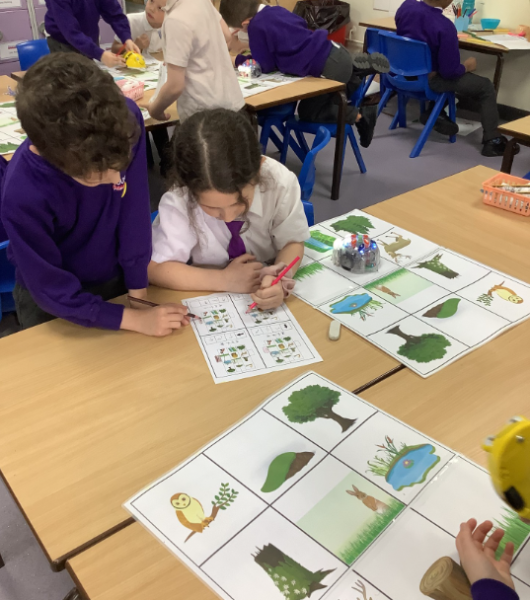
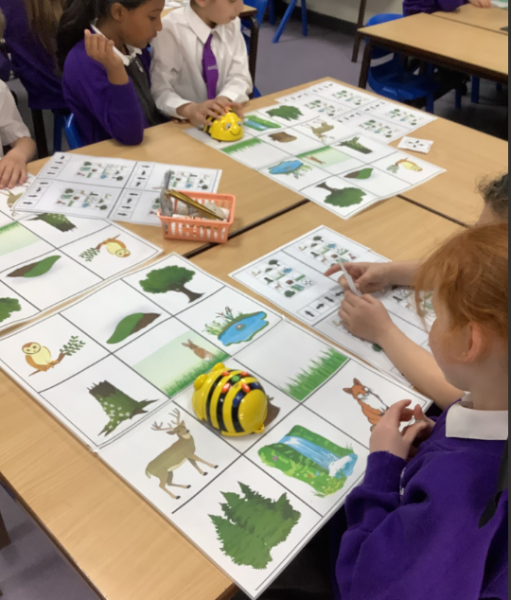
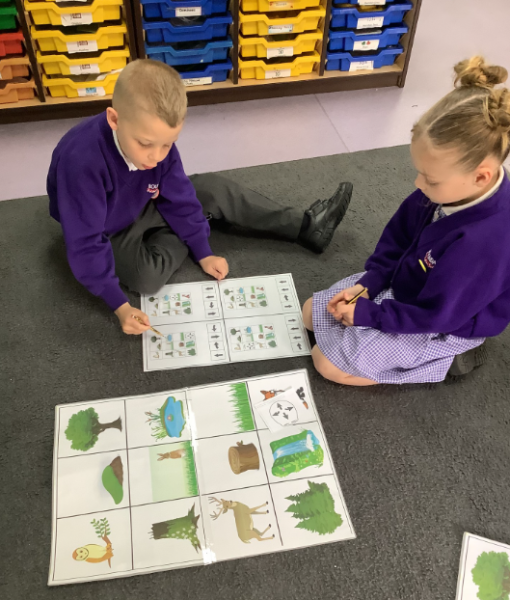
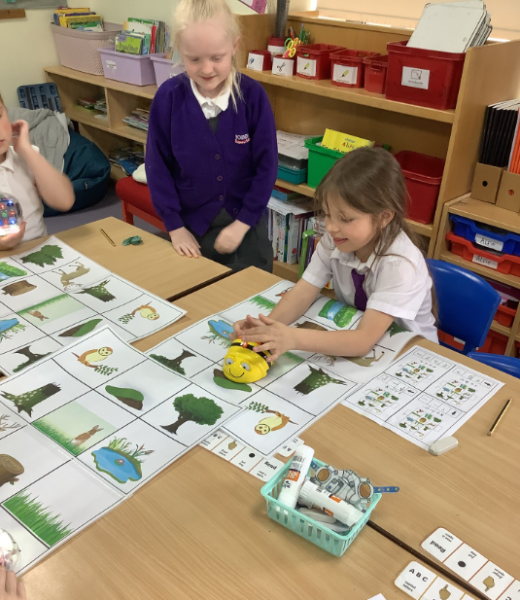
In Year 2, we have been developing our early programming and problem‑solving skills using Beebots 🧠➡️. The children have been learning how to create simple sequences and think carefully about what each instruction means before pressing go!
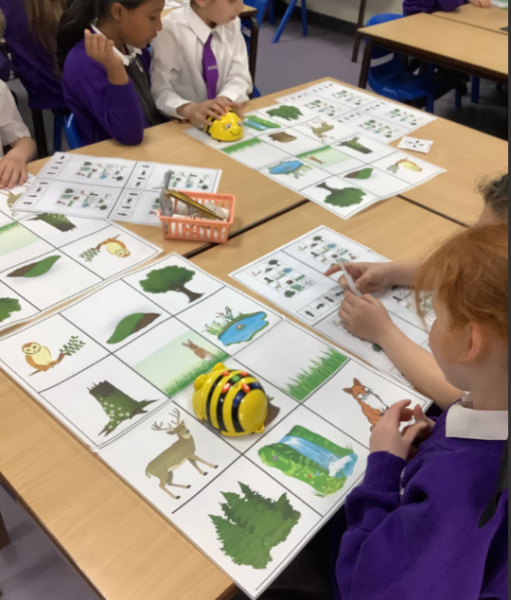
This week, we focused on making predictions 🧐. Before using the Beebots, the children used paperbots to plan and test their routes, checking if their sequence of instructions would lead to the correct end point ✅. Once they felt confident, they moved on to using the Beebots themselves 🤖.
We also used direction cards to create random sequences. The children worked hard to predict where the Beebot would end up, using sentence stems to explain their thinking 💬. It was fantastic to see such thoughtful discussion, teamwork and excitement when predictions were correct — and great learning when they needed to debug! 🌟👏
Date: 23rd Apr 2026 @ 7:24pm
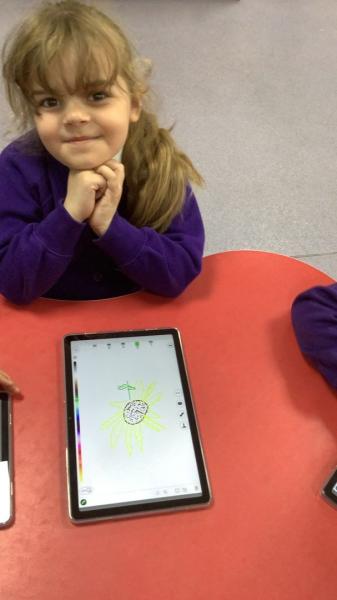
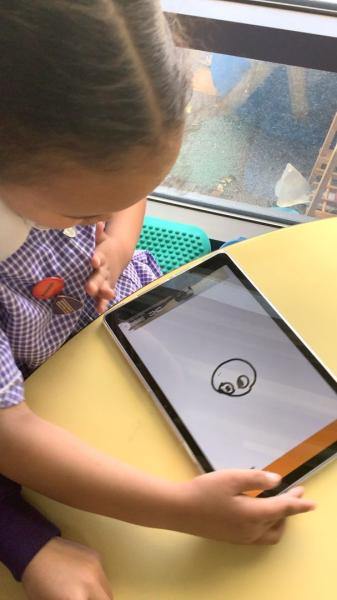
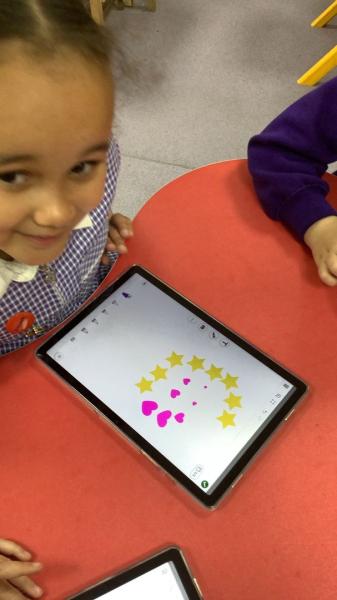
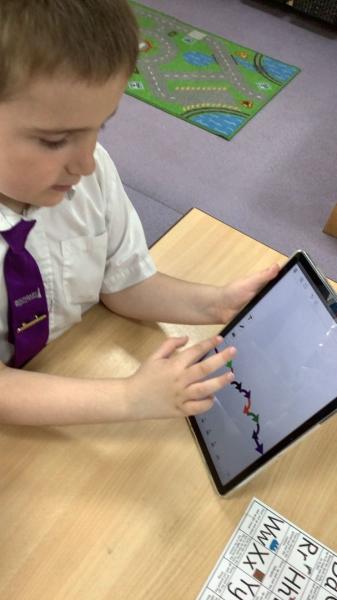
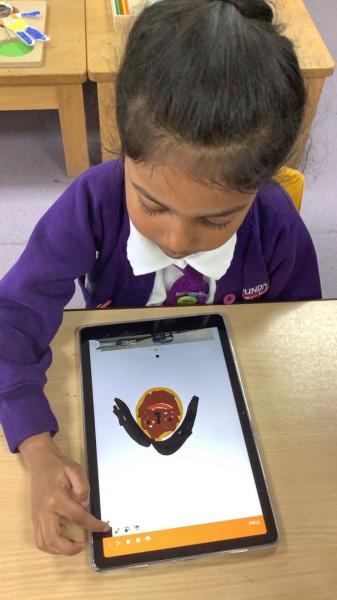
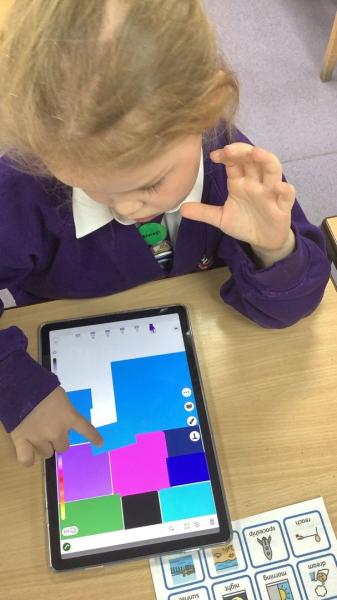
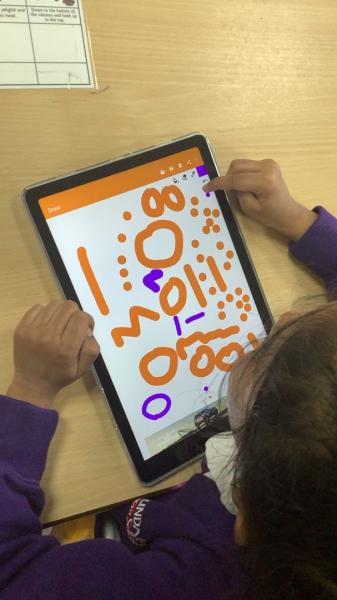
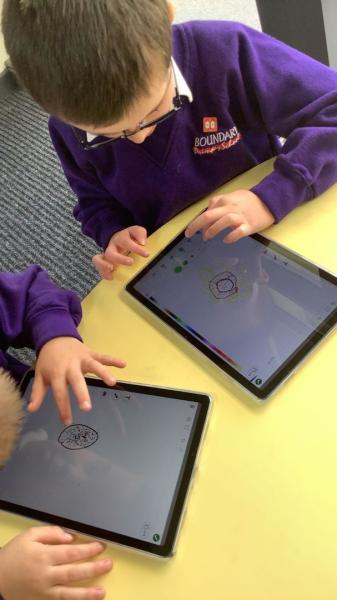
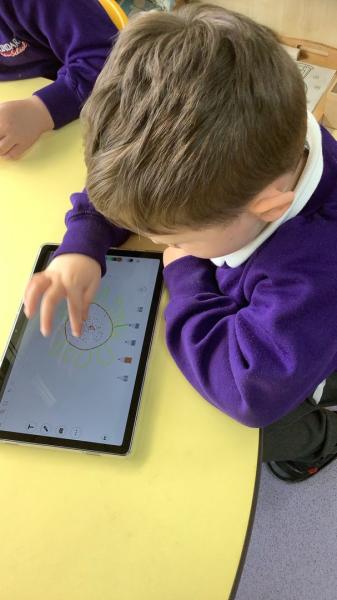
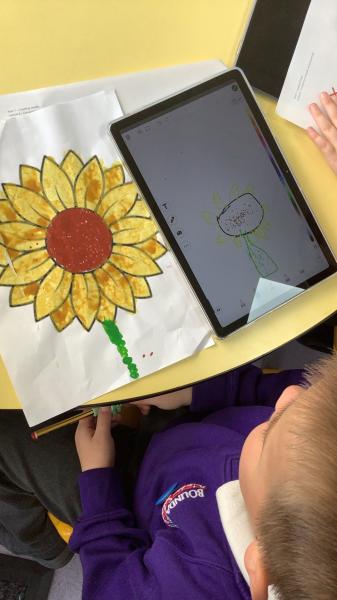
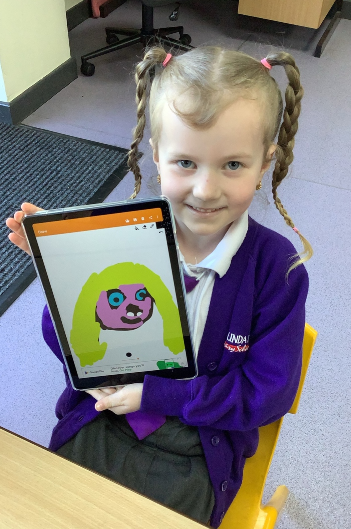
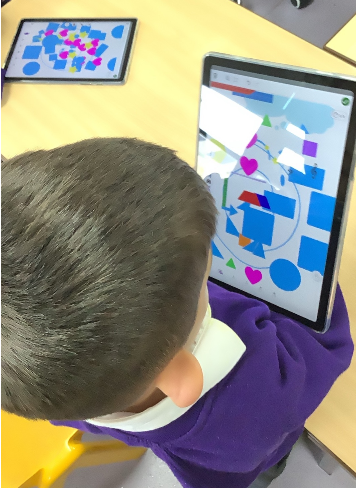
This half term in Year One, we have been exploring digital painting and learning how technology can be used as a creative tool in art. The children have enjoyed discovering how drawing programmes on tablets can help them create pictures in exciting new ways, while still using many of the same skills they practise in traditional art lessons.
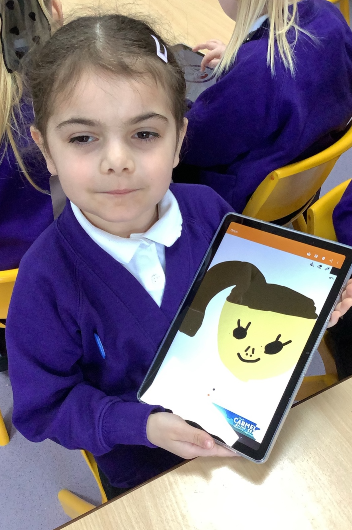
We began by learning how to use simple digital drawing tools to create self-portraits. The children experimented with different brushes, colours and line styles, and learned how to undo mistakes and try again. This helped to build confidence and encouraged them to explore and take creative risks, just as they would when drawing with pencils and crayons.
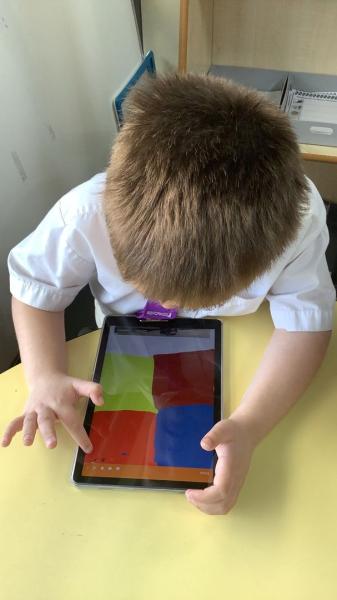
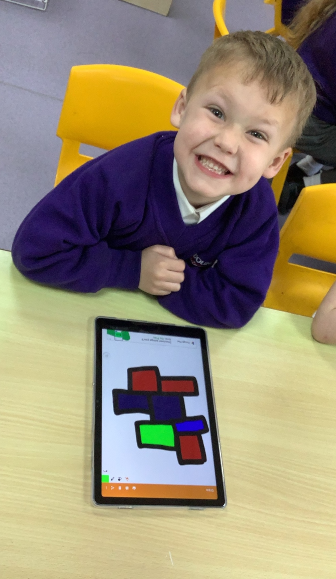
Next, we explored shape and colour by creating artwork inspired by Piet Mondrian. Using the drawing programmes, the children practised drawing straight lines and shapes before filling them with bold primary colours using the fill tool. This activity helped the children understand how digital tools can support the creative process by making some tasks quicker, while still requiring careful decision-making and imagination.
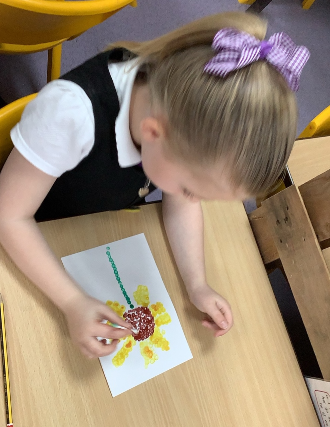
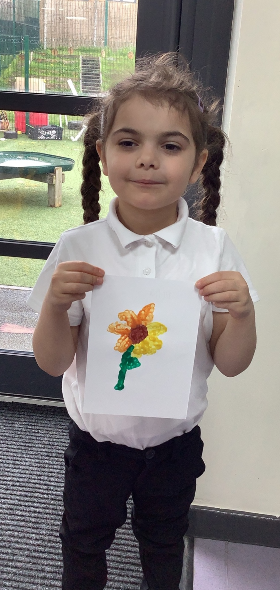
Finally, we explored pointillism by creating artwork both on paper and on tablets. The children used small dots to build up their pictures and then compared the two methods. We discussed which approach they preferred and why. Some children enjoyed the hands-on feel of paint and paper, while others liked how quickly they could work digitally and how easy it was to change colours and edit their designs.
Year 4 - Measuring Sound with BBC micro:bits
Date: 23rd Apr 2026 @ 8:56am
Year 4 Computing: Measuring Sound with BBC micro:bits
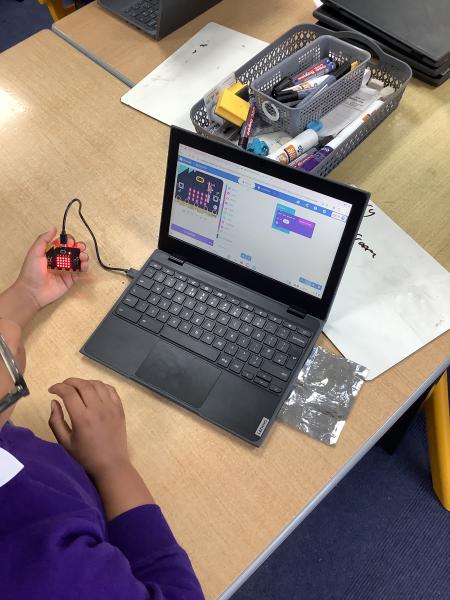
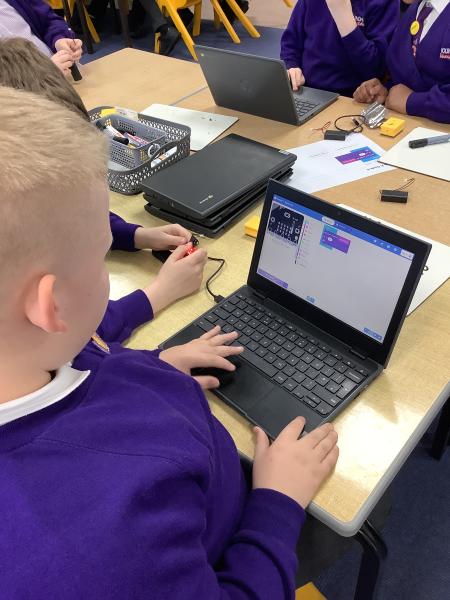
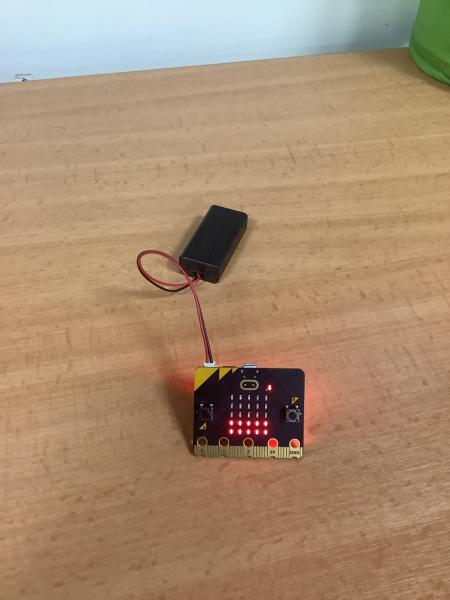
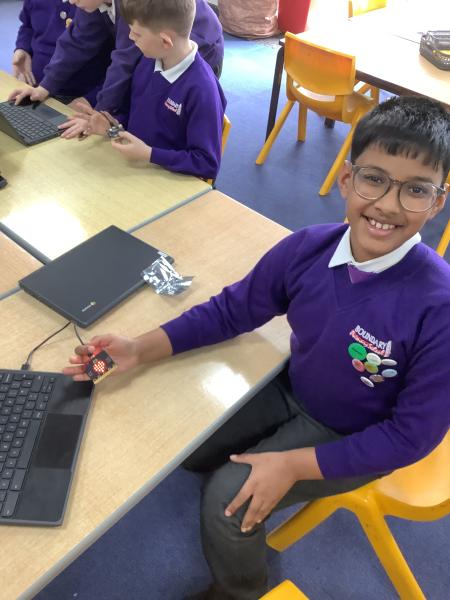
This week in Year 4 computing, pupils became real digital investigators as they programmed BBC micro:bits to create their own noise meters. Using simple coding, the children learned how to program the micro:bits to measure and display sound levels, developing their understanding of inputs, outputs, and algorithms.
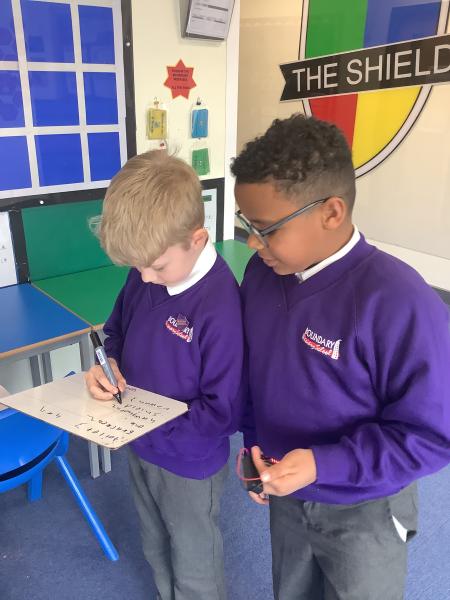
Once their programs were working, pupils explored different areas around the school to collect sound readings. They worked collaboratively and responsibly, taking measurements in classrooms, corridors, and quieter spaces. The data they gathered helped them answer a key enquiry question: “What is the quietest part of the school?”
This practical lesson encouraged pupils to apply their computing skills in a real‑world context while also developing teamwork, problem‑solving, and evaluation skills. Pupils were challenged to think carefully about accuracy, repetition, and fairness when collecting their data.
The lesson generated plenty of excitement and thoughtful discussion, and pupils were proud to see their coding skills having a real purpose. Year 4 showed fantastic curiosity and resilience as they explored how technology can be used to investigate and answer meaningful questions.
Date: 21st Apr 2026 @ 2:58pm
🤖 Year 2 Programming with Beebots 🤖
Date: 21st Apr 2026 @ 10:13am
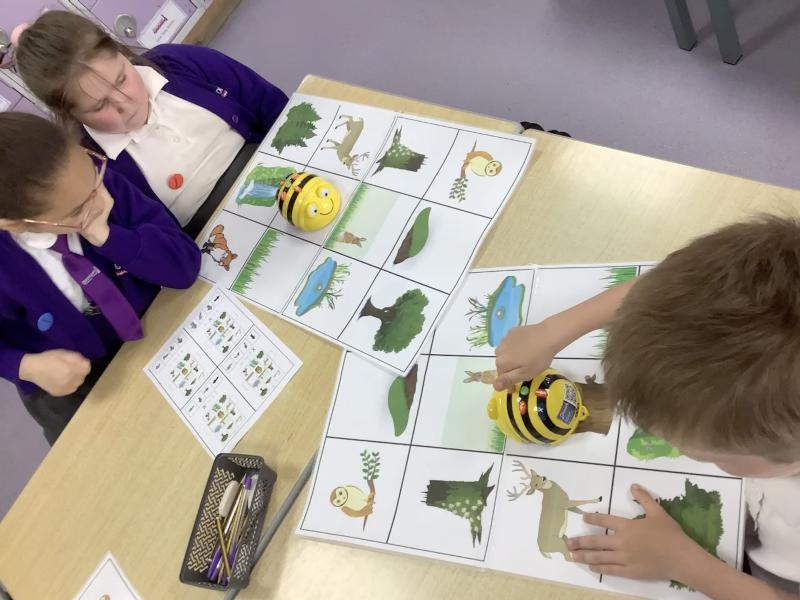
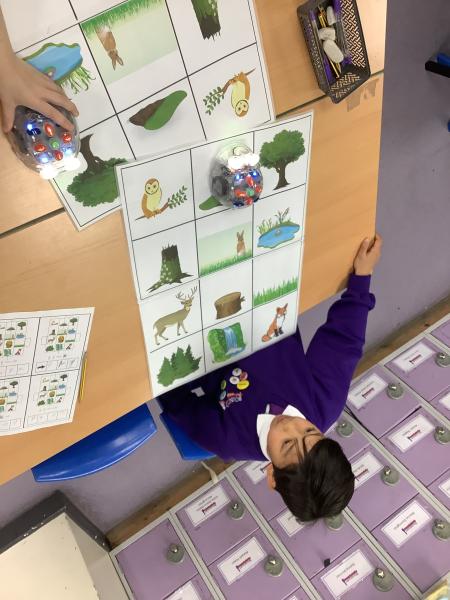
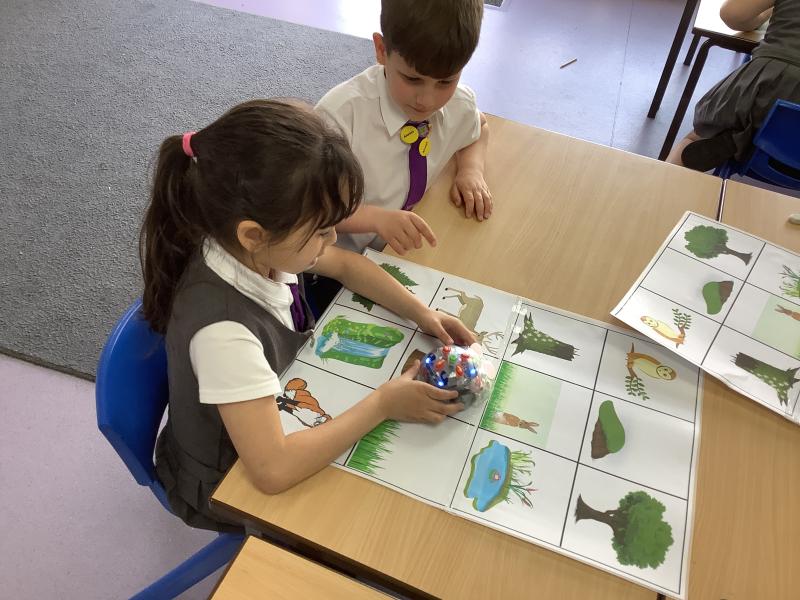
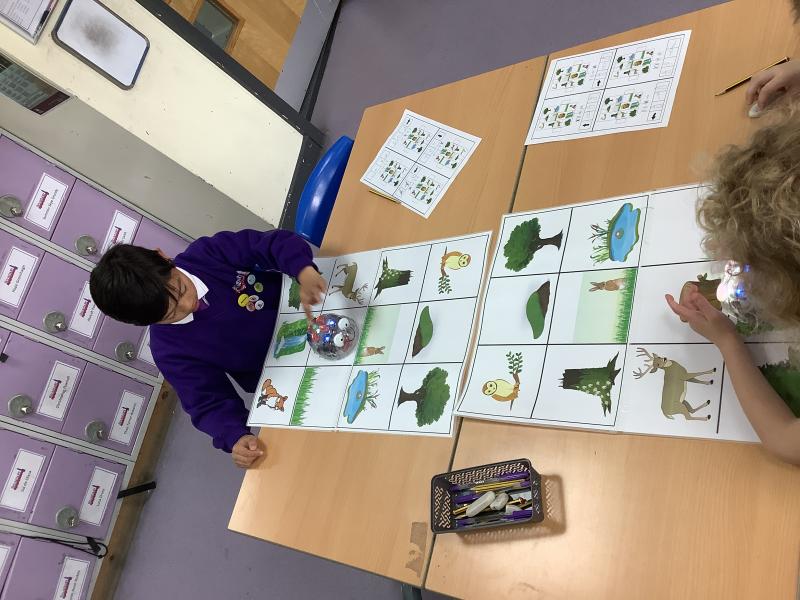
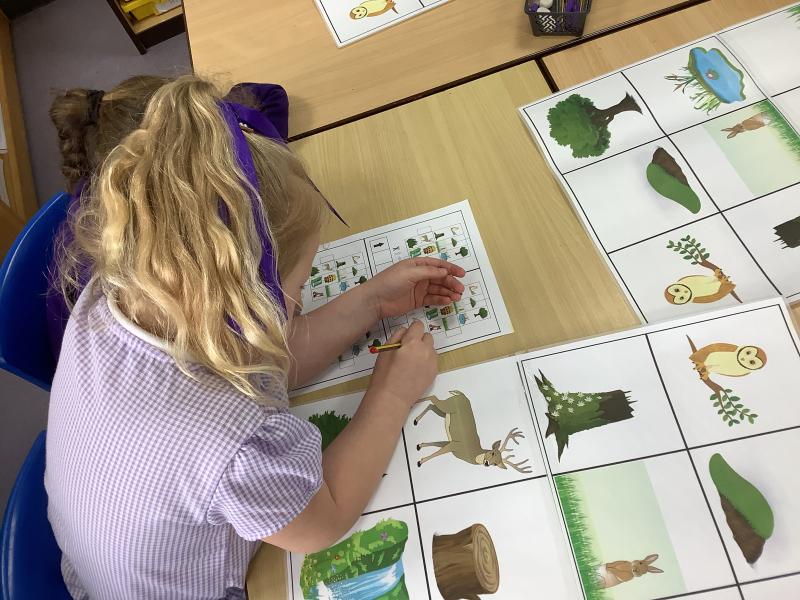
In Year 2, we have been learning how to program Beebots using simple algorithms! The children created short sequences using the commands ‘forwards’, ‘turn left’, and ‘turn right’ ➡️⬅️.
Before pressing go, we worked together to predict where our Beebots would end up on the mat 🧠. We then ran our algorithms to see if our predictions were correct ✔️❌.
It was fantastic to watch the Beebots move and follow the exact sequence the children had programmed 🚀. We really enjoyed testing our ideas, fixing mistakes, and celebrating when the Beebot reached the correct place 🎉😊.
Date: 16th Apr 2026 @ 2:20pm
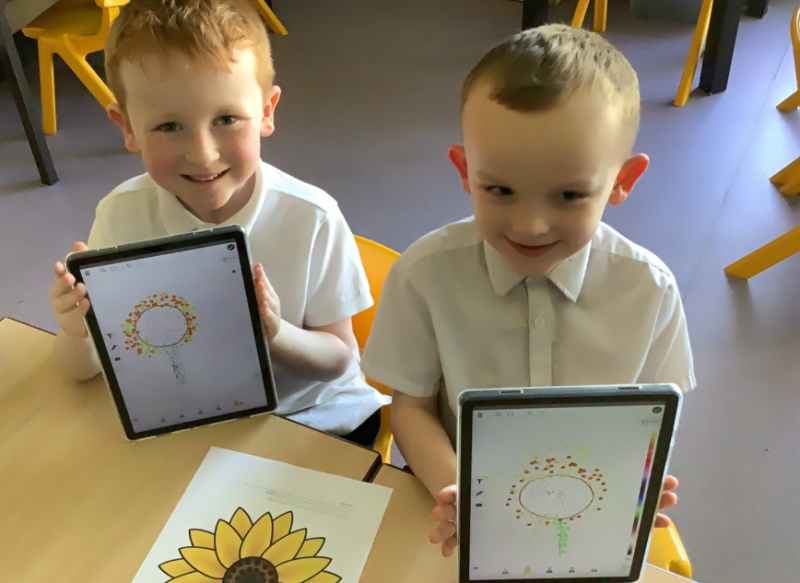
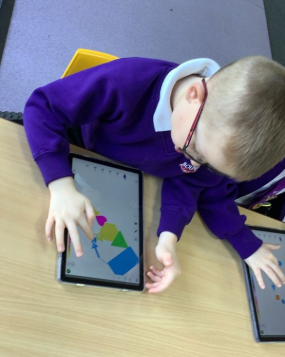
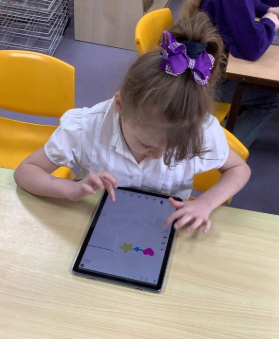
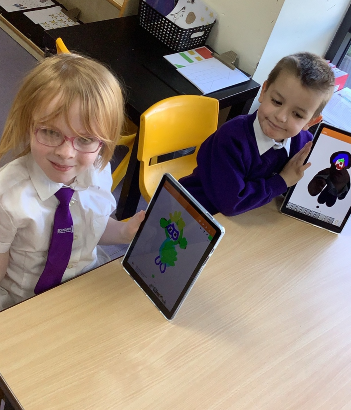
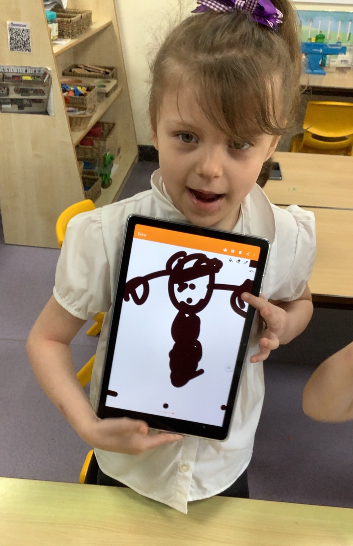
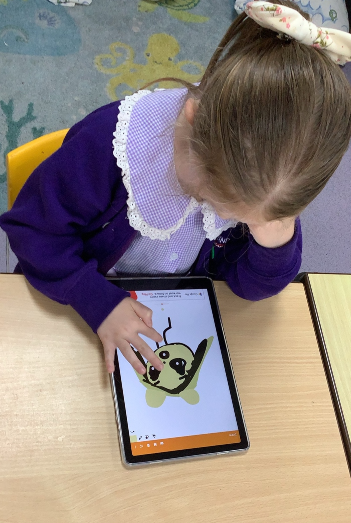
This half term term in Year One, we have been exploring digital painting and learning how technology can be used as a creative art tool. The children have enjoyed discovering how drawing programmes on tablets can help them create pictures in exciting new ways, while still using many of the skills they practise in traditional art lessons.
We began by learning how to use simple drawing tools to create digital self‑portraits. The children explored using different brushes, colours and lines, and learned how to undo mistakes and try again. This helped to build confidence and encouraged them to experiment freely, just as they would when drawing with pencils and crayons.
Next, we explored shape and colour by creating artwork inspired by Piet Mondrian. Using the drawing programmes, the children practised drawing straight lines and shapes, then quickly filling them with bold primary colours using the fill tool. This activity helped the children understand how digital tools can make some processes faster, while still requiring careful choices and creativity.
Finally, we explored pointillism by creating artwork both on paper and on tablets. The children used small dots to build up pictures and then compared the two methods. We talked about which one they preferred and why. Some children enjoyed the tactile feel of paint and paper, while others liked how quickly they could work digitally and easily change colours.
Year 2- Creating an algorithm !
Date: 14th Apr 2026 @ 2:56pm
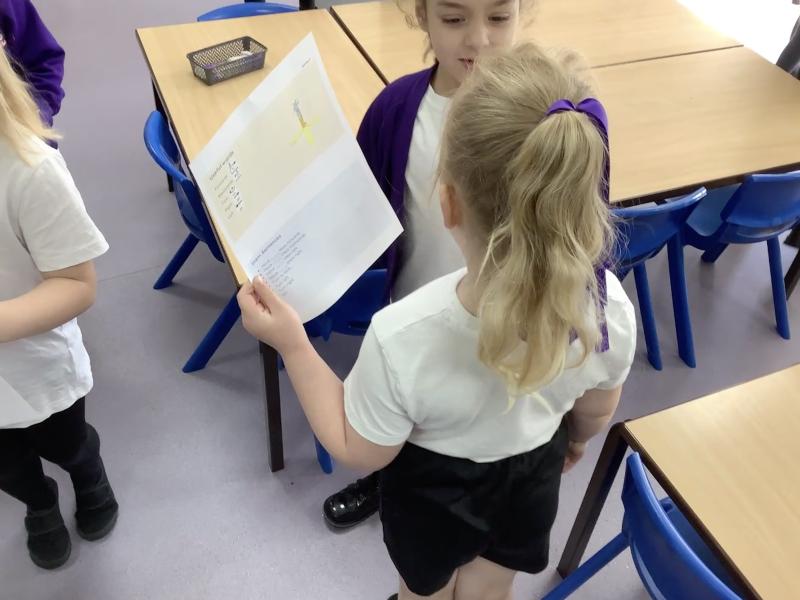
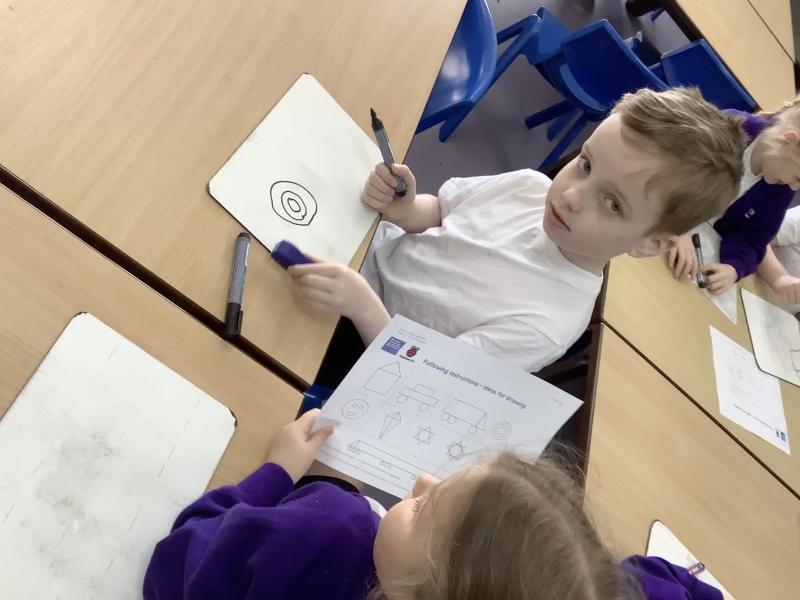
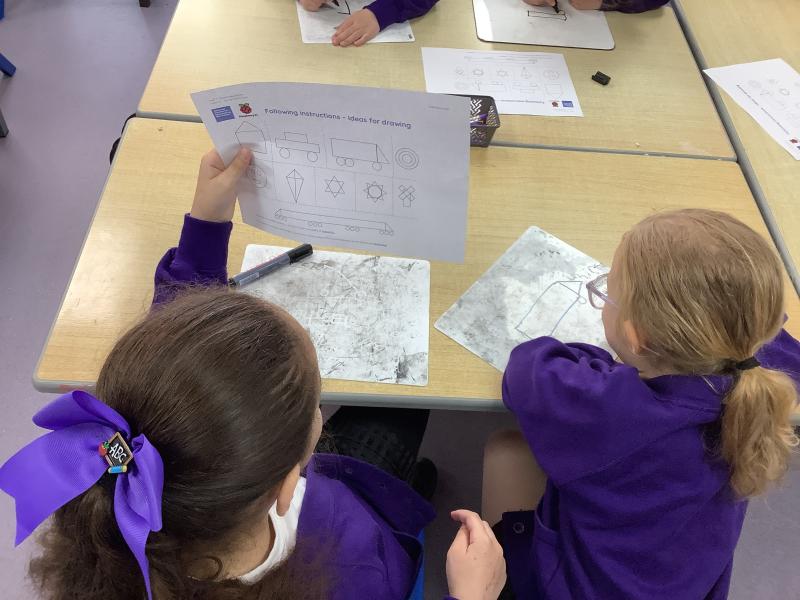
Year Two have been starting their exciting computing journey by learning all about algorithms 🤖✨. The children followed a set of instructions to draw a house 🏠, before working in pairs to give clear instructions to help their partner draw a picture.
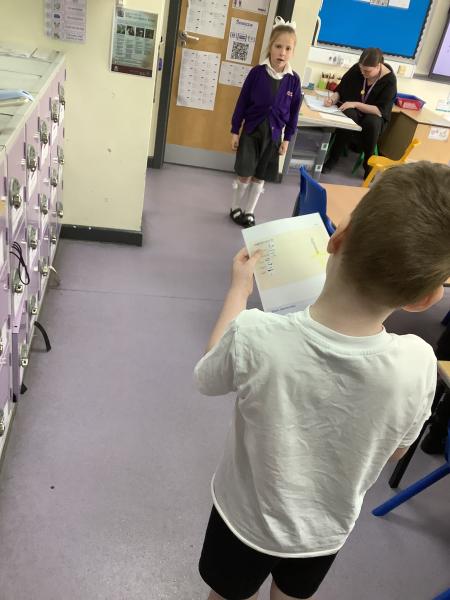
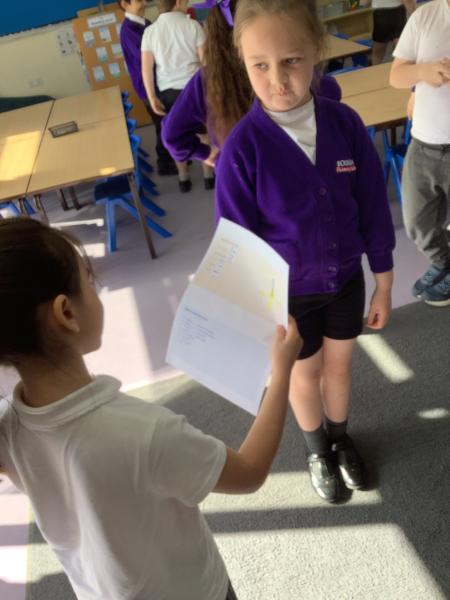
We talked about which words are helpful when giving instructions, including direction, size, and position words 📏⬆️⬇️. The classroom then turned into a robot zone as we became human robots 🤖! Children gave their partners a set of instructions to move around the room, using directional language such as left, right, turn, move, forwards, and backwards.
Next, we began creating a sequence of instructions and used the word “go” ▶️ to show when the algorithm was complete. The children will use these skills soon when coding with our Bee-Bots 🐝💛.
Year 4 - Rock, Paper, Scissors...Code!
Date: 14th Apr 2026 @ 2:49pm
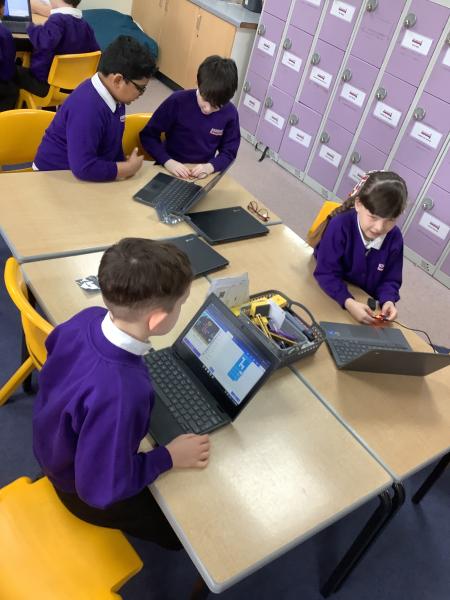
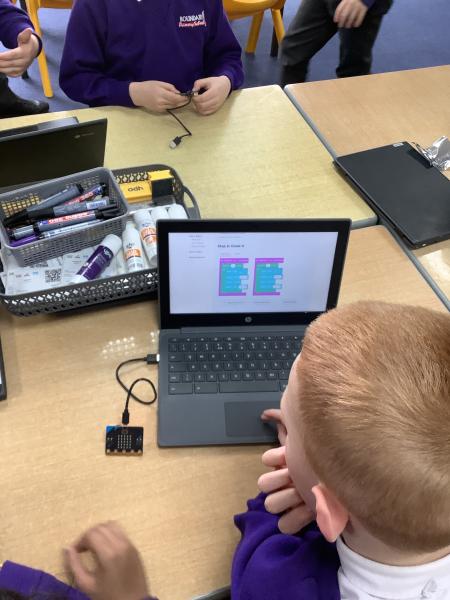
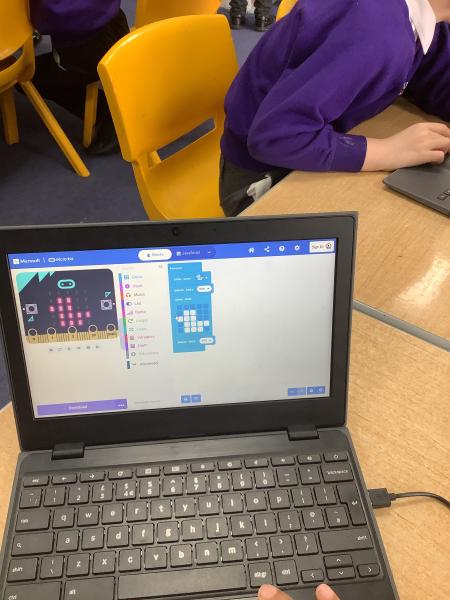
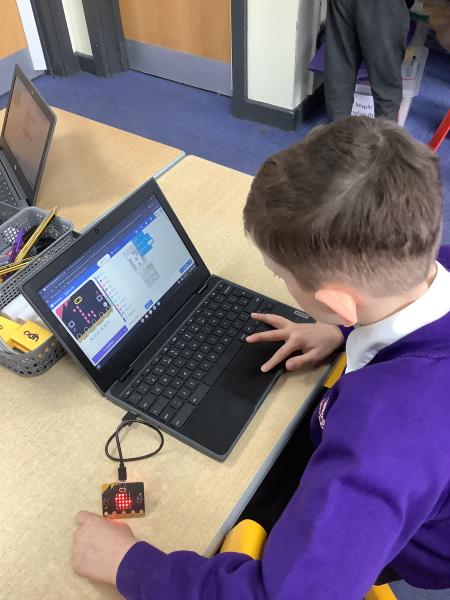
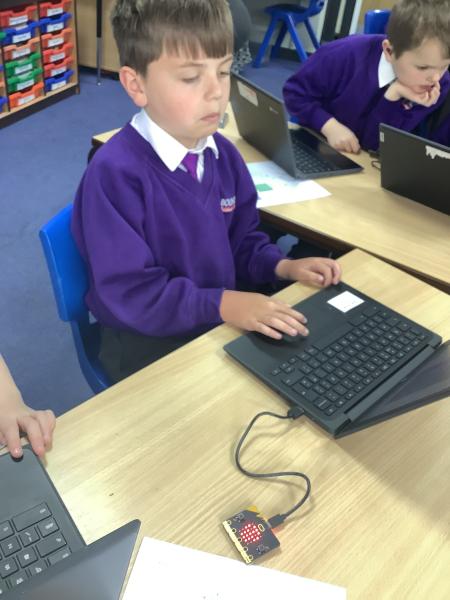
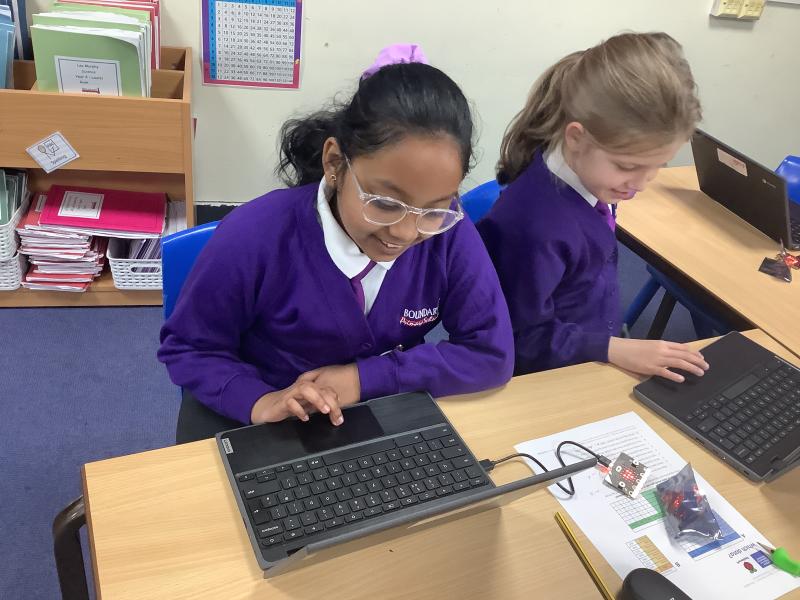
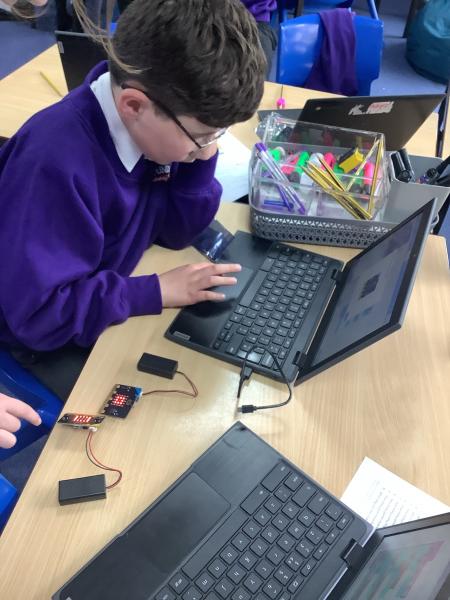
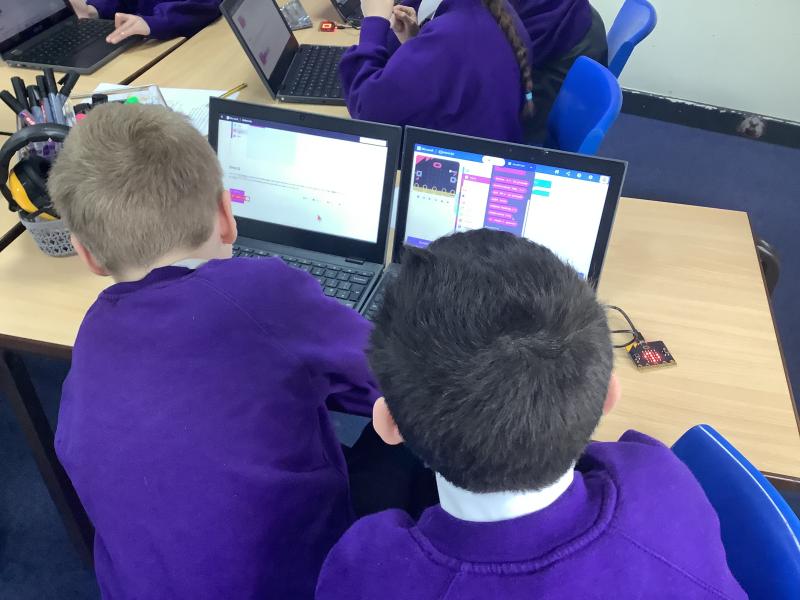
This term, pupils in year 4 will be collecting and using data. To do this, they will be using BBC Micro:BITS - tiny computers which they can code. To get used to the Micro:BITs, pupils were challenged to code the game, Rock, Scissors, Paper and play against a friend!
Date: 18th Mar 2026 @ 5:27pm
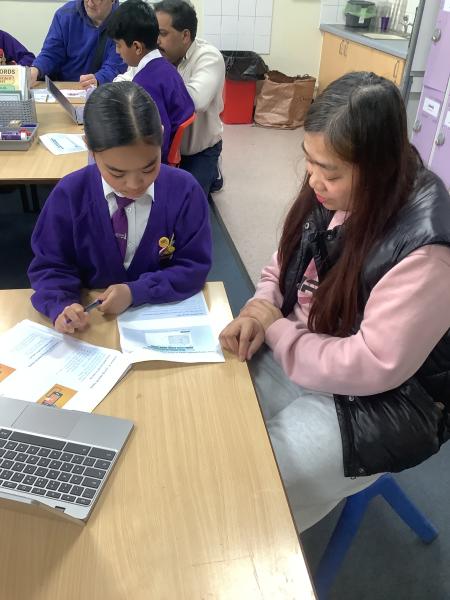
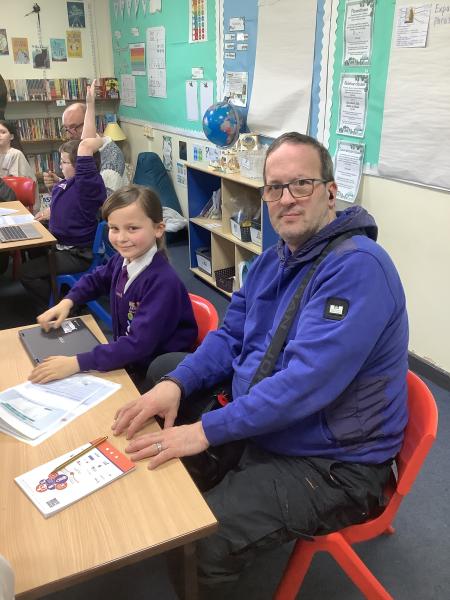
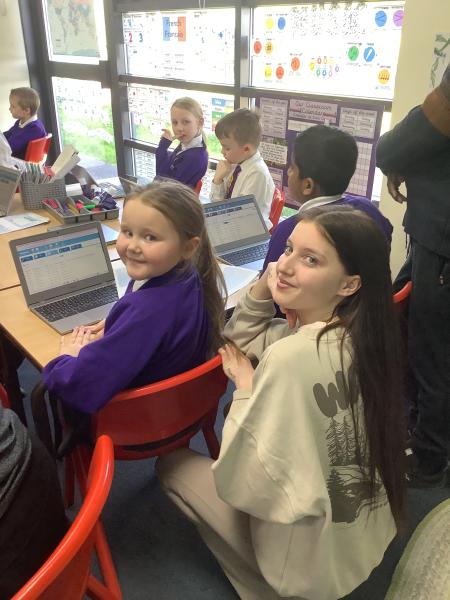
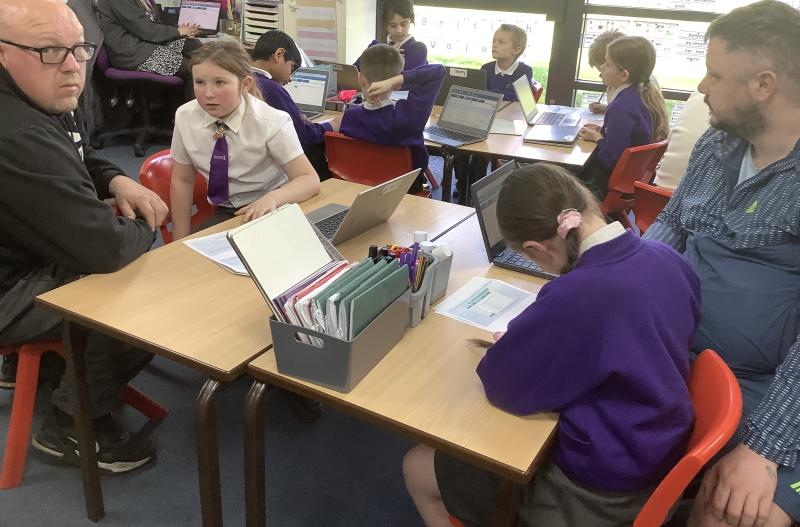
Yesterday in Computing during Together Time, Year 5 stepped back in time to 1912 as they explored a database of Titanic passengers! The children learned how databases help us store, organise, and search large amounts of information.
Using the Titanic database, Year 5 practised using AND and OR search functions to find specific information.
- They used AND to narrow their searches, such as “passenger AND first class” to find people who met both conditions.
- They used OR to broaden their searches, such as “male OR crew”, to include more results.
Year 3 - Computing Stop Motion
Date: 12th Mar 2026 @ 9:16am
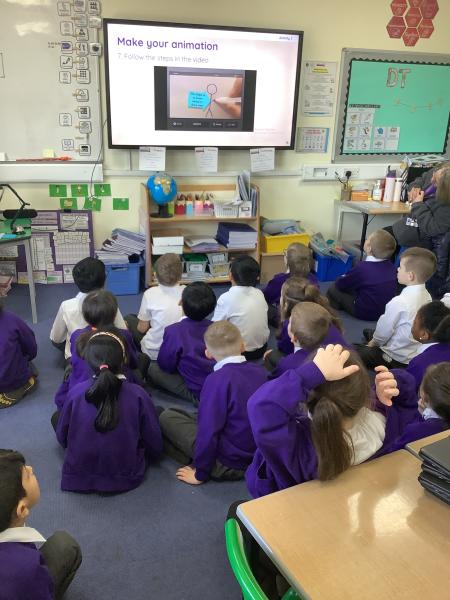
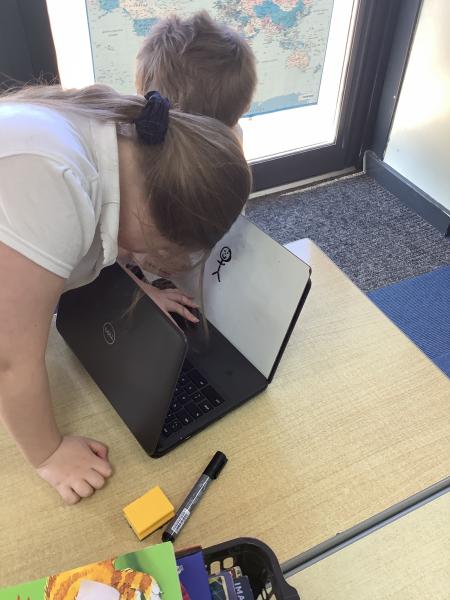
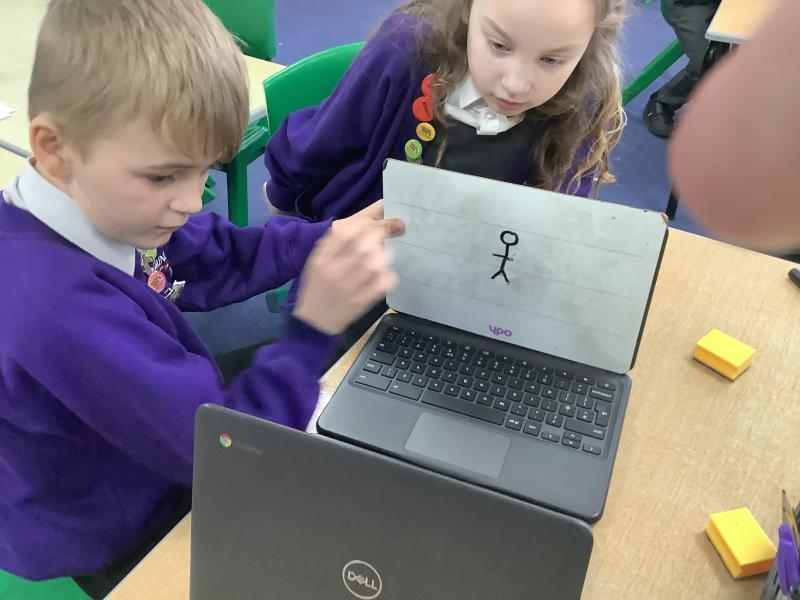
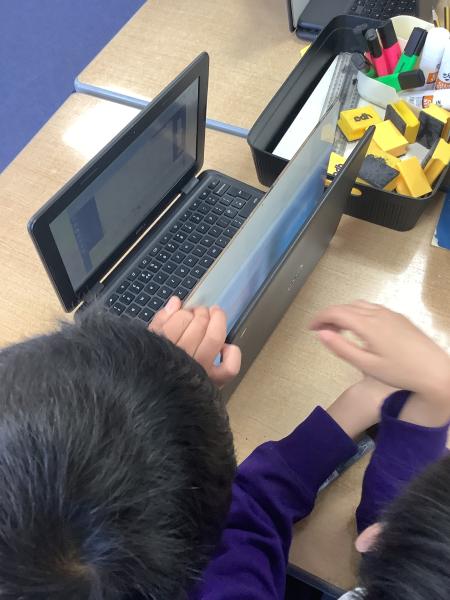
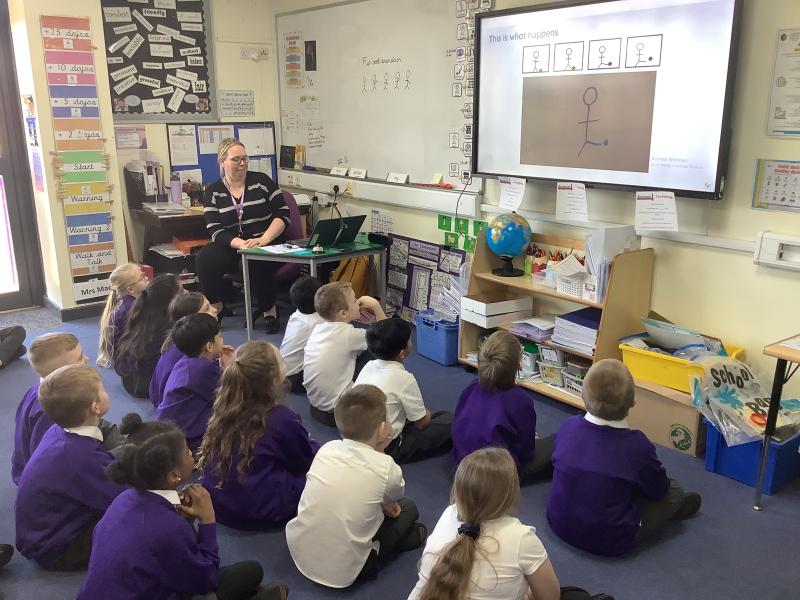
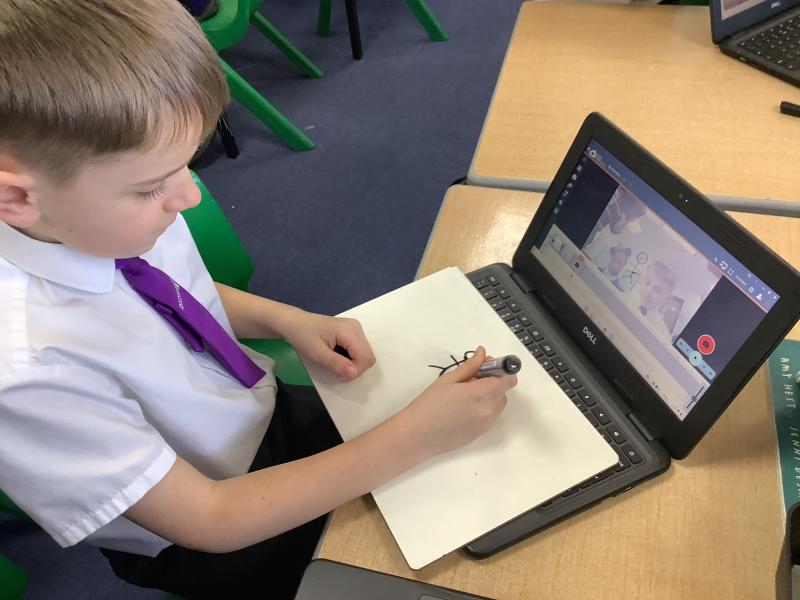
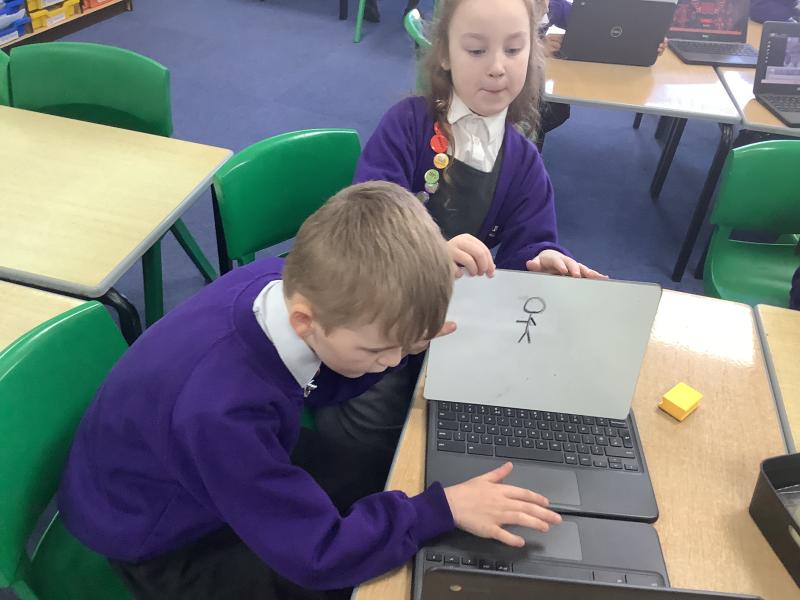
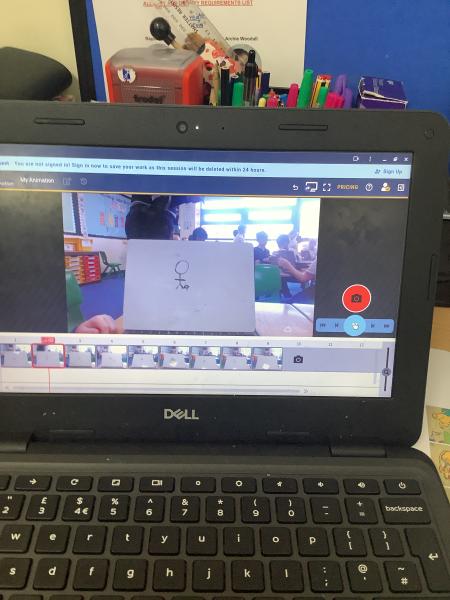
In today’s Computing lesson, Year 3 explored creating media through stop‑motion animation using the Chromebooks. We began by looking at how stop‑motion works and how a series of still images can be combined to create the illusion of movement. The children were excited to try it themselves and used simple stick‑figure characters to animate actions such as kicking a ball, throwing a ball, and other small movements.
We also learned about onion skinning, an important tool that helps animators see a faint outline of the previous frame. This made it easier for the children to make tiny, gradual adjustments and keep their characters’ movements smooth and consistent.
Once they understood the technique, pupils worked in pairs to capture their own short animations, carefully moving their figures a little at a time. The class showed fantastic creativity and teamwork, producing some brilliant first attempts at stop‑motion!
Date: 9th Mar 2026 @ 9:15am
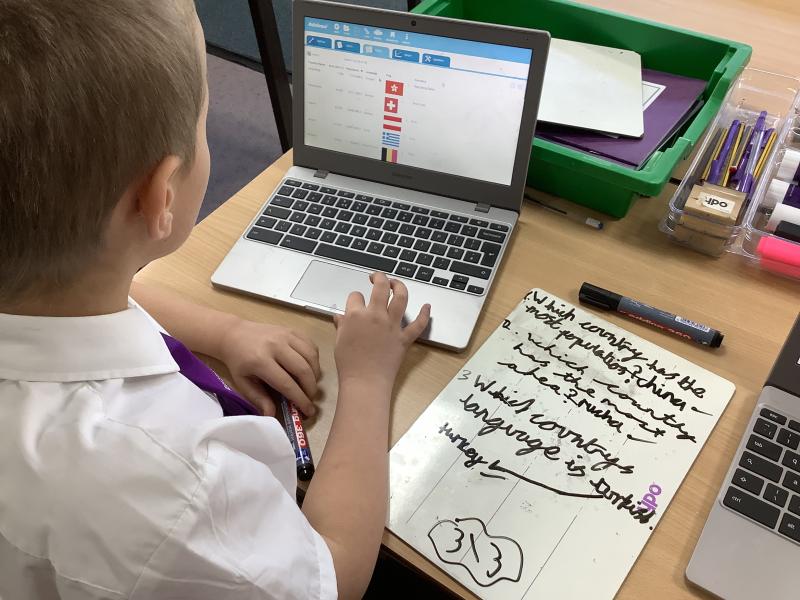
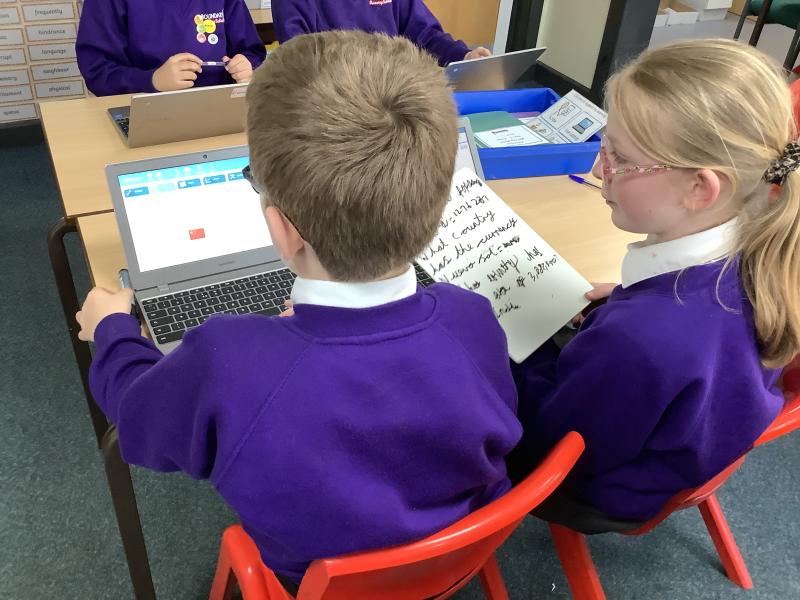
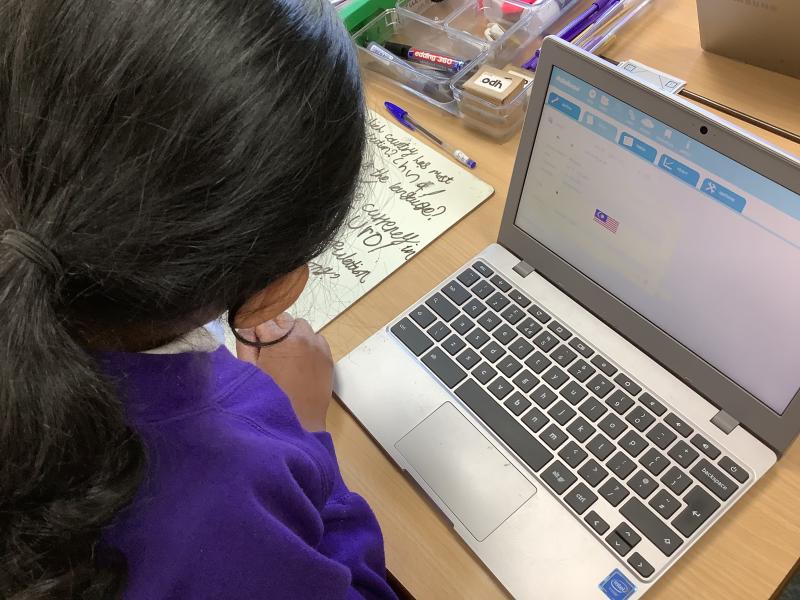
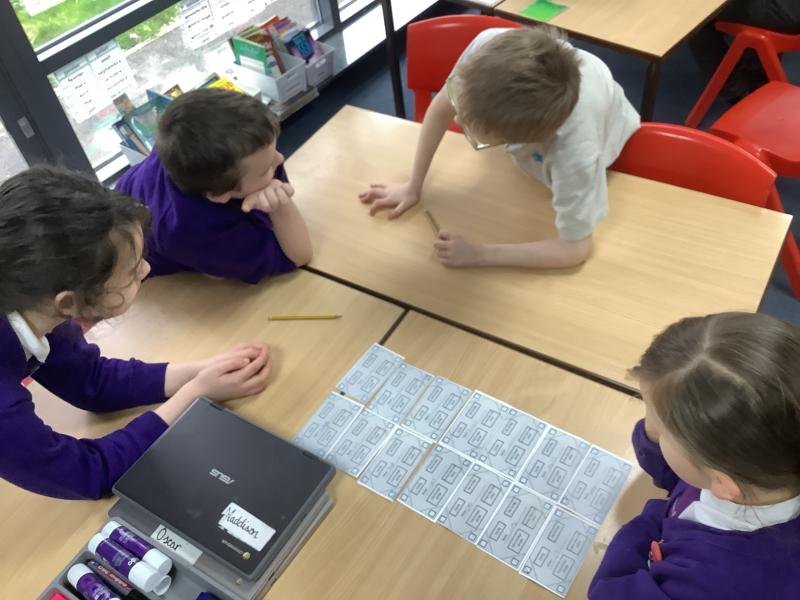
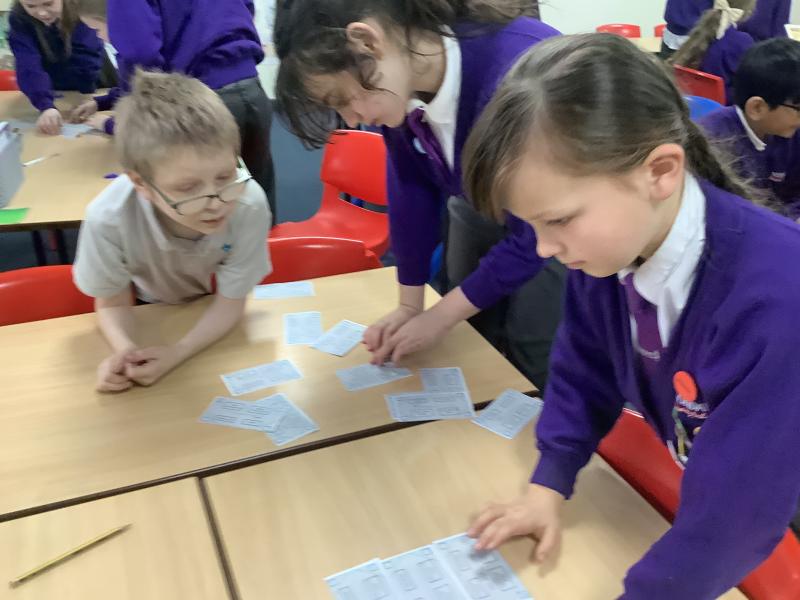
So far this term, Year 5 have been exploring flat‑file databases. We began by creating our own simple databases on paper, which helped us understand how information can be organised into fields and records. The class discussed the advantages and disadvantages of paper databases, for example, how they are easy to create but difficult to sort or search quickly.
We then moved on to investigating real online databases, including ones about insects and countries. Pupils used their data‑sorting skills to filter and organise information, compare entries, and answer questions using the data.
The children are developing a great understanding of how databases work and why they are useful in everyday life.
Year 3 - Creating Media in Computing
Date: 3rd Mar 2026 @ 12:15pm
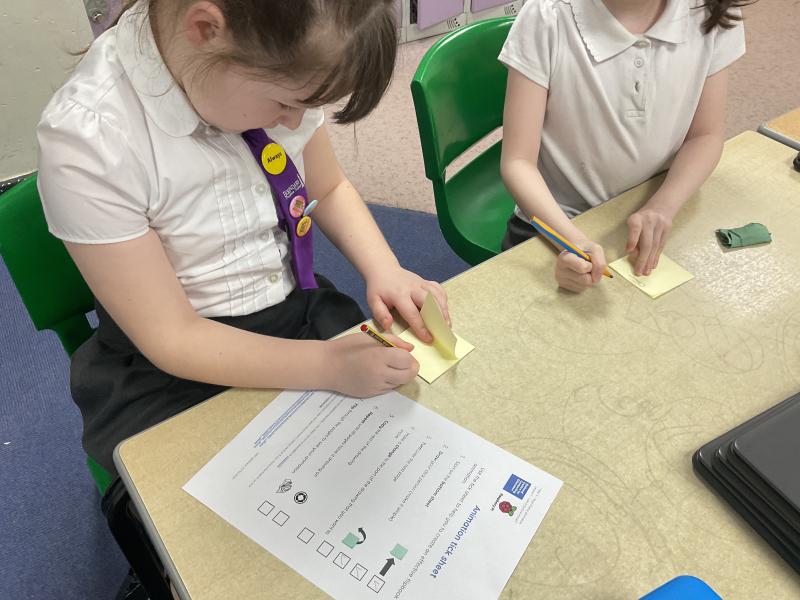
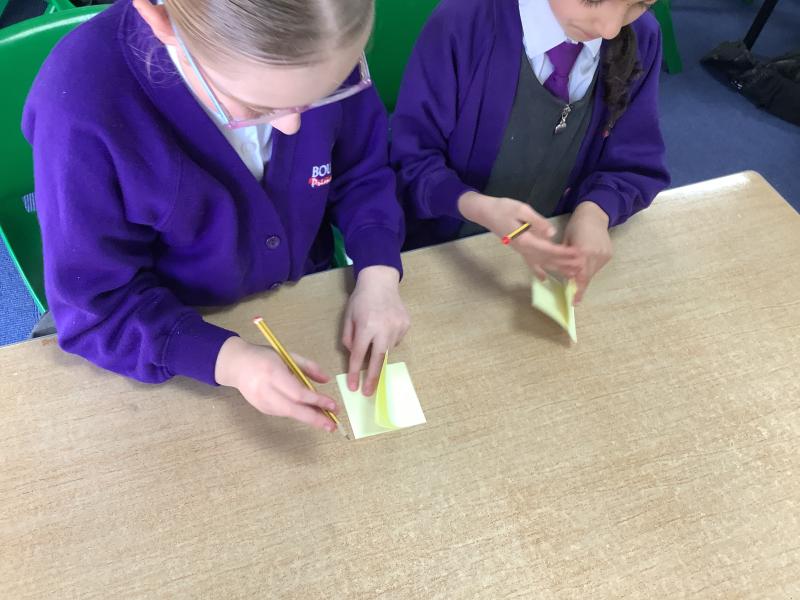
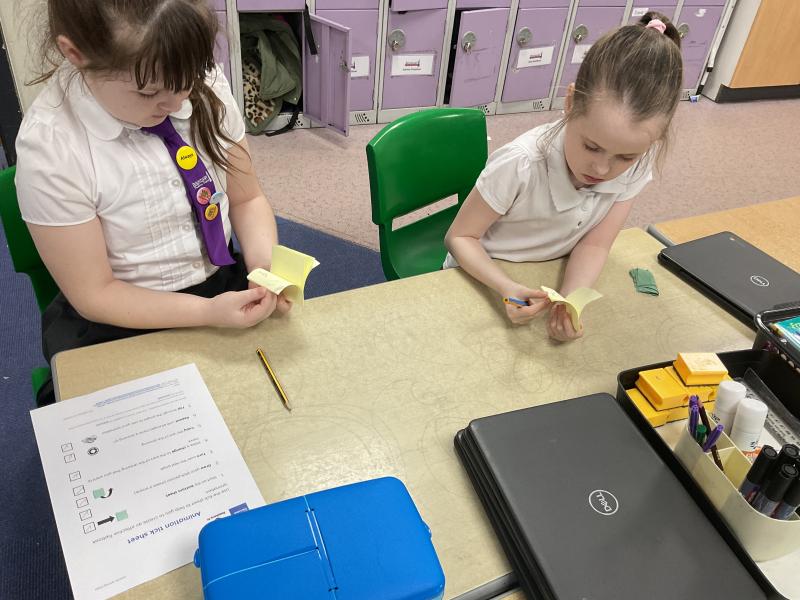
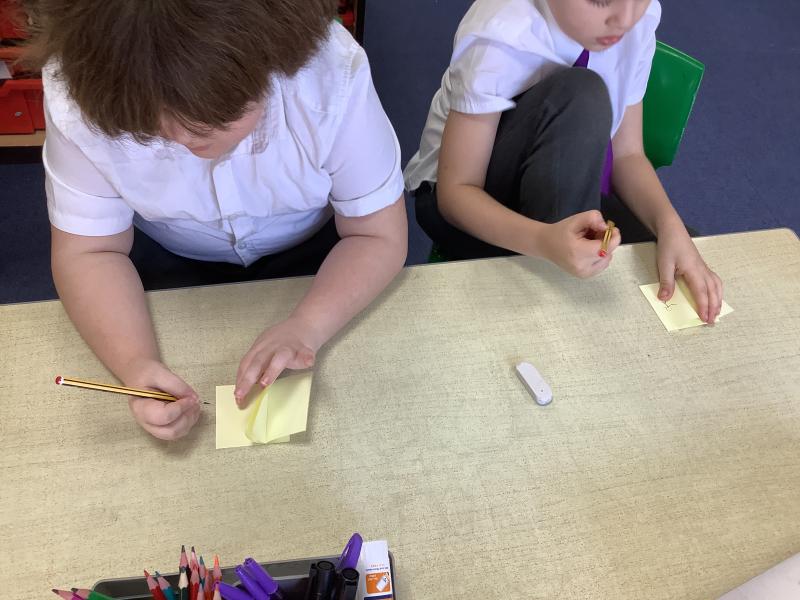
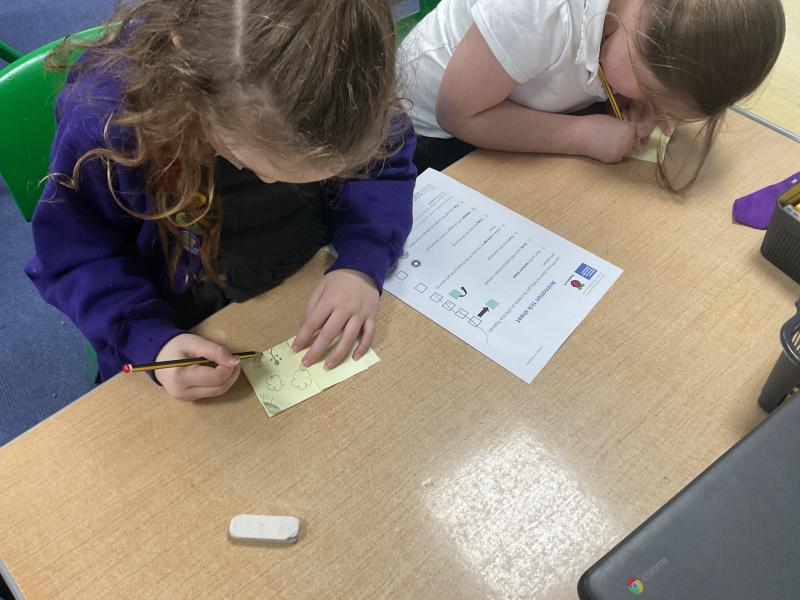
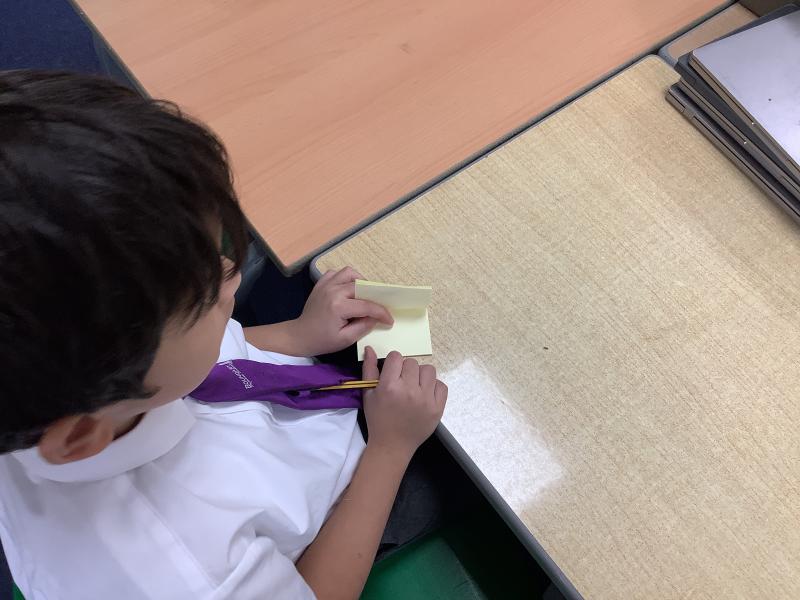
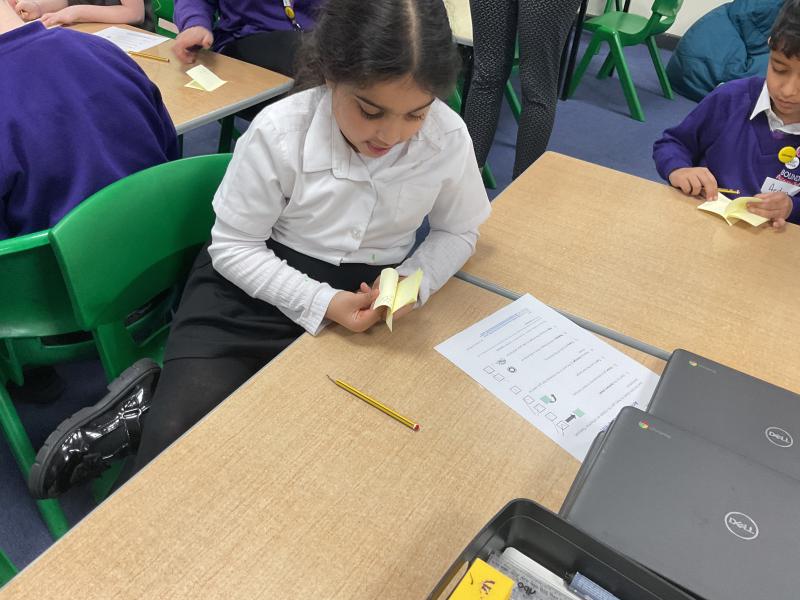
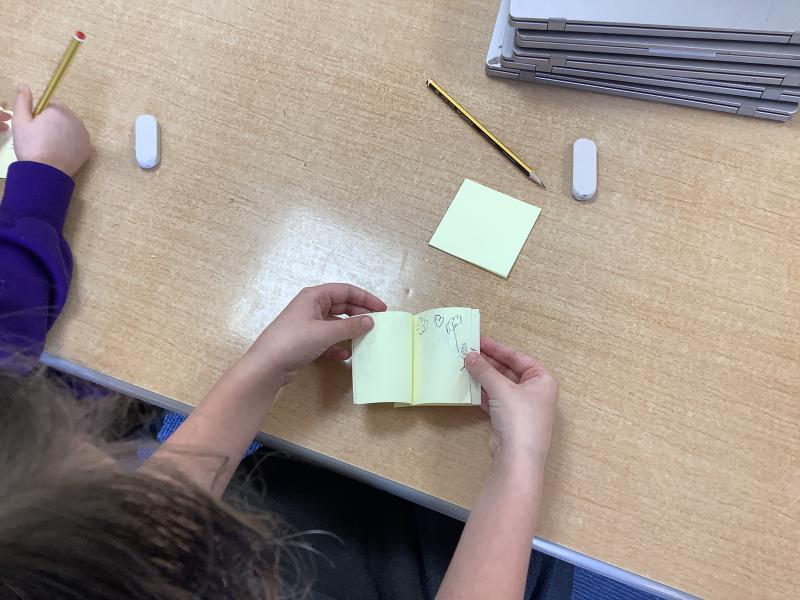
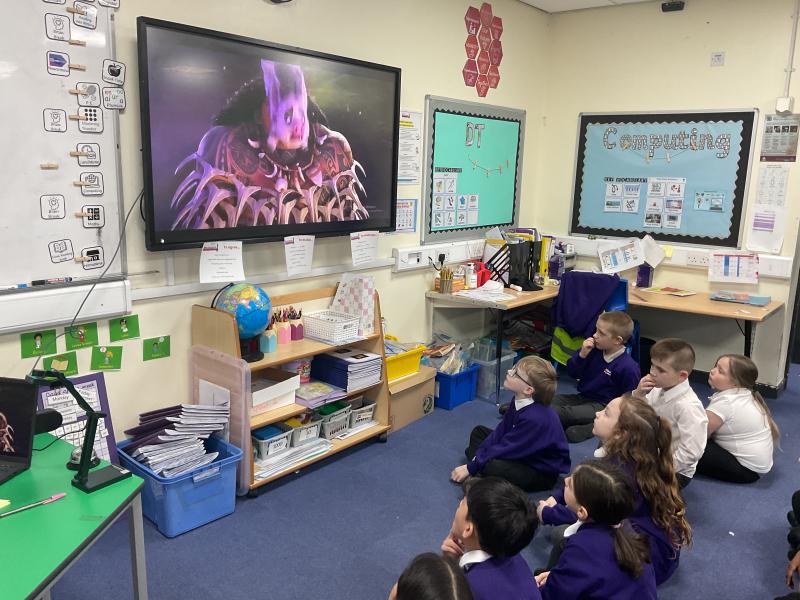
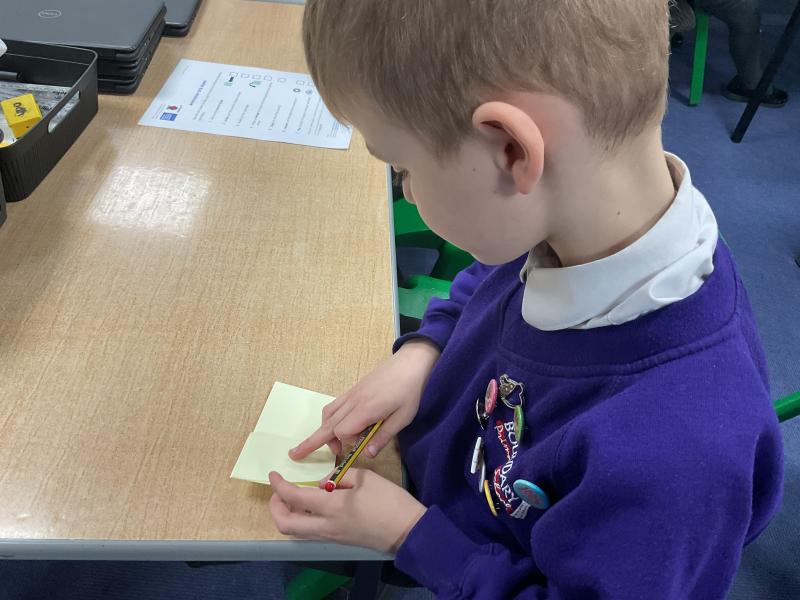
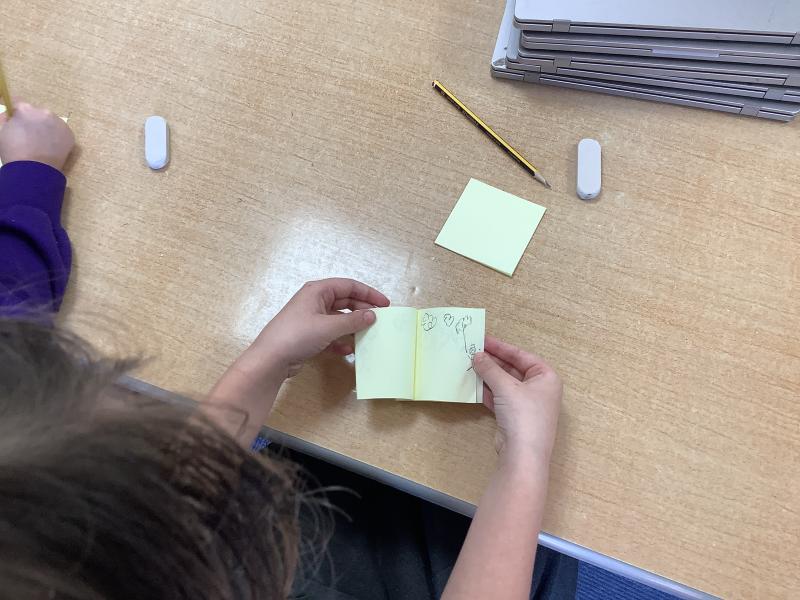
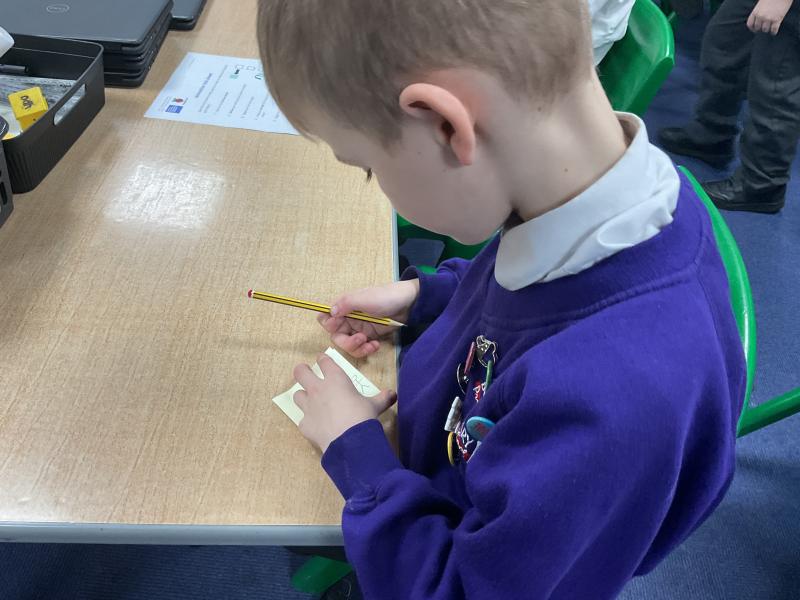
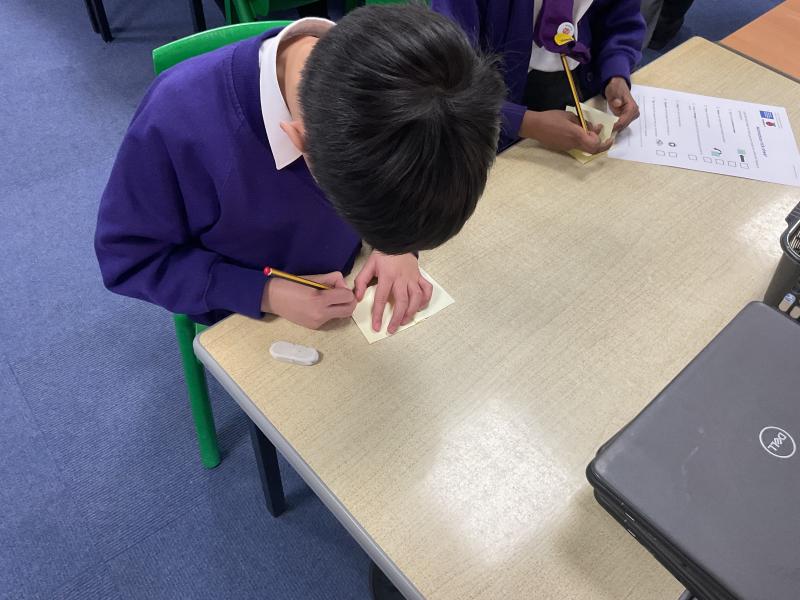
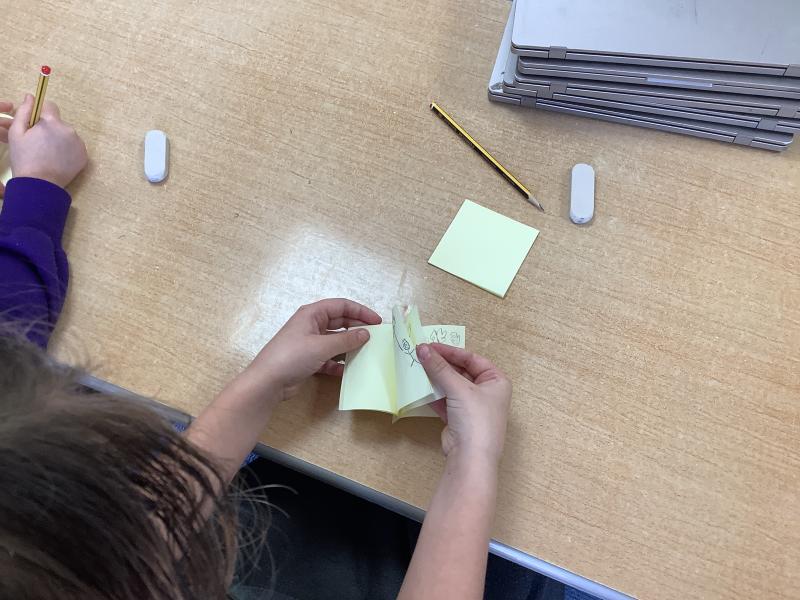
In Computing this half term, the children will be learning all about how animations are created. In our first lesson, we explored different types of animation and discovered how a simple sequence of images can be brought to life. The children were fascinated to learn that traditional flipbooks use this exact technique, showing pictures that change slightly from page to page to create movement. After looking at some examples, the class designed and made their very own flipbooks. They experimented with drawing small, gradual changes and were delighted to see their characters “come alive” when the pages were flipped quickly!
Date: 26th Feb 2026 @ 10:09am
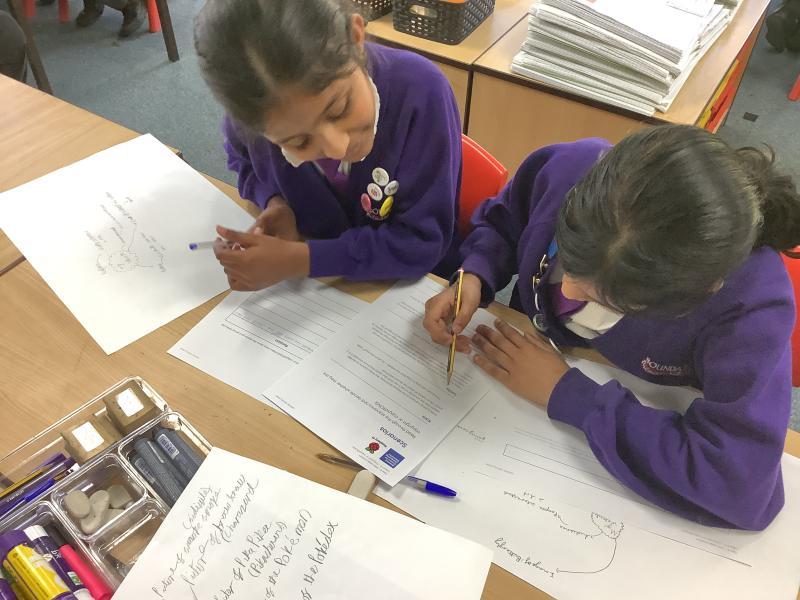
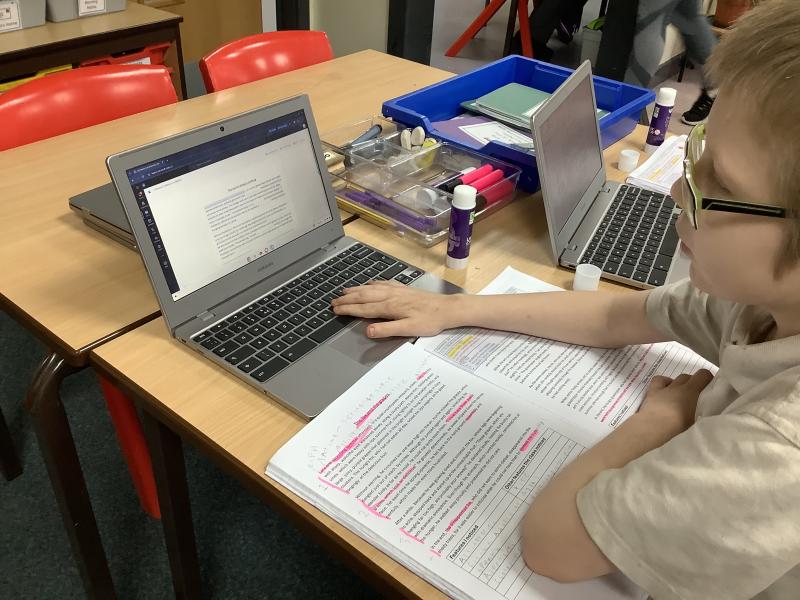
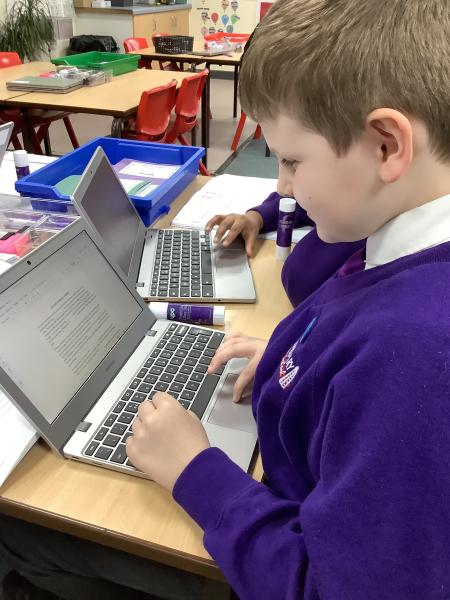
As part of our new Reading into Writing Journey, we are looking at fables. Some children in Year 5 have taken their WAGOLL immersion to the next level and, taking the features which they have identified, have improved a WAGOLL which had missing features. This lesson also involoved some more complicated Computing skills as they had to edit an existing document, spell check and correct the formatting as well as improve the text itself! Well done Year 5!
Date: 25th Feb 2026 @ 5:21pm
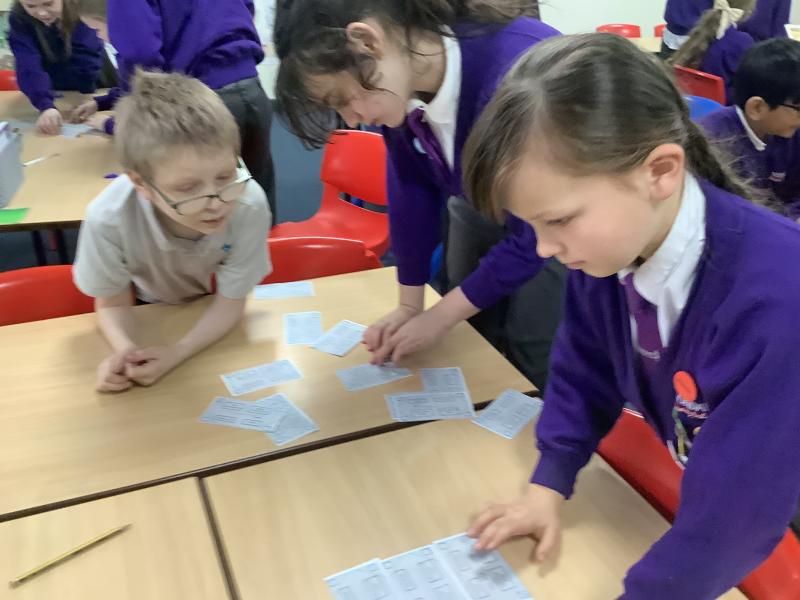
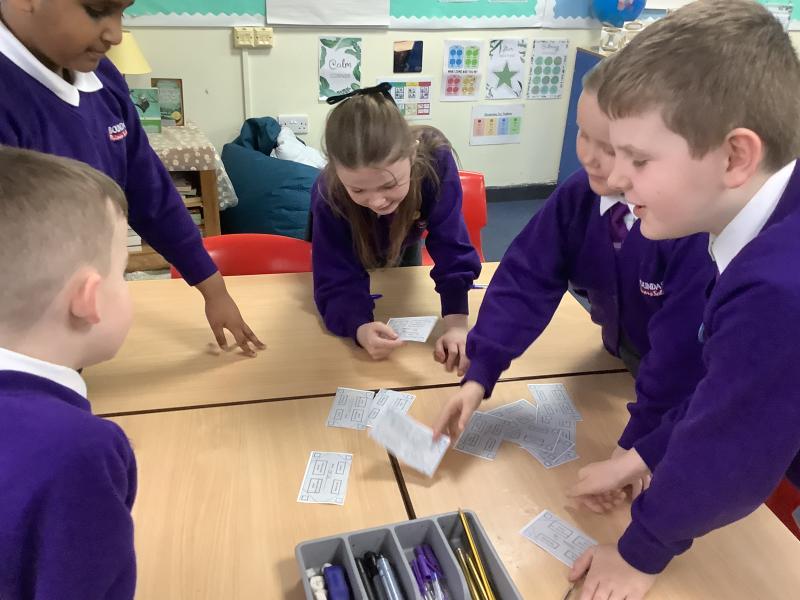
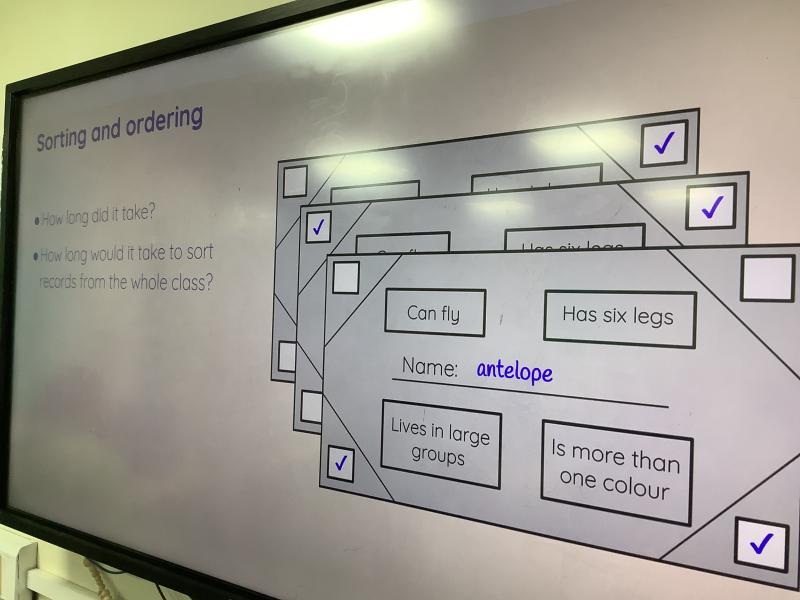
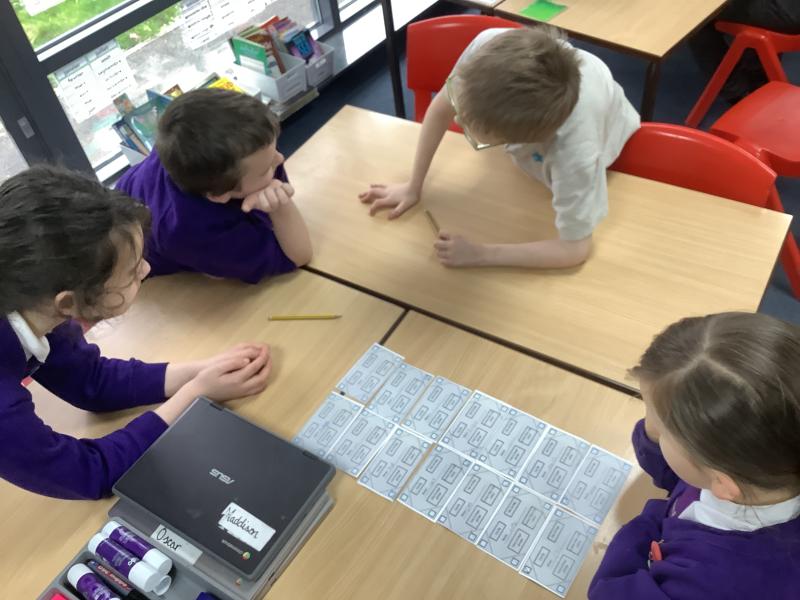
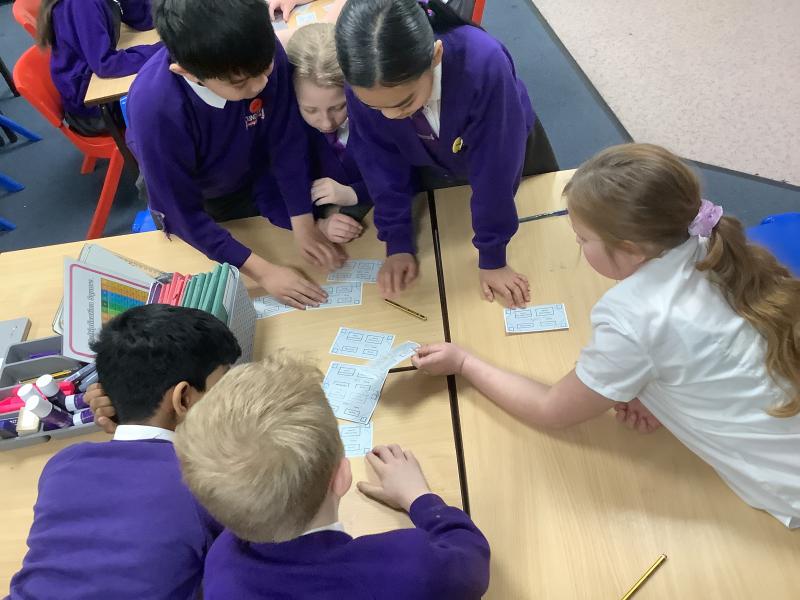
Today in Year 5, we explored the concept of databases and discussed what they are used for. We learned that a database is an organised collection of information that can be sorted and searched in different ways.
To help us understand this, the children worked collaboratively in small groups to create their own paper databases. Each group chose a range of animals and recorded key features, such as habitat, diet, number of legs, and whether the animal was a mammal, reptile, bird, or amphibian.
Once their information was collected, the children practised organising their databases in different ways. For example, they arranged the animals in alphabetical order and then reordered them by specific features.
Date: 13th Feb 2026 @ 10:45am
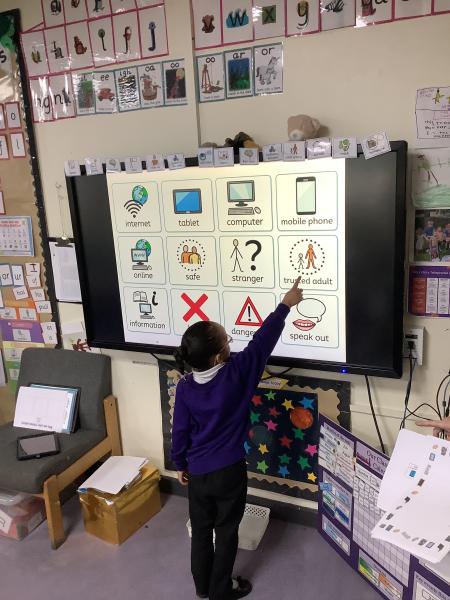
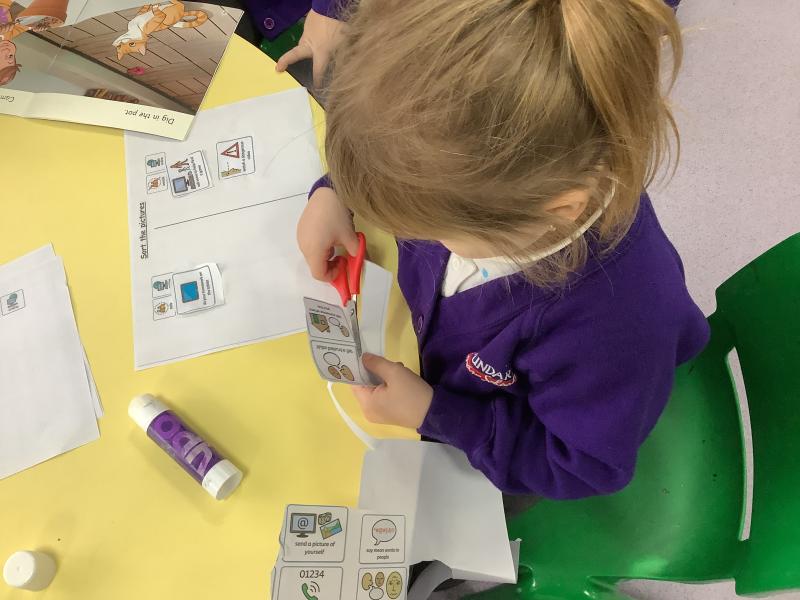
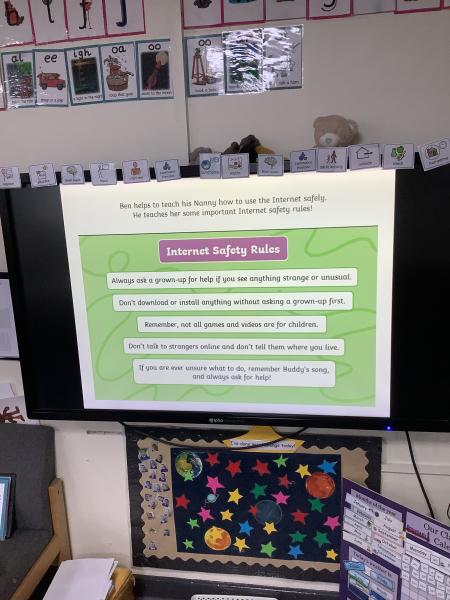
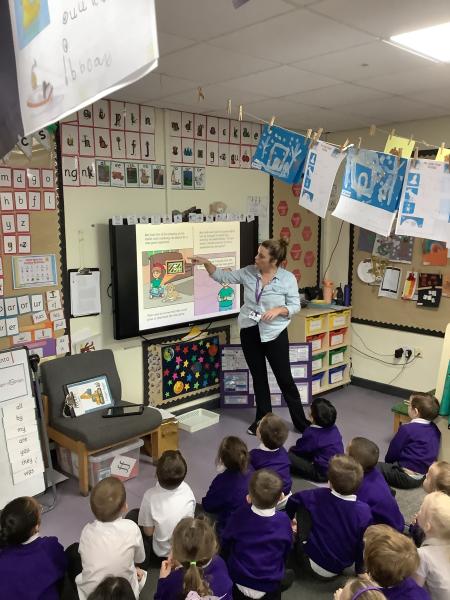
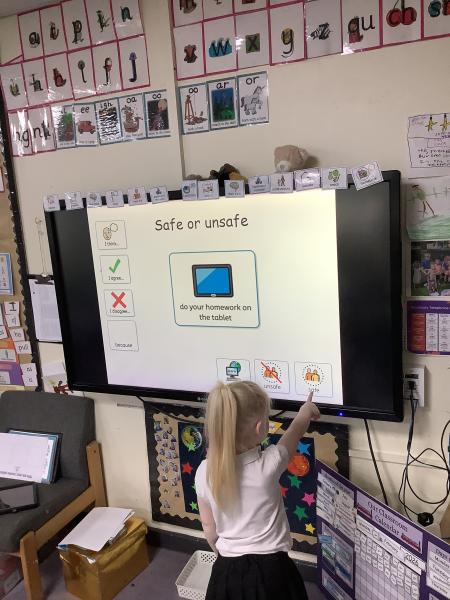
This week Reception have been learning about keeping safe online.
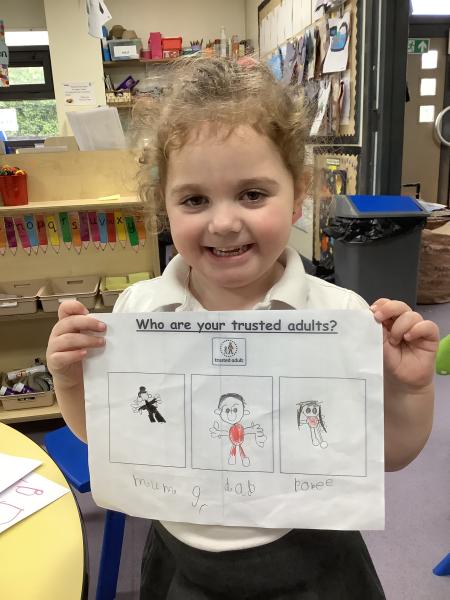
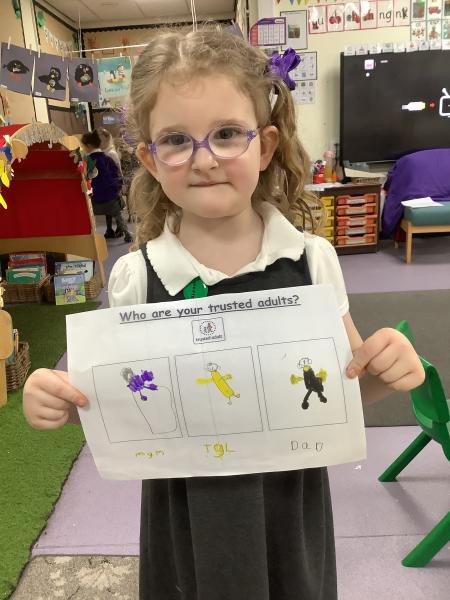
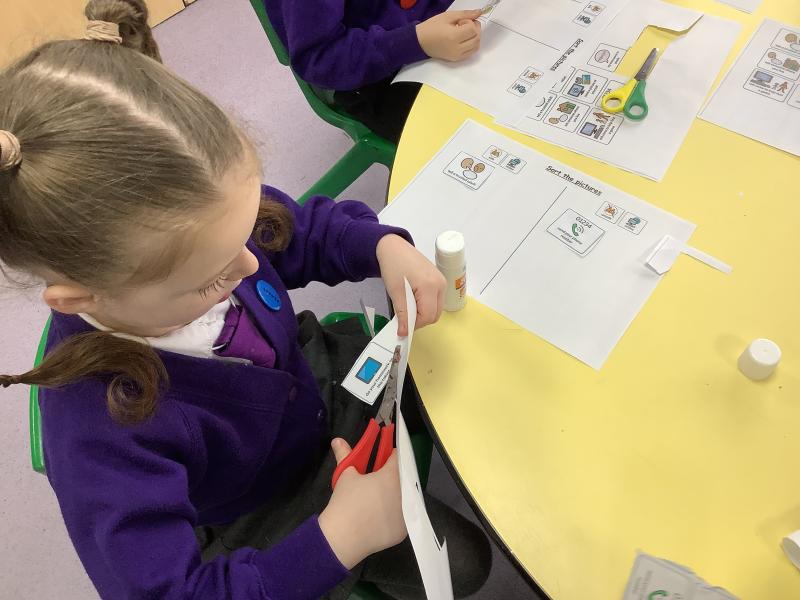
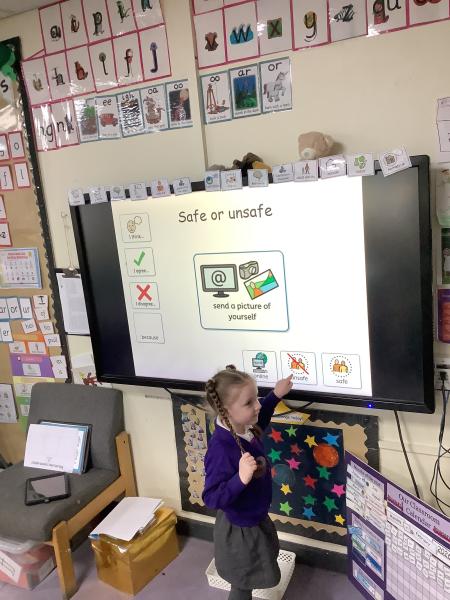
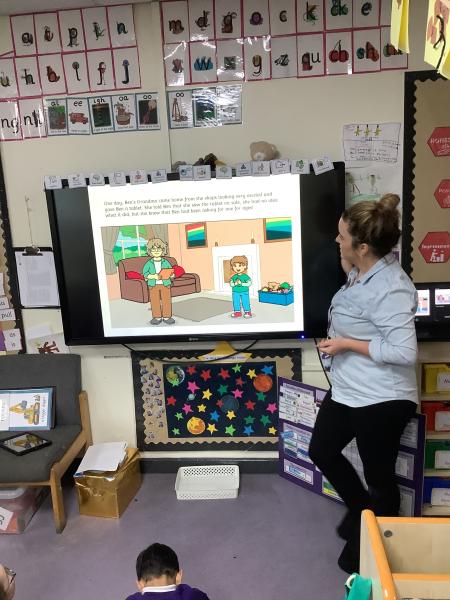
We listened to the story Buddy The Dog, learnt about identifying safe and unsafe scenarios online and who our trusted adults are.
"I would tell my mum if someone tried to speak to me online" Bonnie
"It is unsafe to watch Youtube videos if it shows the number 18" Noah
"Don't tell anyone where you live" Tilly- Mae
"My mum and my dad are my trusted adults" Zara
Take a look at what we have been doing.
Year 3 - Safer Internet Day 2026
Date: 11th Feb 2026 @ 9:09am
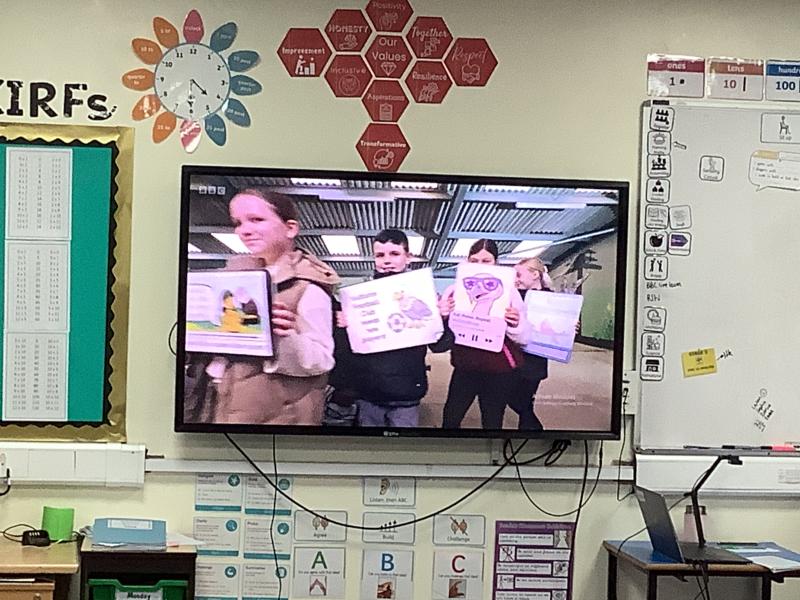
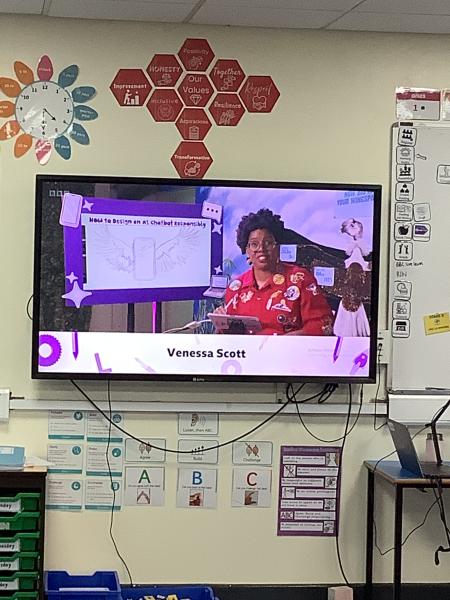
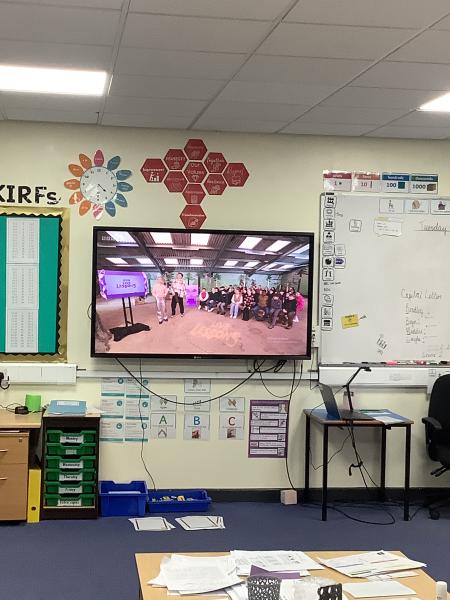
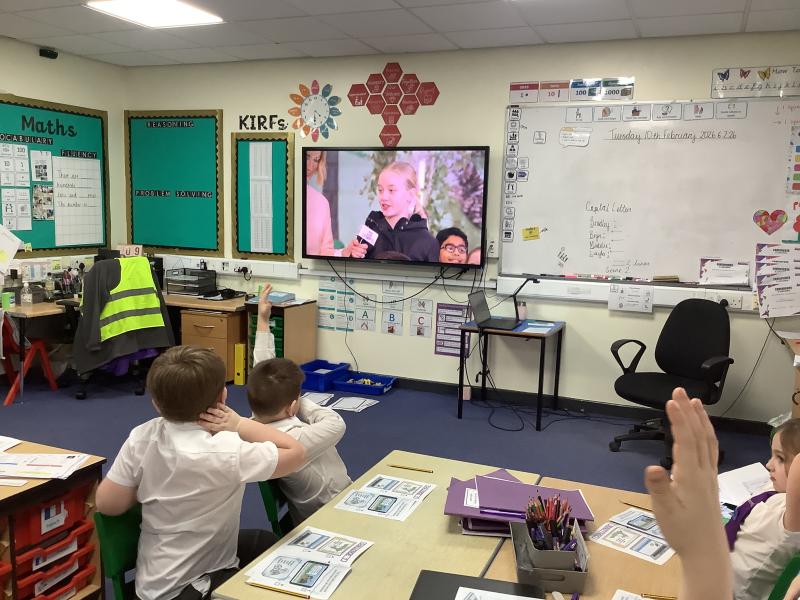
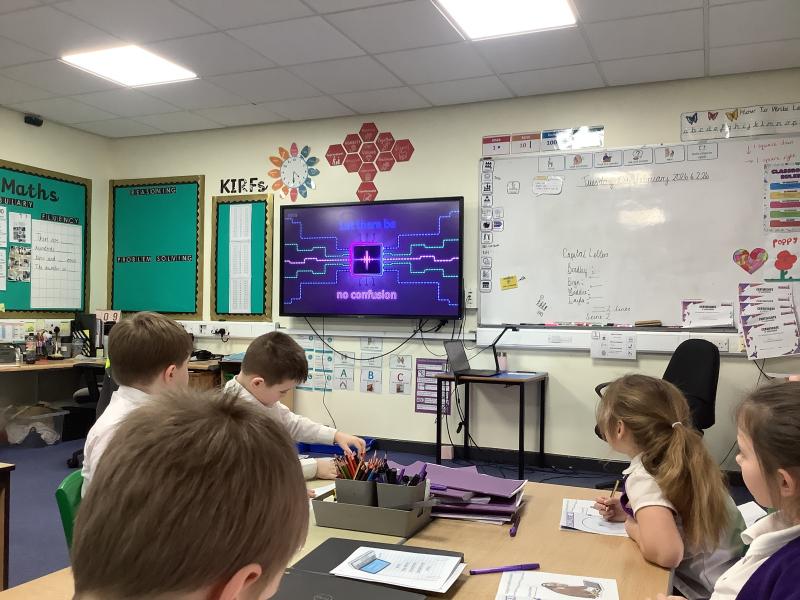
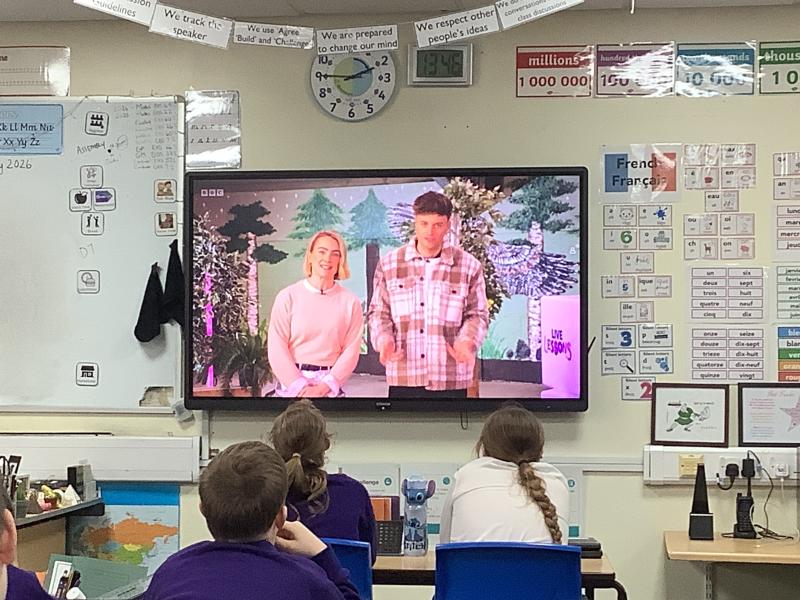
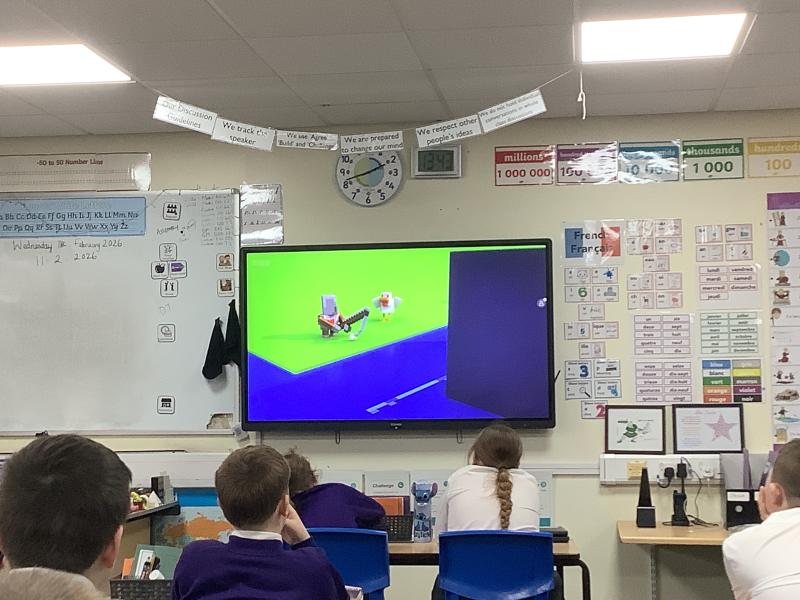
To celebrate Safer Internet Day, Year 3 took part in a special live BBC lesson all about staying safe and smart online. The session helped us think about how we use the internet every day and why it’s important to make good choices whenever we are using technology.
One of the key messages we explored was the importance of checking information—especially when it comes from AI tools. We learned that although AI can be very helpful, it doesn’t always get things right. The children practised spotting mistakes, asking questions, and thinking carefully before believing or sharing information they see online.
The class showed brilliant curiosity and gave thoughtful examples of times when they needed to check facts. Overall, it was a valuable session that reminded us all to stay critical, kind, and safe when using the internet.
Date: 10th Feb 2026 @ 3:58pm
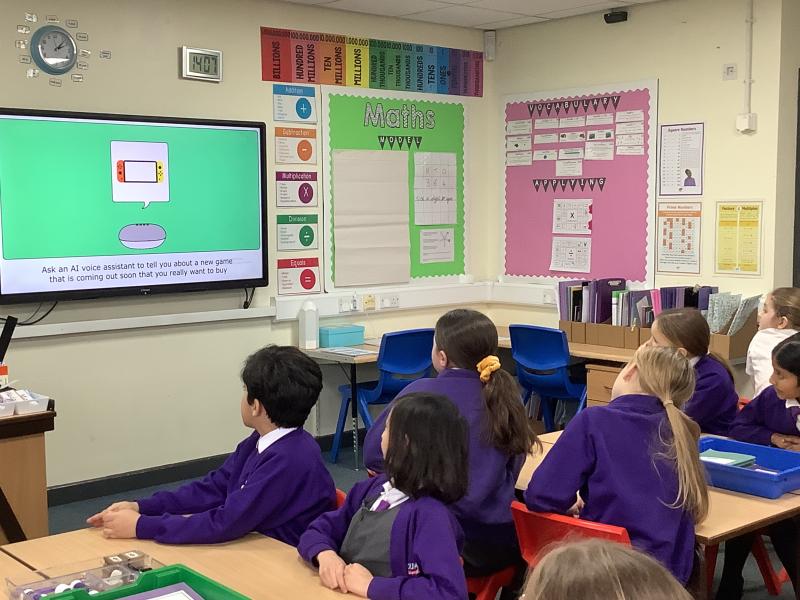
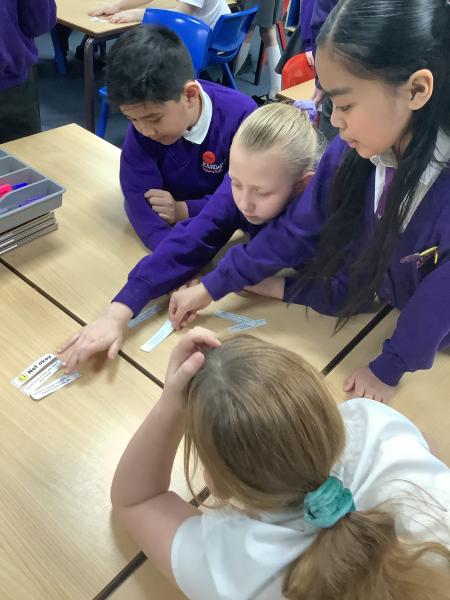
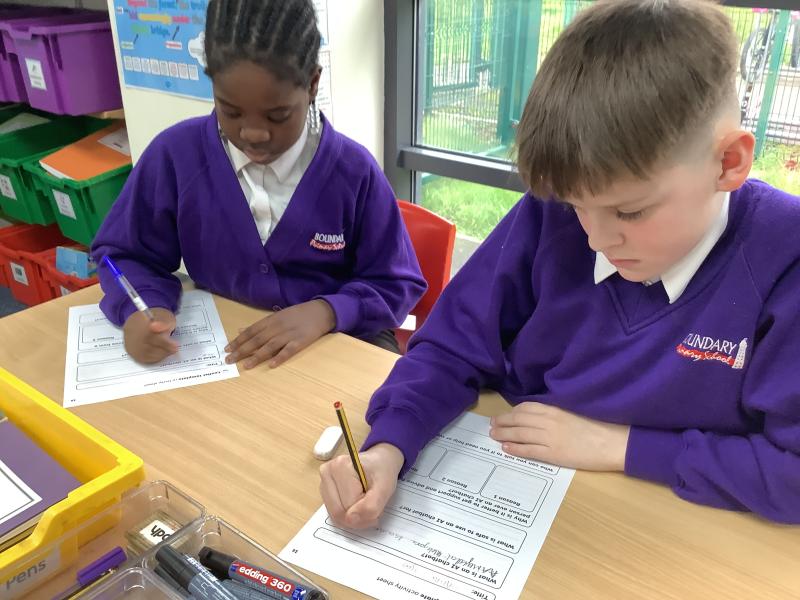
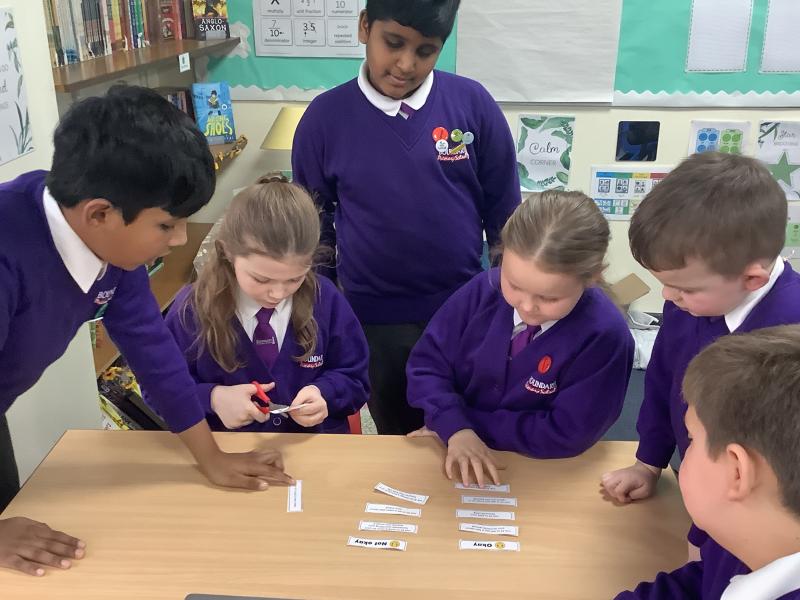
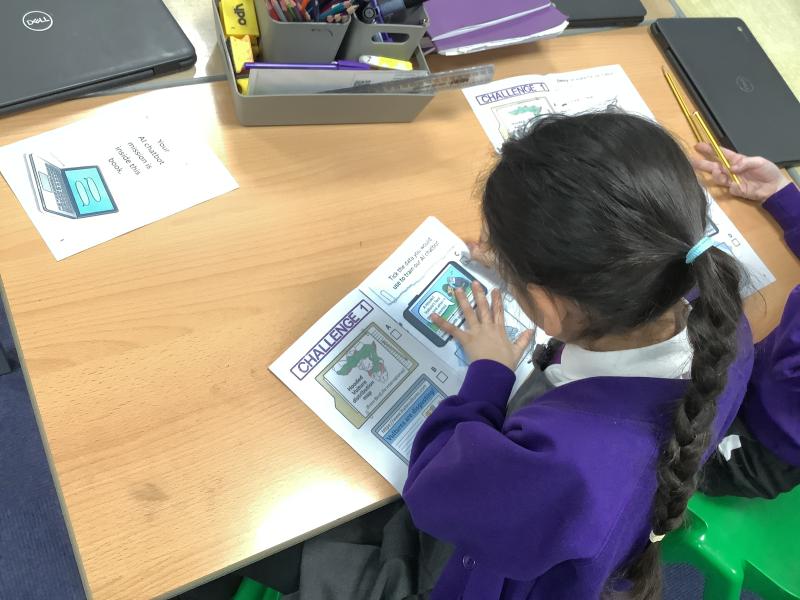
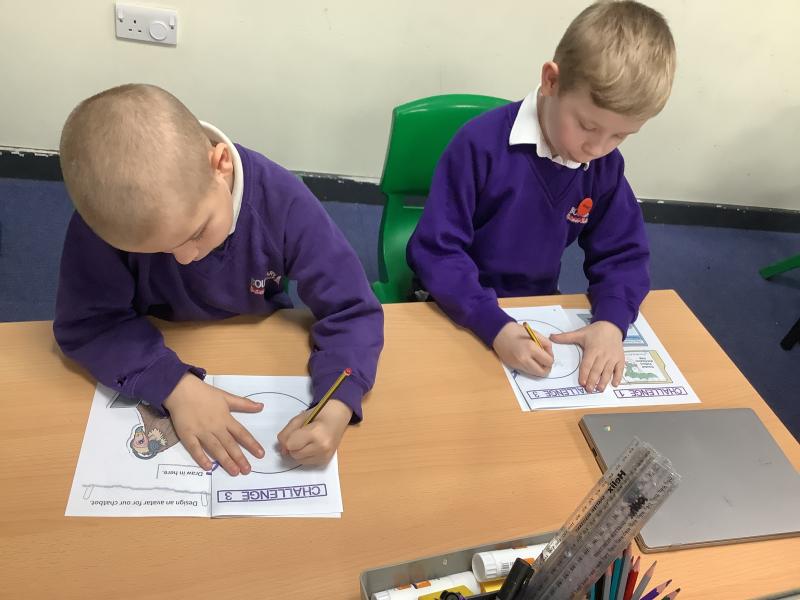
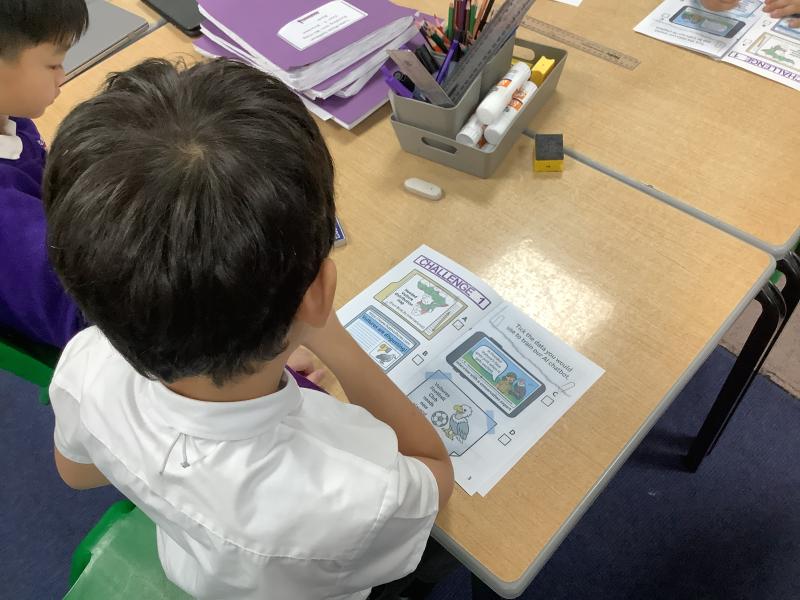
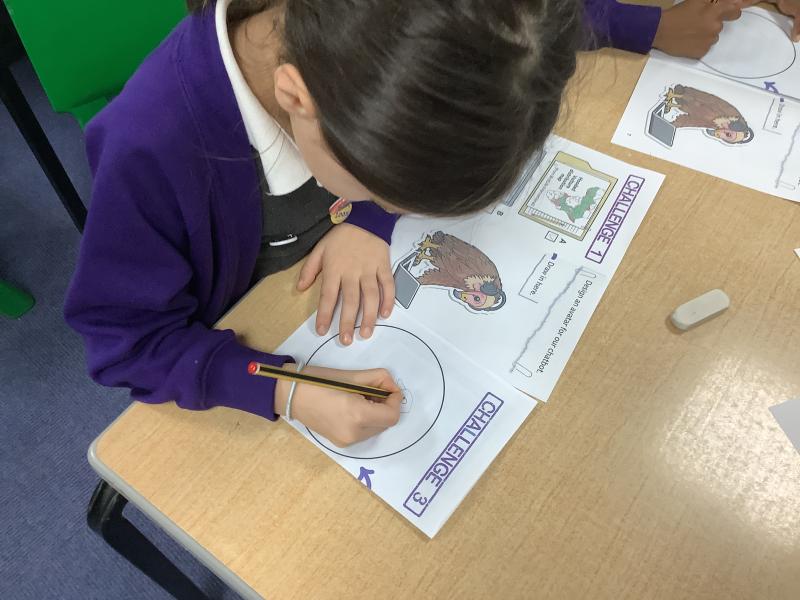
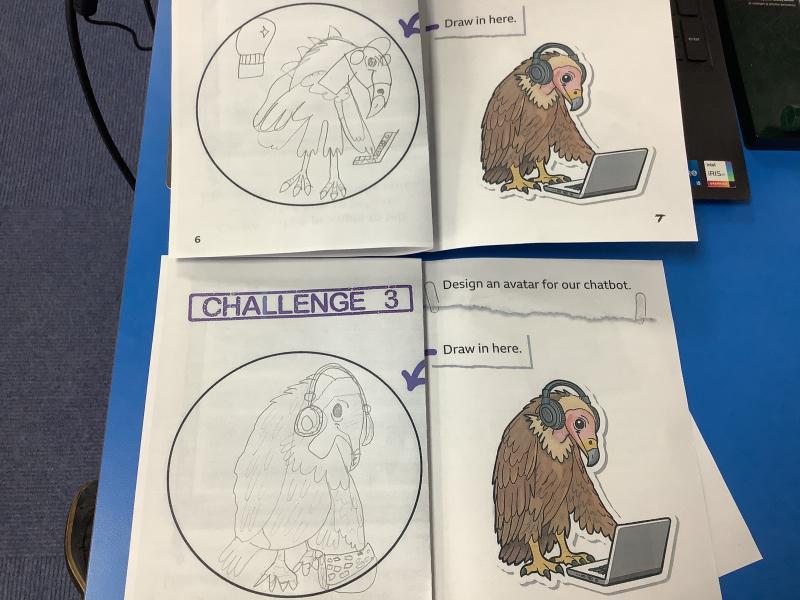
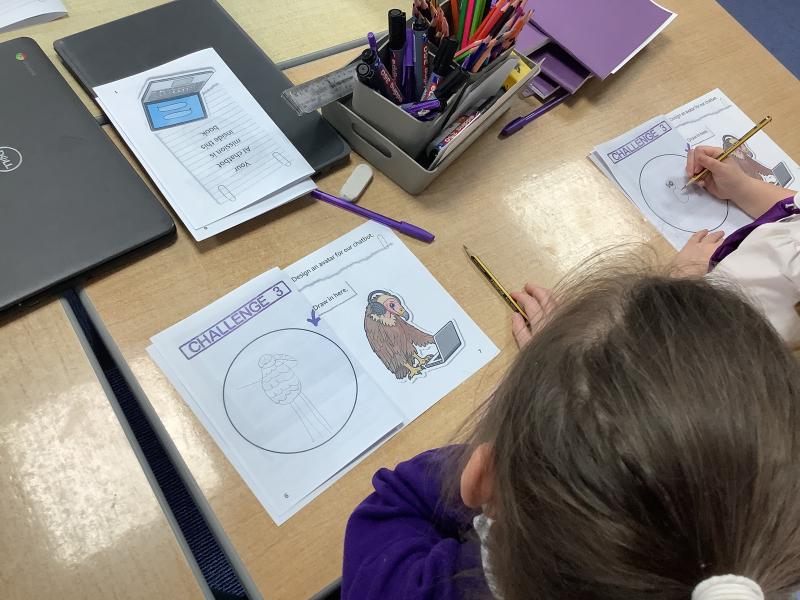
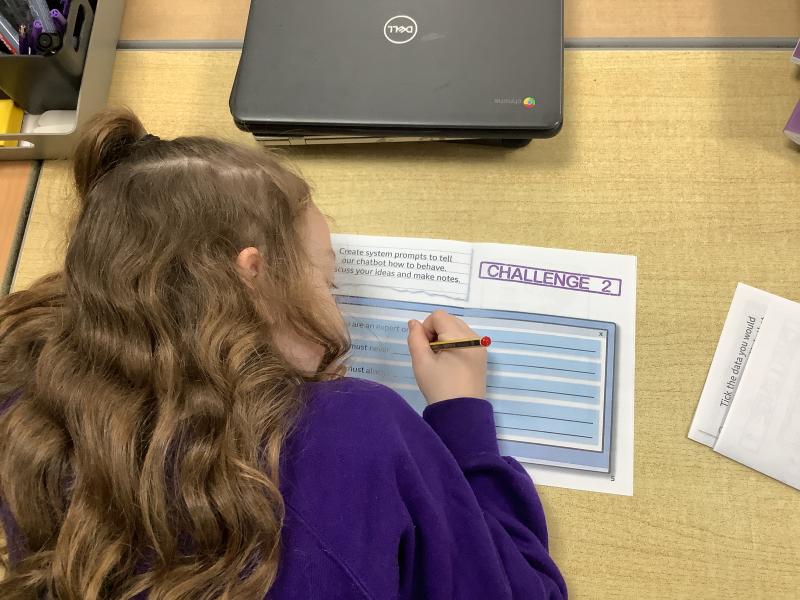
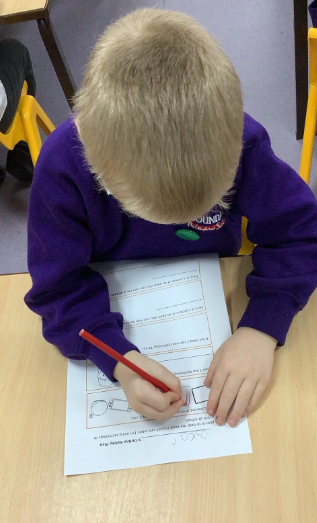
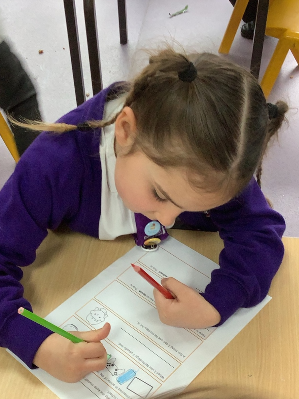
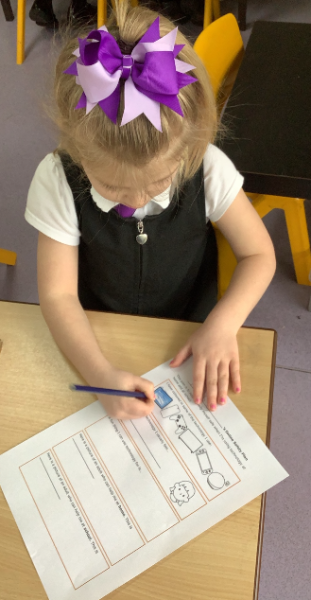
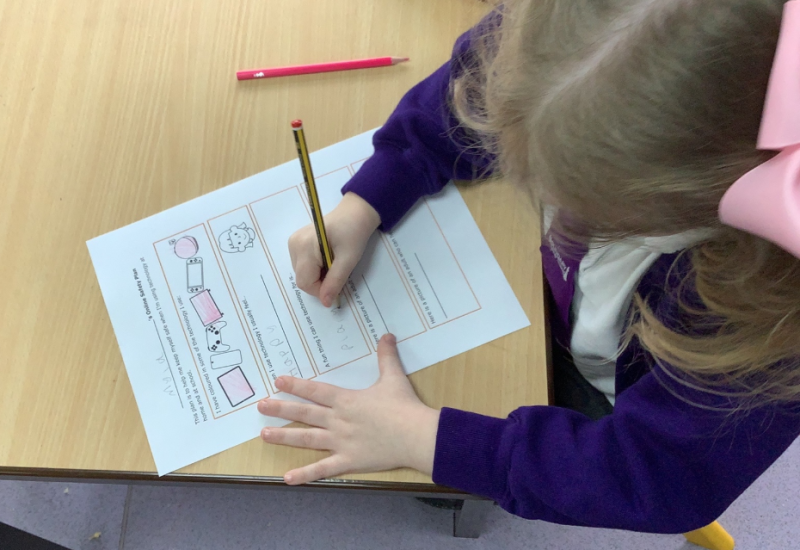
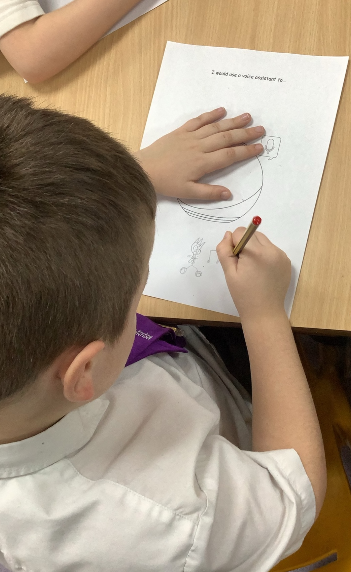
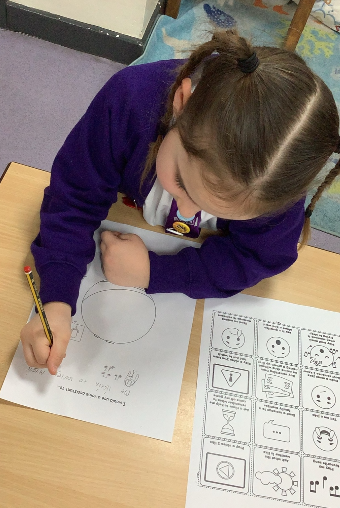
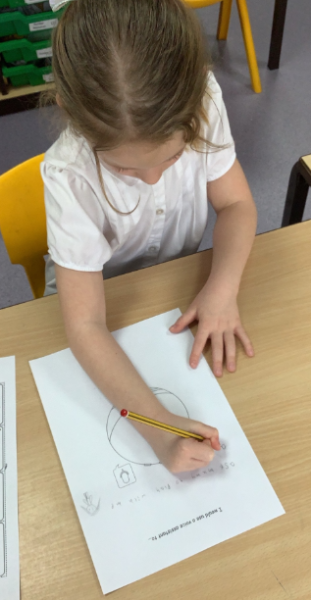
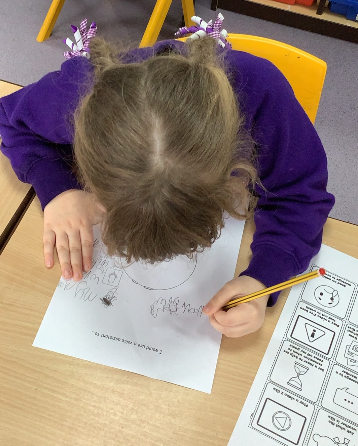
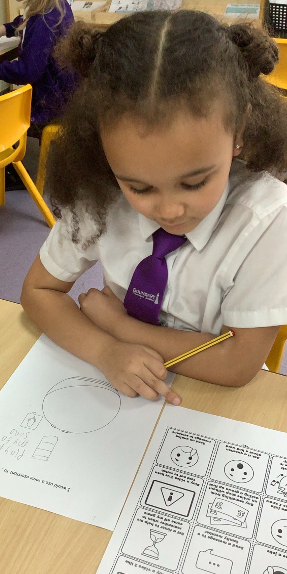
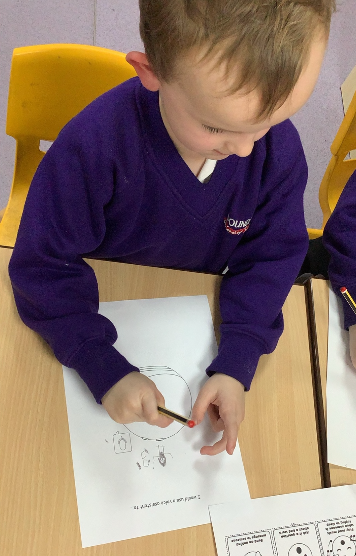
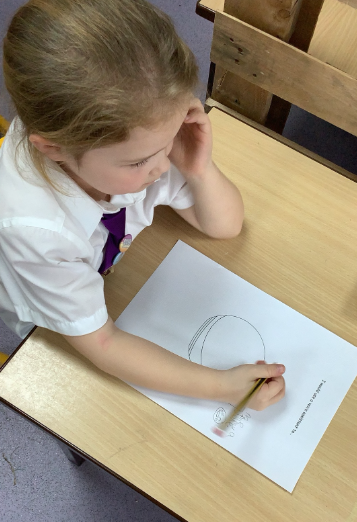
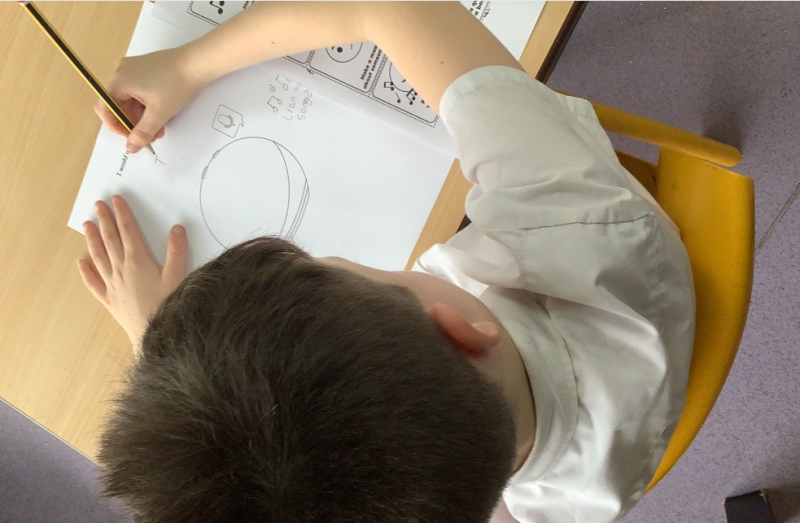
Today, we celebrated online safety awareness by looking at different types of artificial intelligence focusing on voice assistants. We learnt the things a voice assistant does and how it can make us feel in different situations. After we created an online safety plan, we recapped what information we should keep private online and how to keep ourselves safe.
Date: 10th Feb 2026 @ 2:58pm
🌐 Year 6 Take Part in Safer Internet Day!
This week, Year 6 celebrated Safer Internet Day. We spent time talking about how to stay safe online and how to make good choices when using the internet.
We shared how we use the internet every day — for games, videos, chatting and learning — and we discussed how to use it responsibly.
🤖 Learning About AI: The Good and the Bad
After Safer Internet Day, we explored Artificial Intelligence (AI).
We found out that AI is all around us — in games, phones, search engines and even spelling tools!
🌟 What We Did:
1. Real or AI?
We looked at pictures and writing to see if they were made by a person or by AI. Some were tricky!
2. Spot the Problem
We talked about how AI can be misused, such as:
- spreading wrong information,
- copying work,
- changing photos,
- making things that could upset someone.
3. Making Good Choices
In groups, we discussed how to use AI safely and fairly.
💡 What We Learned
Year 6 discovered that:
- AI can be helpful — but it sometimes makes mistakes.
- Not everything online is real.
- We should always think carefully before sharing or believing something.
- If we are unsure, we should ask a trusted adult.
Year 5 - Safer Internet Day 2026
Date: 10th Feb 2026 @ 2:44pm